Skip to Main Content
Sam's Club
Sam's Club
All Departments
All Services
Member ratings & reviews for
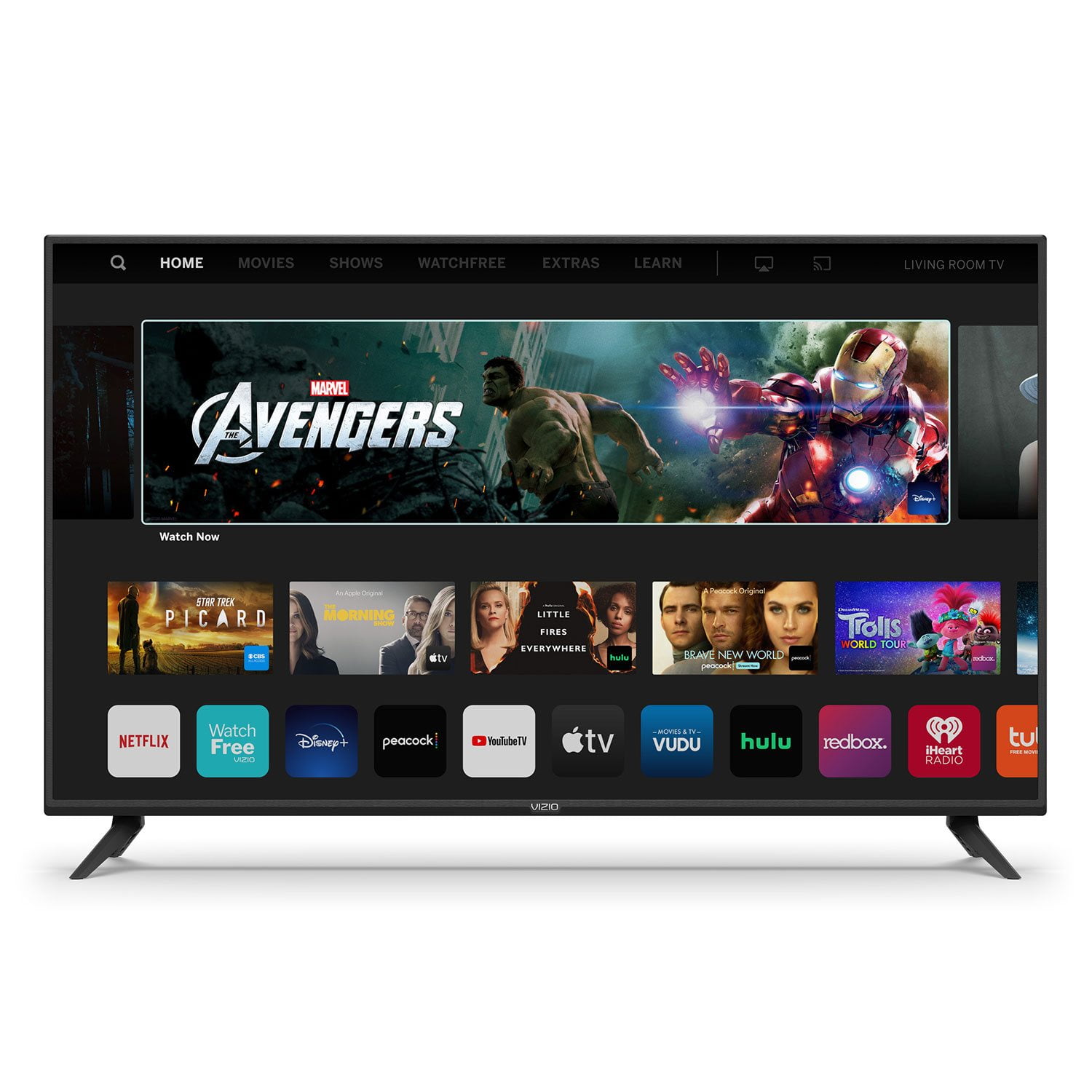
VIZIO 50" Class V-Series 4K HDR Smart TV - V505-H
4.7 out of 5 stars
stars
40.8K ratings34.1K reviews
  1. 5 stars77% (31.5K)
  2. 4 stars16% (6,564)
  3. 3 stars3% (1,214)
  4. 2 stars1% (568)
  5. 1 star2% (888)

Member photos

  • +35 images
Sort by |
Showing 4,471-4,480 of 34,191 reviews
May 30, 2020
King1689
4 out of 5 stars
4 out of 5 stars review

Products can always get better

I was quite satisfied with the first Vizio TV, so it only made sense to upgrade now I'm ready for the Buffalo bills football season no more sports bars covid-19 is out there

Review from vizio.com
Helpful?292P25TATFGG15229700618
Jan 3, 2023
Magdaleno
3 out of 5 stars
3 out of 5 stars review

Quality

[This review was collected as part of a promotion.] Bought couple years back had problems 4 months after and not just freezes and have go unplugged snd plugged back in twice and day

Review from vizio.com
Helpful?292P25TATFGG15229700618
reply from VIZIO Support

Thank you for taking time to leave us your feedback. Typically, when a TV freezes up, that can be fixed with a power cycle. To power cycle a TV you will want to unplug the power and then hold the power button on the back of the TV for at least 5-10 seconds while unplugged. After those 5-10 seconds, go ahead and plug the power back in and power it on. If issues persist or you have any questions, please don’t hesitate to contact us by going to support.vizio.com and clicking ‘contact us’.

Dec 12, 2019
maccam
3 out of 5 stars
3 out of 5 stars review

Nice TV

I like my new Vizio a lot better than my Smasung. The only thing thing i haven't figured out yet is why when you change the stations it doesn't tell you what show is on, also the faces seem blurry sometimes, i sit back about 15 ft from the tv.

Review from vizio.com
Helpful?292P25TATFGG15229700618
reply from Customer Service

Hello maccam, the television does not have a built in channel guide to display what channel or program is being displayed. To make sure you’re getting the most out of you VIZIO TV, we’d recommend making sure your devices are connected with an HDMI cable, and are set to broadcast in 4K (2160p) or Full HD (1080p). You can also individually adjust your picture settings in the menu. For brighter rooms try using the ‘VIVID’ picture mode for a brighter, more colorful image. If you’d like any assistance adjusting these settings, our customer support team would love to help you dial in the TV to your preference, you can reach them at 877-878-4946.

Feb 15, 2021
Rider47
3 out of 5 stars
3 out of 5 stars review

Running with difficulties

I started having issues with the TV from week one, I just recently have someone to replace the hard drive, I'm hoping I don't run into more issues later.

Review from vizio.com
Helpful?292P25TATFGG15229700618
Dec 4, 2020
CaydZil
4 out of 5 stars
4 out of 5 stars review

Great features

I replaced my old tv with this one and it has been great so far, sometimes i feel like the picture was too highly contrasted unless you're sitting right in front of it though

Review from vizio.com
Helpful?292P25TATFGG15229700618
Jul 31, 2023
Ramared
5 out of 5 stars
5 out of 5 stars review

Great tv

[This review was collected as part of a promotion.] Can't download apps as I expected but the pre installed ones make do and remote control app is a nice +

Review from vizio.com
Helpful?292P25TATFGG15229700618
Apr 2, 2020
Gentelman531
5 out of 5 stars
5 out of 5 stars review

Best bang for the buck

I bought my first 43 inch Vizio 15 yrs ago,the only thing is I lost the remote other than that not one problem,the only reason I purchased another one is it is a 60 inch

Review from vizio.com
Helpful?292P25TATFGG15229700618
Jan 4, 2020
Dustypenny
5 out of 5 stars
5 out of 5 stars review

Works amazing with my Xbox one

I love that the TV is updatable and has HDR10 capability... Plus if you use streaming services most of them are already pre-loaded including some free ones that are actually good like Pluto

Review from vizio.com
Helpful?292P25TATFGG15229700618
Feb 8, 2021
bob 27
1 out of 5 stars
1 out of 5 stars review

BOMB Product not as expected, is deceptive, wrong

VIZIO no where explained that this is NOT a TV, and that an external, additional tuner is required. Labeling on the box never explained that this is NOT a TV.

Review from vizio.com
Helpful?292P25TATFGG15229700618
reply from Customer Care

Hello bob 27, thank you for taking time to leave us your feedback. This TV absolutely has an internal tuner installed. You can locate this tuner connection on the back of the TV. It will be the only threaded connection and labelled as "ANTENNA". If you have any questions or need any assistance, we are available through text message, chat, or over the phone. Just go to support.VIZIO.com and click on ‘Contact Us’.

Nov 15, 2020
Cubankatz
5 out of 5 stars
5 out of 5 stars review

Great TV

Our SONY TV had issues with the power button going on and off, so we decided to go shopping for a new TV. Since we already had 3 other VIZIO's in the house, we decided to purchase yet another one. Excellent choice we made!!

Review from vizio.com
Helpful?292P25TATFGG15229700618