Skip to Main Content
Sam's Club
Sam's Club
All Departments
All Services
Customer reviews for SAMSUNG 65” Class DU6900D Series 4K UHD Smart TV for
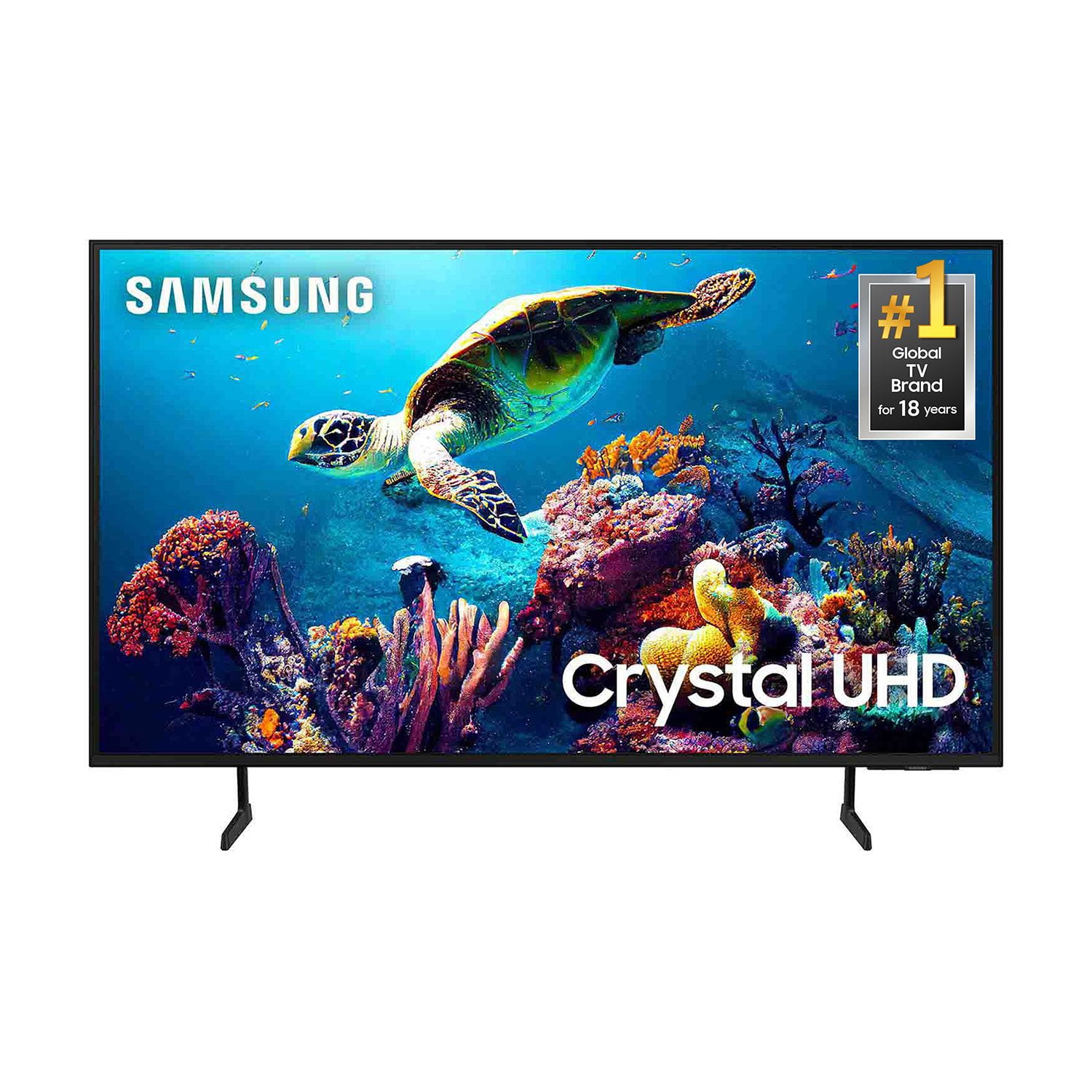
SAMSUNG 65” Class DU6900D Series 4K UHD Smart TV
4.4 out of 5 stars
stars
2,261 ratings2,195 reviews
  1. 5 stars69% (1,554)
  2. 4 stars16% (363)
  3. 3 stars7% (153)
  4. 2 stars3% (78)
  5. 1 star5% (113)

Member photos

  • +559 images
Sort by |
Showing 81-90 of 2,195 reviews
Oct 26, 2025
Reviewer name: AngelsTV
5 out of 5 stars
5 out of 5 stars review

Love the TV BUT, Not the remote!
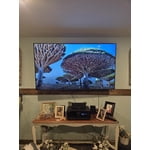
[This review was collected as part of a promotion.] We love our TV, the picture is so clear. The only thing I dont like is the Solar Remote! We have bought 2 Solar, and 1 not solar and they end up not working again after about a month!

Review from Samsung US
Helpful?3ZT00GJD0QQ915202201960
Oct 3, 2025
Reviewer name: WORSTTVEVER
1 out of 5 stars
1 out of 5 stars review

Waste of hard earned money

[This review was collected as part of a promotion.] This TV is not good it turned on and off as it please I'm so upset I didn't even care to give a review

Review from Samsung US
Helpful?3ZT00GJD0QQ915202201960
reply from Samsung Brand Ambassador

Hello, We appreciate you taking the time to let us know about your experience with your TV. So that we can better troubleshoot this issue and provide steps towards a solution, please contact Samsung Support at 1-800-SAMSUNG, 8AM - 12AM EST, 7 days a week. Or visit us on the Samsung website and click on the ‘Support’ link for: •  LiveChat •  Manuals, Software, & Warranty Info ~ Samsung Pro

Jul 20, 2026
Reviewer name: Danger
4 out of 5 stars
4 out of 5 stars review

Good

[This review was collected as part of a promotion.] My Samsung TV is amazing. The picture quality and the sound are untouchable. Glad I purchased it. Only thing Im missing from it is more HDMI ports and optical cable port.

Review from Samsung US
Helpful?3ZT00GJD0QQ915202201960
Apr 28, 2025
Reviewer name: Sheedabombb
5 out of 5 stars
5 out of 5 stars review

CRISP AND CLEAR!
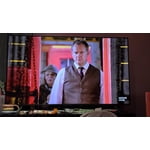
[This review was collected as part of a promotion.] I have had this TV for almost 5 years now and I absolutely love it. The image is clear and crisp. Screen is perfect. There are different settings you can choose from, but you can also have it automatically switch to the best TV mode.

Review from Samsung US
Helpful?3ZT00GJD0QQ915202201960
Apr 19, 2025
Reviewer name: Charles07041949
2 out of 5 stars
2 out of 5 stars review

My new Samsung tv

[This review was collected as part of a promotion.] As a senior citizen, I’m not very familiar with the features but loading max and paramount plus has been difficult. It seems samsung doesn’t recognize and there’s no icon available. It doesn’t seem to be that hard for you to allow me to download max and paramount plus. I’m disappointed with this lack of support.

Review from Samsung US
Helpful?3ZT00GJD0QQ915202201960
reply from Samsung Brand Ambassador

Charles07041949, Please know you can download apps like Max and Paramount Plus from your TV's app store. Please make sure your Firmware is up to date so there are no issues accessing this app. Go to Settings> Support> Software Update. If you ever have questions or need help, Samsung is here for you! Give us a call at 1-800-SAMSUNG, 8 AM - 12 AM EST, seven days a week. Our LiveChat agents are also available by clicking on the ‘Support’ link on our website. ~Samsung Pro

Apr 19, 2025
Reviewer name: Frustrated remote user
2 out of 5 stars
2 out of 5 stars review

I wish this TV would do what the remote does.

If you turn the channel quickly, it produces a loud, invasive, unrecognizable sound that can only be adjusted by turning the TV off. Also, when you turn the TV off using the FiOS remote, it comes back on. Sometimes, the TV will come back on with the channel on, or it could be on standby. Neither is what you want when you turn the TV off and come back and it on.

Review from Samsung US
Helpful?3ZT00GJD0QQ915202201960
reply from Samsung Brand Ambassador

Frustrated remote user, Thank you for taking the time to provide feedback on your DU6900 TV. Please know that your feedback will be shared with our internal product teams. We take pride in our products and are sorry to hear that your experience was not up to our high standards. If you are using an external device through HDMI, it could cause the auto-on, as Anynet+ is enabled. Occasionally, connected devices such as game consoles (PS5, Xbox) or cable set-top boxes send a turn-on signal, for example, if they have software updates. We recommend you try turning Anynet+ off as it may be causing auto power on. Go to Settings > General > External Device Manager > Anynet+, then disable. If you need further assistance, we would be happy to help! Please feel free to contact Samsung Support at 1-800-SAMSUNG, available from 8 AM to 12 AM EST, seven days a week. You can also chat with us on Samsung.com for immediate assistance. ~Samsung Pro

Apr 11, 2025
Reviewer name: LoveMySamsung
5 out of 5 stars
5 out of 5 stars review

IT HAD BE A SAMSUNG!

[This review was collected as part of a promotion.] I just bought this 65" SAMSUNG TV CRYSTAL UHD series, to replace our old 50" Samsung TV crystal uhd that just died on us after having it always on for the past 5yrs! I just can't express enough how AMAZED my family and I were, after all suddenly the TV just turned off and we all realized it was the 1st time that TV had been off in 5yrs. With that said, we decided to replace it with the exact same model just a larger screen size. Hands down 110% recommend this SAMSUNG TV.

Review from Samsung US
Helpful?3ZT00GJD0QQ915202201960
Apr 6, 2025
Reviewer name: driver4002
5 out of 5 stars
5 out of 5 stars review

The features are next level. I love it

[This review was collected as part of a promotion.] I use this for movies and gaming, sometimes a little anime. The screen quality is beautiful and the colors are really good. The TV speakers have really good surround sound and will be even better when you buy a q series samsung soundbar. I really recommend it.

Review from Samsung US
Helpful?3ZT00GJD0QQ915202201960
Apr 19, 2025
Reviewer name: Leslie
1 out of 5 stars
1 out of 5 stars review

Tv

It really sucks now when u buy a tv cauae it doesn't always stay in the. Country and when u take it internationally it can't work properly and u have to sign up for an account. It suck. Why so.wthing that use to be so simple has to be so difficult now

Review from Samsung US
Helpful?3ZT00GJD0QQ915202201960
reply from Samsung Brand Ambassador

Leslie, Thank you for taking the time to provide feedback on your DU6900 TV. Please know that your feedback will be shared with our internal product teams. We take pride in our products and are sorry to hear that your experience was not up to our high standards. Please give us the chance to make this right by contacting Samsung Customer Support at 1-800-SAMSUNG, 8 AM - 12 AM EST, seven days a week. Our LiveChat agents are also available by clicking on the ‘Support’ link on our website. ~Samsung Pro

Apr 21, 2025
Reviewer name: KELTZ
1 out of 5 stars
1 out of 5 stars review

ONLY FIT FOR THE DUMP

We have a custom-made TV cabinet with a 60-inch opening. Because neither Samsung (nor any other manufacturer) now make 60" TVs, we were forced to replace our 10-year old Samsung model with this piece of garbage. Sound & especially picture are absolutely horrendous: dim & unclear. I'd put it out on the curb this minute IF we could find another, but until someone makes one, we're stuck with it.

Review from Samsung US
Helpful?3ZT00GJD0QQ915202201960
reply from Samsung Brand Ambassador

KELTZ, We appreciate you sharing your experience with the DU6900 TV. Your feedback regarding image quality is essential to us and will be shared with our internal teams. Please try adjusting the below image settings to improve your picture. Go to Home > Settings > All Settings > Picture > Picture Mode and select the mode that best fits your usage: 1) Standard: Default mode suitable for general viewing environments. 2) Natural: Reduces eye strain for a comfortable viewing experience. 3) Movie: Most suitable for watching TV or movies in a dark room. 4) Dynamic: Makes the picture brighter and clearer in bright viewing environments. 5) Filmmaker Mode: You can watch the source content (e.g., movie) as it is. If the image is defined as Filmmaker Mode, it will automatically switch to Filmmaker Mode while watching. You can also go to Settings > All Settings> Picture > Expert Settings > to manually fine-tune your image. For sound adjustments, go to Settings> All Settings> Sound. If you need further assistance, we would be happy to help! Please feel free to contact Samsung Support at 1-800-SAMSUNG, available from 8 AM to 12 AM EST, seven days a week. You can also chat with us on Samsung.com for immediate assistance. ~Samsung Pro