Skip to Main Content
Sam's Club
Sam's Club
All Departments
All Services
Customer reviews for SAMSUNG 65” Class DU6900D Series 4K UHD Smart TV for
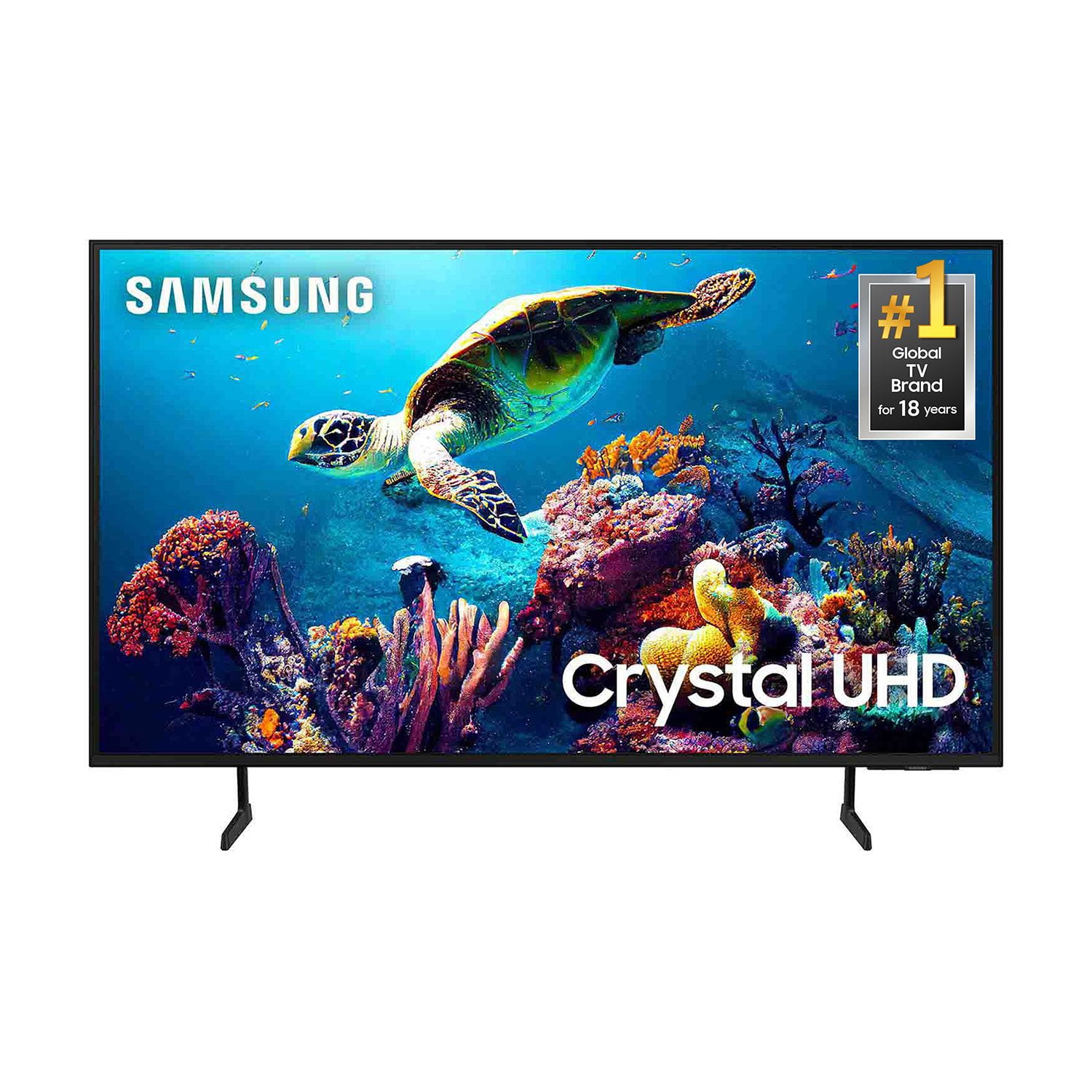
SAMSUNG 65” Class DU6900D Series 4K UHD Smart TV
4.4 out of 5 stars
stars
2,261 ratings2,195 reviews
  1. 5 stars69% (1,554)
  2. 4 stars16% (363)
  3. 3 stars7% (153)
  4. 2 stars3% (78)
  5. 1 star5% (113)

Member photos

  • +559 images
Sort by |
Showing 1,951-1,960 of 2,195 reviews
Jun 9, 2025
Reviewer name: me
1 out of 5 stars
1 out of 5 stars review

Bad picture

10 black dots all over the screen. This is terrible and going to be returned. Not quality at all!

Helpful?3ZT00GJD0QQ915202201960
Dec 24, 2024
Reviewer name: Genevievel
5 out of 5 stars
5 out of 5 stars review

Excellent Product

Excellent TV, I am very happy with my purchase. The picture is crystal clear and it sounds good.

Review from Samsung US
Helpful?3ZT00GJD0QQ915202201960
Mar 5, 2025
Reviewer name: None
5 out of 5 stars
5 out of 5 stars review

Clear ease to start

Very reliable lasts a long have 3 tvs love all of them

Review from Samsung US
Helpful?3ZT00GJD0QQ915202201960
Feb 6, 2025
Reviewer name: Jim1
5 out of 5 stars
5 out of 5 stars review

Great deal

Very happy with this tv. It has a very clear picture and the sound is excellent.

Review from Samsung US
Helpful?3ZT00GJD0QQ915202201960
Feb 6, 2025
Reviewer name: ty89445
1 out of 5 stars
1 out of 5 stars review

TV messed up already

I've had the TV since september and the lighting for the picture is discolored

Review from Samsung US
Helpful?3ZT00GJD0QQ915202201960
reply from Samsung Brand Ambassador

ty89445, Thank you for purchasing the Samsung DU6900 TV and for sharing your experience with your TV not displaying properly. Please try the following troubleshooting steps: 1. If any external devices are connected, check all input cable connections 2. If the issue persists, define precisely what is wrong with the display. 3. Try changing channels using the remote control. Is the issue the same on all channels? 4. Press the Home button (looks like a house), select Source, and choose another input source. Is the issue the same on all sources? 5. If the same problem persists, run a diagnostic test. (Home > Settings > Support > Device Care > Self Diagnosis > Picture Test) 6. If the problem disappears during the test, check your TV signal (Home > Settings > Support > Device Care > Self Diagnosis > Signal Information) to check the signal strength. The signal strength must be more than 20 dB (more than 4 bars on the icon) for stable signal reception Should your issue persist, please contact Samsung Customer Support. You can call us at 1-800-SAMSUNG, 8 AM - 12 AM EST, seven days a week. Our LiveChat agents are also available by clicking on the ‘Support’ link on our website. ~ Samsung Pro

Feb 21, 2025
Reviewer name: Drew
5 out of 5 stars
5 out of 5 stars review

TV

I Love this 55'' tv it has a great picture and was a great price .

Review from Samsung US
Helpful?3ZT00GJD0QQ915202201960
Feb 5, 2025
Reviewer name: Steve
5 out of 5 stars
5 out of 5 stars review

Recommend

The S 25 is truly a outstanding phone. Highly Recommend

Review from Samsung US
Helpful?3ZT00GJD0QQ915202201960
Mar 5, 2025
Reviewer name: Clink
5 out of 5 stars
5 out of 5 stars review

Crystal clear reception

Very good pictureand sound Easy set up Compares favorably with more expensive models

Review from Samsung US
Helpful?3ZT00GJD0QQ915202201960
Feb 20, 2025
Reviewer name: Sis1
5 out of 5 stars
5 out of 5 stars review

Awesome

I would recommend this has the clearest picture the colors great.

Review from Samsung US
Helpful?3ZT00GJD0QQ915202201960
Feb 20, 2025
Reviewer name: Sears
4 out of 5 stars
4 out of 5 stars review

Nice picture

The remote control unit is not user friendly !!!!!!! Too small for the hand !!!

Review from Samsung US
Helpful?3ZT00GJD0QQ915202201960