Skip to Main Content
Sam's Club
Sam's Club
All Departments
All Services
Customer reviews for SAMSUNG 65” Class DU6900D Series 4K UHD Smart TV for
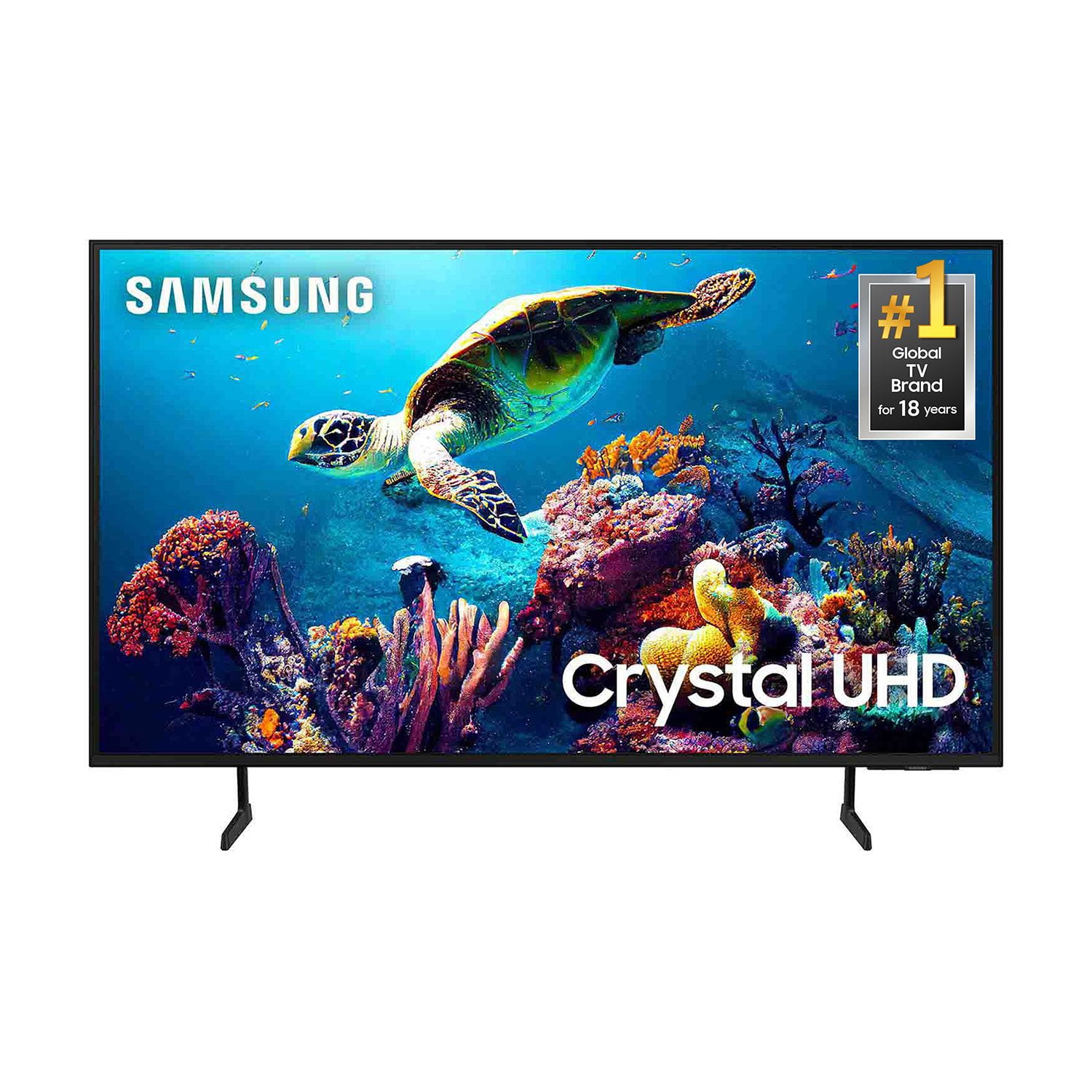
SAMSUNG 65” Class DU6900D Series 4K UHD Smart TV
4.4 out of 5 stars
stars
2,261 ratings2,195 reviews
  1. 5 stars69% (1,554)
  2. 4 stars16% (363)
  3. 3 stars7% (153)
  4. 2 stars3% (78)
  5. 1 star5% (113)

Member photos

  • +559 images
Sort by |
Showing 1,401-1,410 of 2,195 reviews
Sep 20, 2025
Reviewer name: bsellers253
5 out of 5 stars
5 out of 5 stars review

Crisp screen colors along with great sound

Fantastic crisp picture and sound. I have 3 of the same models installed in my house.

Review from Samsung US
Helpful?3ZT00GJD0QQ915202201960
Sep 20, 2025
Reviewer name: Cathy
5 out of 5 stars
5 out of 5 stars review

I love the picture

This television was the best purchase I have made in a long time. And so affordable.

Review from Samsung US
Helpful?3ZT00GJD0QQ915202201960
Aug 10, 2025
Reviewer name: seattlebites
2 out of 5 stars
2 out of 5 stars review

no alexa

Sure wish i could put alexa on it..................................................

Review from Samsung US
Helpful?3ZT00GJD0QQ915202201960
reply from Samsung Brand Ambassador

seattlebites, While the DU6900 does not have voice assistants built in, it does work with Alexa. You can connect them to your existing Alexa devices to ask them to turn on your TV, change channels, control volume, and more. 1. Download the Smartthings App on your Android or Apple device and log in with the same account that you are signed into on your Samsung TV. 2. On the app, you will need to add your TV as a device if you have not already done so. 3. Using the Amazon Alexa app on your Android or Apple device, connect the app to Smartthings, which should be under Devices> Your Smart Home Skills. Follow the prompts to sign in to your Samsung Account and enable the device. After following the prompts, you should be connected and can now control your Samsung TV with your existing Alexa device! I hope this helps! if you ever need help, please do not hesitate to contact us at 1-800-SAMSUNG, 8 AM - 12 AM EST, seven days a week. Our LiveChat agents are also available by clicking on the ‘Support’ link on our website. ~ Samsung Pro

Sep 5, 2025
Reviewer name: Anonymous
4 out of 5 stars
4 out of 5 stars review

yes the best future on this TV

we really happy with this product, great futures

Review from Samsung US
Helpful?3ZT00GJD0QQ915202201960
Sep 1, 2025
Reviewer name: SPYDA
5 out of 5 stars
5 out of 5 stars review

So Far, So Good

It works great and was easily intergrated into my home network.

Review from Samsung US
Helpful?3ZT00GJD0QQ915202201960
Sep 20, 2025
Reviewer name: Pls2cya
5 out of 5 stars
5 out of 5 stars review

Dope to watch!

Vivid, picturesque just awesome! I’m extremely pleased with my purchase!

Review from Samsung US
Helpful?3ZT00GJD0QQ915202201960
Aug 20, 2025
Reviewer name: Blast
5 out of 5 stars
5 out of 5 stars review

Samsung TV

The screen is wonderful. I feel like I am part of the movie.

Review from Samsung US
Helpful?3ZT00GJD0QQ915202201960
Aug 5, 2025
Reviewer name: Nubbin
5 out of 5 stars
5 out of 5 stars review

Great features

Nery nice television very easy to operate and navigate

Review from Samsung US
Helpful?3ZT00GJD0QQ915202201960
Mar 6, 2025
Reviewer name: Carlos Arroyo
4 out of 5 stars
4 out of 5 stars review

Verified Purchase

N/a

Need more HDMI ports

Helpful?3ZT00GJD0QQ915202201960
Feb 19, 2025
Reviewer name: Frank Soto
5 out of 5 stars
5 out of 5 stars review

Verified Purchase

Awesome 👍👍

Great TV

Helpful?3ZT00GJD0QQ915202201960