Skip to Main Content
Sams Club
Sams Club
Customer reviews for SAMSUNG 58" Class TU690T-Series Crystal Ultra HD 4K Smart TV UN58TU690TFXZA for
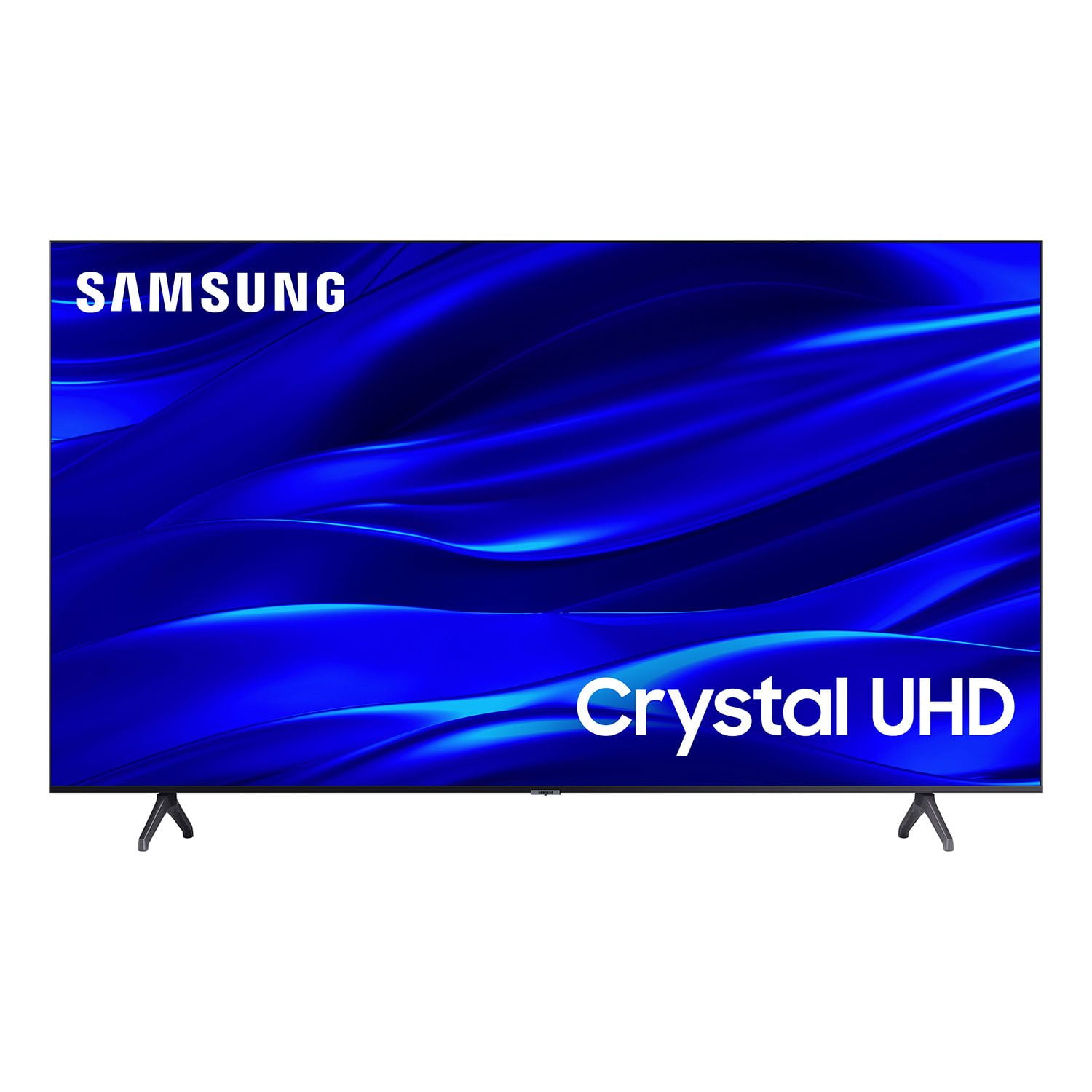
SAMSUNG 58" Class TU690T-Series Crystal Ultra HD 4K Smart TV UN58TU690TFXZA
4.4 out of 5 stars
stars1,039 ratings1,027 reviews
  1. 5 stars69% (713)
  2. 4 stars18% (189)
  3. 3 stars6% (62)
  4. 2 stars3% (27)
  5. 1 star5% (48)

Member photos

  • +247 images
Sort by |
Showing 981-990 of 1,027 reviews
Jun 1, 2024
LeanneBP
5 out of 5 stars review

Great Quality, amazing sound

Very happy with the purchase, great sound and easy to use!

Review from Samsung Canada
Helpful?159EEZ107GUG13967605930
Jan 23, 2024
Joel Ouedraogo
5 out of 5 stars review

Great features

I am satisfied with the product after buying it few days ago.

Review from Samsung Canada
Helpful?159EEZ107GUG13967605930
reply from Samsung Support Team

Hello, thank you for your 5 star review and feedback. We will pass your comments along to our store staff and hope you visit us again someday soon.

Dec 15, 2023
2strong2son
5 out of 5 stars review

Consistent Quality

Quality product with reliability and performance from day one!

Review from Samsung US
Helpful?159EEZ107GUG13967605930
Sep 11, 2023
Love your products
5 out of 5 stars review

Love the bluetooth

Very happy what a beautiful picture and color is amazing

Review from Samsung US
Helpful?159EEZ107GUG13967605930
Nov 12, 2024
Anonymous
5 out of 5 stars review

Great

Great TV. Love it. Good Pic. Easy to use. Hate the legs.

Review from Samsung Canada
Helpful?159EEZ107GUG13967605930
Jan 15, 2023
sad no comcast tv
1 out of 5 stars review

cannot get xfinity app to work. get only one channel.

Review from Samsung US
Helpful?159EEZ107GUG13967605930
reply from Samsung Brand Ambassador

Hi, Thank you for sharing your experience with the Xfinity app. If your app is freezing, not loading, or crashing, you can try cold booting your TV by holding down the power button on your remote for 5+ sec until the TV turns off and on again, deleting and downloading the apps again, and completing full reset of Smart Hub to correct the issue. (Settings > Support > Device Care > Self Diagnosis > Reset Smart Hub.) Please also make sure your TV is running the latest firmware version. Go to: Settings > Support > Software Update. If you need more help, Samsung is here for you. Please call us at 1-800-SAMSUNG, 8 AM - 12 AM EST, seven days a week. Our LiveChat agents are also available by clicking on the ‘Support’ link on our website. ~ Samsung Advisor

Apr 26, 2024
Maine Boleche
3 out of 5 stars review

Buffering

A bit slow, every time i open an app it take a while to load..

Review from Samsung Canada
Helpful?159EEZ107GUG13967605930
Sep 27, 2023
Stephen XUEREB
5 out of 5 stars review

We like it

This smart tv for my son and it works great. So convenient and functional

Review from Samsung Canada
Helpful?159EEZ107GUG13967605930
Nov 12, 2024
Nathalie Shooner
5 out of 5 stars review

Great feature

I bought it 6 month ago and i love it its à great tv

Review from Samsung Canada
Helpful?159EEZ107GUG13967605930
Feb 13, 2023
Mark
5 out of 5 stars review

Great picture

The picture is unbelievable. Best investment we have made.

Review from Samsung US
Helpful?159EEZ107GUG13967605930