Skip to Main Content
Sams Club
Sams Club
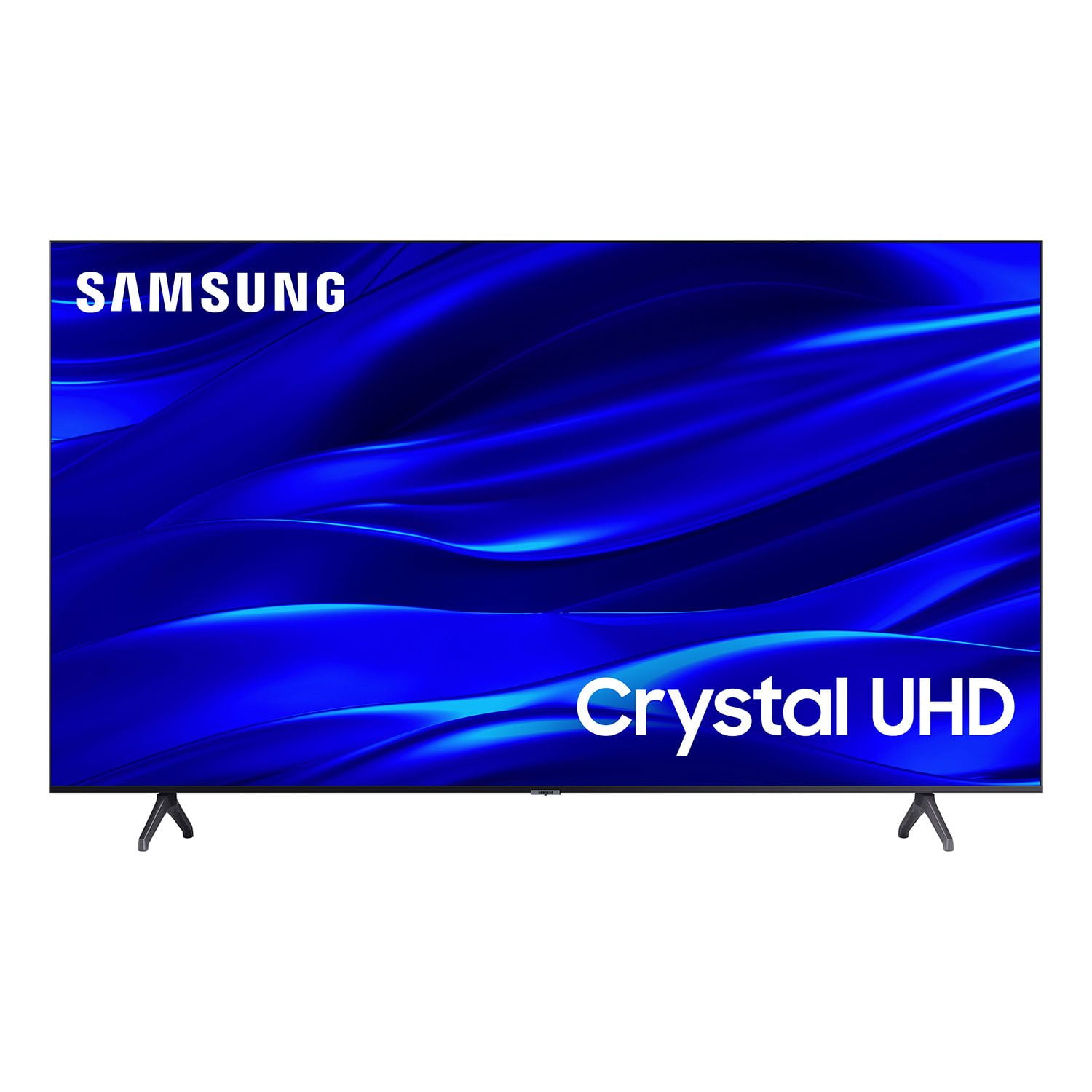
Customer reviews for SAMSUNG 58" Class TU690T-Series Crystal Ultra HD 4K Smart TV UN58TU690TFXZA for
SAMSUNG 58" Class TU690T-Series Crystal Ultra HD 4K Smart TV UN58TU690TFXZA
4.4 out of 5 stars
stars1,039 ratings1,027 reviews
  1. 5 stars69% (713)
  2. 4 stars18% (189)
  3. 3 stars6% (62)
  4. 2 stars3% (27)
  5. 1 star5% (48)

Member photos

  • +247 images
Sort by |
Showing 891-900 of 1,027 reviews
Jun 1, 2024
Stevester42
1 out of 5 stars review

TV broke within 3 months

Tv reset on its own for a while then just stopped working all of a sudden.

Review from Samsung Canada
Helpful?159EEZ107GUG13967605930
Nov 12, 2024
Mamosa
5 out of 5 stars review

Amazing

I love it highly remembered to everyone thank you.

Review from Samsung Canada
Helpful?159EEZ107GUG13967605930
Nov 22, 2024
YOUS
5 out of 5 stars review

Amazing Picture

The picture and sound are incredible highly recommended

Review from Samsung Canada
Helpful?159EEZ107GUG13967605930
Sep 28, 2023
Omair
5 out of 5 stars review

Awesome tv

It’s the perfect tv, got all the features I want and is super easy to use.

Review from Samsung Canada
Helpful?159EEZ107GUG13967605930
reply from Samsung Support Team

Hello, thank you for your 5 star review and feedback. We will pass your comments along to our store staff and hope you visit us again someday soon.

Jan 13, 2023
blueplanet
3 out of 5 stars review

color saturation

sometimes some spots on the tv just look too white, tv remote control is ok

Review from Samsung US
Helpful?159EEZ107GUG13967605930
reply from Samsung Brand Ambassador

Hi blueplanet, Thank you for sharing your thoughts on the TU690T TV’s image quality. If you’re uncomfortable with the default brightness settings, you can customize the brightness level between 0 – 50 to your preference. Go to Home > Settings > Picture > Expert Settings > Brightness. You can also try different Picture Modes to see which best fits your needs. Go to Home > Settings > Picture > Picture Mode for the below choices: 1) Standard: Default mode suitable for general viewing environments. 2) Natural: Reduces eye strain for a comfortable viewing experience. 3) Movie: Most suitable for watching TV or movies in a dark room. 4) Dynamic: Makes the picture brighter and clearer in bright viewing environments. I hope you can use these adjustment recommendations to set the image to your liking. If you’d like further help with settings, features, or functions, please reach us at 1-800-SAMSUNG, 8 AM - 12 AM EST, seven days a week. Our LiveChat agents are also available by clicking on the ‘Support’ link on our website. ~ Samsung Advisor

Jan 5, 2023
Robin
4 out of 5 stars review

Awi picture

Been using about 3 weeks now. They ( my house says it is broken but I think they need to bee.

Review from Samsung US
Helpful?159EEZ107GUG13967605930
Dec 5, 2023
Mikewood2824
4 out of 5 stars review

Basic tv that works well

So far so good. Appreciate the donation to charity.

Review from Samsung Canada
Helpful?159EEZ107GUG13967605930
reply from Samsung Support Team

Hello, thank you for your review and feedback. We will pass your comments along to our store staff and hope you visit us again someday soon.

Dec 11, 2022
Koala Kev
5 out of 5 stars review

Features

Crystal clear display with easy step by step set up.

Review from Samsung US
Helpful?159EEZ107GUG13967605930
Dec 5, 2023
Darlene H
5 out of 5 stars review

Great TV!!!!

Picture is such an improvement over my last TV, it’s amazing

Review from Samsung Canada
Helpful?159EEZ107GUG13967605930
reply from Samsung Support Team

Hello, thank you for your 5 star review and feedback. We will pass your comments along to our store staff and hope you visit us again someday soon.

Nov 11, 2023
ham07
5 out of 5 stars review

Awesome Quality!

Great picture and sound quality! Smooth interface with nice animations!

Review from Samsung Canada
Helpful?159EEZ107GUG13967605930