Skip to Main Content
Sams Club
Sams Club
Customer reviews for SAMSUNG 58" Class TU690T-Series Crystal Ultra HD 4K Smart TV UN58TU690TFXZA for
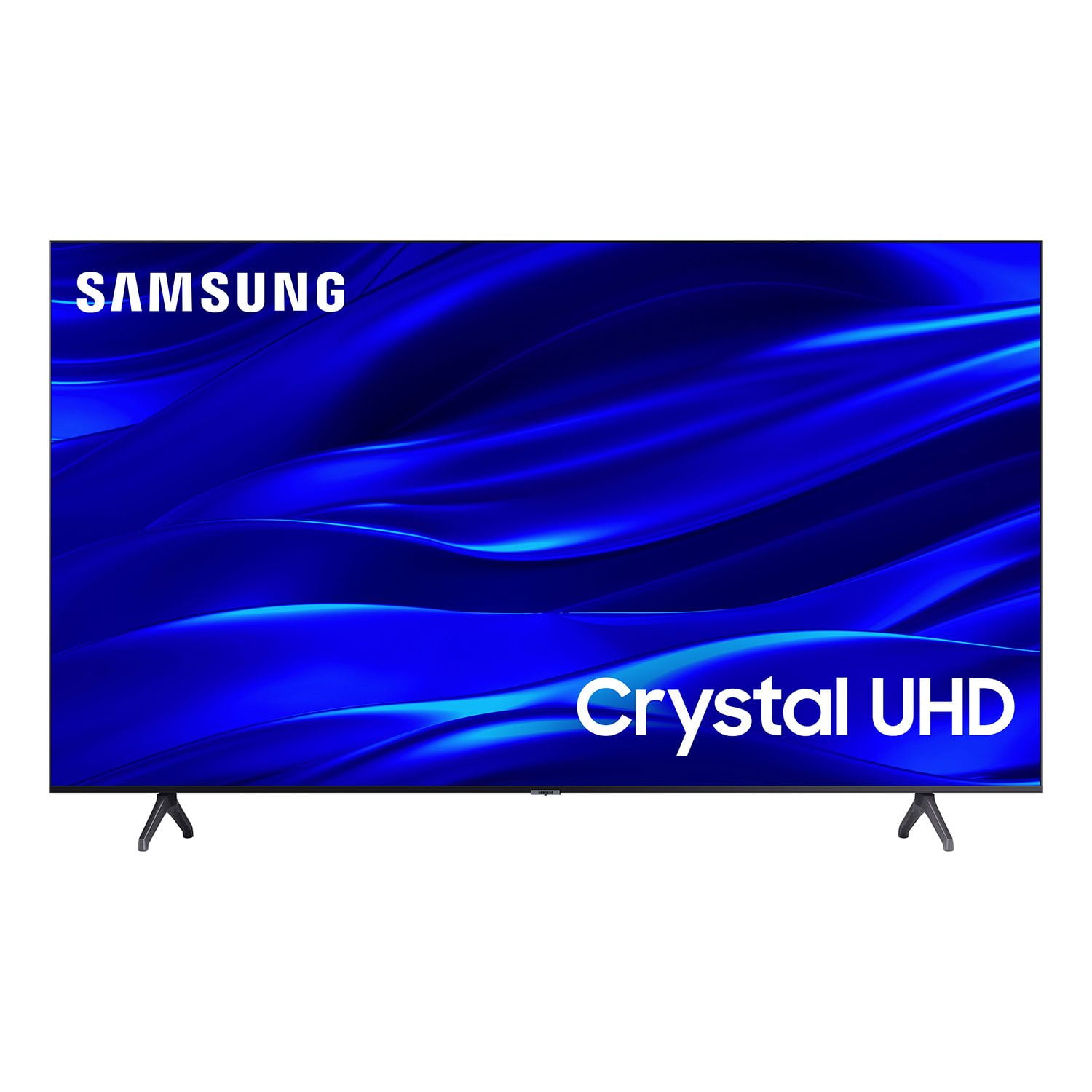
SAMSUNG 58" Class TU690T-Series Crystal Ultra HD 4K Smart TV UN58TU690TFXZA
4.4 out of 5 stars
stars1,039 ratings1,027 reviews
  1. 5 stars69% (713)
  2. 4 stars18% (189)
  3. 3 stars6% (62)
  4. 2 stars3% (27)
  5. 1 star5% (48)

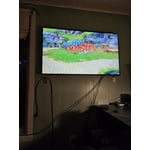
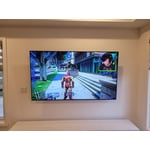
Member photos

  • +247 images
Sort by |
Showing 671-680 of 1,027 reviews
Jul 18, 2022
Loveman23
5 out of 5 stars review

Amazing clarity

[This review was collected as part of a promotion.] For a low cost tv, provides great clarity. This TV is worth the cost. Not as bright as the more expensive tv but it fits the price range

Review from Samsung US
Helpful?159EEZ107GUG13967605930
Dec 10, 2022
Jackie
4 out of 5 stars review

Good smart tv could be better

I like the picture clarity. Volume level could be better and apps can be slow to react when pressing on them. Also this tv should come with more memory to download the apps we want and delete the ones we don’t use that came with the tv

Review from Samsung US
Helpful?159EEZ107GUG13967605930
Dec 6, 2023
cworgan
5 out of 5 stars review

love my TV

I wanted a smart TV and this one was in the right price range .perfect size for my room. I am older and was able to install and have it up and running in no time. Very pleased

Review from Samsung Canada
Helpful?159EEZ107GUG13967605930
May 24, 2023
Forre
1 out of 5 stars review

Screen went Black in a Week!

It worked great on a table for a week. I moved it to a wall bracket and couldn’t get the screen to come on again. Ruled out the outlet and the remote as a problem. Found procedures on YouTube and Samsung to try to get black screens back. No luck!

Review from Samsung US
Helpful?159EEZ107GUG13967605930
reply from Samsung Brand Ambassador

Hi Forre, I'm sorry to hear about your experience with the TU690T TV screen going black after a week. We back this Samsung TV with a 1-year limited manufacturer's warranty, including authorized repair for manufacturer defect, if purchased brand-new directly from an authorized seller. Please give us the chance to make this right by contacting Samsung Customer Support at 1-800-SAMSUNG, 8 AM - 12 AM EST, seven days a week. Our LiveChat agents are also available by clicking on the ‘Support’ link on our website. ~ Samsung Advisor

Mar 25, 2024
Marv387
5 out of 5 stars review

This product is great

[This review was collected as part of a promotion.] This TV has everything. I love the vibrant colors and the easy access to different apps, which can be configured to the ones you utilize more. Best purchased I ever made.

Review from Samsung US
Helpful?159EEZ107GUG13967605930
Oct 4, 2024
Dahdah
5 out of 5 stars review

This TV has great features, love it.

[This review was collected as part of a promotion.] We use it to watch TV and movies. Our family love to watch movies together and sometimes our guest comes visited enjoy movies together with our family.

Review from Samsung US
Helpful?159EEZ107GUG13967605930
Sep 19, 2024
MissyJ
4 out of 5 stars review

This tv have great picture quality

[This review was collected as part of a promotion.] Love the picture quality of the television. We mainly use it for streaming services and watching regular TV. Absolutely love Samsung Plus channels as well!!

Review from Samsung US
Helpful?159EEZ107GUG13967605930
Jan 3, 2023
Robby68
3 out of 5 stars review

Could be much better

Has a good picture. Remote sucks. Too small and feels same in hand either way so better look at it. Could use glowing ok button. Doesn't work with Alexa.

Review from Samsung US
Helpful?159EEZ107GUG13967605930
reply from Samsung Brand Ambassador

Hello Robby68, Thank you for sharing your thoughts about the remote and Alexa compatibility of the TU690T Samsung TV. Your feedback will be shared with our internal teams. Alexa works with the TU690T and is not built in. What this means is you will need to have an Alexa echo device nearby and then pair this device with your TV. From here you will be able to tell your Alexa Echo to control your TV. If we can help with anything else, please call us at 1-800-SAMSUNG, 8 AM - 12 AM EST, seven days a week. LiveChat with an agent, as well as manuals, software, and warranty info, can be found at the ‘Support’ link on our Samsung website. ~ Samsung Advisor

Jun 15, 2023
ram68ram
1 out of 5 stars review

Got a lemon

I ran the setup process and the screen went dark within 15 minutes. I returned the TV and got a different brand. The store said that this was the fourth Samsung TV returned that week.

Review from Samsung US
Helpful?159EEZ107GUG13967605930
reply from Samsung Brand Ambassador

Hi ram68ram, Thank you for taking the time to provide feedback on your TU690T TV. Please know that your feedback will be shared with our internal product teams. We take pride in our products and are sorry to hear that your experience was not up to our high standards. We do hope you will give Samsung another chance when purchasing your next TV. If there’s anything we can ever help with, please call us at 1-800-SAMSUNG, 8 AM - 12 AM EST, seven days a week. Or visit us on the Samsung website and click on the ‘Support’ link for: 1) LiveChat 2) Manuals, Software, & Warranty Info ~ Samsung Advisor

Sep 23, 2023
Nexttimeillpaymore
1 out of 5 stars review

Samsung plus sucks

It makes a good pc monitor but it will **NOT** allow you to get to your cable tv. It only allows you to use the Samsung plus app. And it’s great for streaming old shows, you can’t even get it to scan the local stations.

Review from Samsung US
Helpful?159EEZ107GUG13967605930
reply from Samsung Brand Ambassador

Hi there, Thank you for letting us know you are experiencing issues when trying to change the source on your TU690T TV. Please know we are here to help. First, to access your cable TV, make sure you have connected it via HDMI. Then go to your Samsung Remote and press Home> All Settings> Source> Sources> then select the HDMI input that is connected to your cable box. Next, to set up your local channels, please follow these steps: 1) Make sure your Antenna or Cable box is set up, and then connect it to the TV vis the ANT IN. 2) Go to Source> TV 3) Press Setting> All Settings> Broadcasting> Auto Program 4) Start to begin Auto-Programming, and then select either Air, Cable, or Both 5) Your TV will begin to scan for channels. After it's done, select Close to finish I hope this helps! If you need more help, please call us at 1-800-SAMSUNG, 8 AM - 12 AM EST, seven days a week. Our LiveChat agents are also available by clicking on the ‘Support’ link on our website. ~ Samsung Advisor