
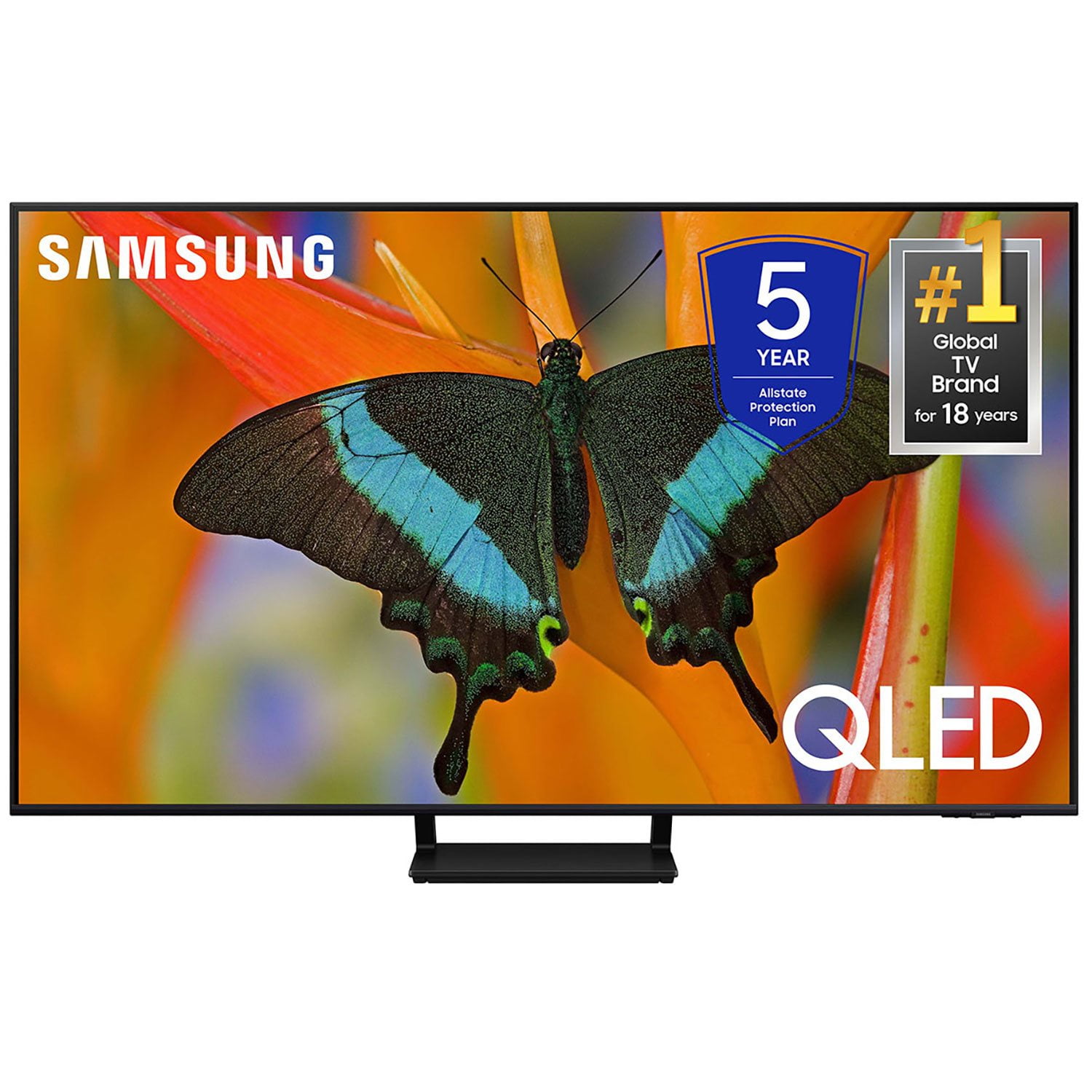
 Customer reviews for SAMSUNG 75” Class Q72D Series QLED 4K UHD Smart Tizen TV for
Not sure about the user friendliness of this unit
At this point, we're still trying to figure out this TV and it doesn't seem as user-friendly as our other . There are things that we can't figure out about the TV or the apps. I'm hoping to have a little more time to do a little more research on using the TV, but thus far we're not super excited. The TV itself is a beautiful screen with three dimensional viewing. That part is great. It seems like some of the stations you have to turn up the volume to hear it where other apps are fine at a lower number of volume that is I don't know. At this point, my review is only a three star, and if it doesn't get a little more easier to use, we may consider returning it.
nlacross, We appreciate you sharing your user experience. To assist in learning the various functions, please know you can download the Q72DD TV's User Manual, e-Manual, Remote Control Leaflet, and Quick Setup Guide on Samsung's website under Support > Manuals & Software > TVs & Home Theater. You can search for and select the Q72DD TV to download the guides you would like. The e-Manual and Remote Guide are both also embedded into your TV itself under Menu > Settings > Support > Open e-Manual. If you need more help, Samsung is here for you. Please call us at 1-800-SAMSUNG, 8AM - 12AM EST, 7 days a week. Our LiveChat agents are also available by clicking on the ‘Support’ link on our website. ~ Samsung Specialist
AMAZING !!!
[This review was collected as part of a promotion.] The picture is so amazing, I feel like I'm right there on the set with the actors ! I'm not a big sports fan , but I had to watch a game with some friends. We were screaming and cheering like we were actually at the game.My favorite show 'Murder She Wrote" looks like Jessica is in my living room and we're solving the crime together .
This TV has a great picture and is quite versatile
[This review was collected as part of a promotion.] I definitely got my money's worth in purchasing this Samsung TV. I have to admit it will take me a year to take advantage of all its features. It's been like buying a next generation car and knowing it's going to be a voyage of discovery. I wouldn't recommend it for folks who don't enjoy high tech. But for those who do . . . jump right in . . . and "play" with the "tell it what to do!" But you might want to take notes while doing it :0)
Review of my Samsung tv
[This review was collected as part of a promotion.] My TV has a great picture. It is clear and the color is vibrant. The help either from a rep or just the help on TV is simple to use. I recommend the Samsung TV to anyone who values your TV viewing.
Very Good TV
The picture is great and the set up is easy especially if you are paring Samsung devices with it like my soundbar. The only thing I really do not like is the Smart TV interface. I find it difficulty to manuver and sometimes even understand. Streaming Channel Apps are shown on one line on the home screen along with multiple lines of suggested viewing. Samsung provides the original App icons based on set up questions. There is an EDIT button at the end of the line but all you are allowed to do is delete the shown APPS and features. How is that an edit? How do I add an App? It took me a month to get Paramount + added and now I have it I really don't know how I did it. I can't find the line/feature/setting I used to move it. Frankly, I find the manual lacking and too techical.
Fantastic QLED 4K Tv and worth a money
[This review was collected as part of a promotion.] The Samsung 65" Class QLED 4K Q70D is a 2024 mid-range TV known for its impressive features, balancing picture quality, smart functionality, and gaming performance. Picture and Performance It delivers vibrant colors with 100% Color Volume in the DCI-P3 color space, thanks to Quantum Dot technology, and Quantum HDR enhances contrast for stunning HDR content. The 120Hz Motion Xcelerator ensures smooth motion, perfect for fast-paced action or sports. Smart Features and Design Running on Tizen OS, it offers a user-friendly interface with voice control and access to streaming services. Its sleek, thin design fits modern spaces, and the 20W 2.0 channel speaker system provides decent audio, upgradeable with Samsung soundbars. Gaming and User Experience Gamers benefit from HDMI 2.1 on all ports, 4K at 120Hz, and VRR, making it great for next-gen consoles. The Multi View feature lets you display two sources simultaneously, useful for multitasking. Customer Feedback Customers rave about the picture quality and ease of setup, considering it good value. However, some mention the remote is small and lacks solar charging, a minor drawback. Unexpected Detail An interesting aspect is its Multi View feature, allowing two sources on screen at once, which enhances multitasking but might be underutilized by many users. Comprehensive Analysis of the Samsung 65" Class QLED 4K Q70D TV Review This analysis provides a detailed examination of the Samsung 65" Class QLED 4K Q70D, a 2024 mid-range
Samsung makes the best TVs
I bought my 1st Samsung TV in 2010 which is a 65" curved screen. It still works and has a terrific picture. I did upgrade to this new model to make use of the newer eARC technology. I currently have 4 Samsung TVs in my house - none have ever failed. This model has a nice centered base, instead of the wide spaced feet, which fits on my stand. The picture is bright, sharp and has great color. Highly recommend.
Sharp picture and very quick processor
[This review was collected as part of a promotion.] The correct model of my tv is QN65Q72DDFXZA. Our last tv purchase was a Samsung and it has lasted for at least a decade. The new one provides us with the latest technology to use streaming services.
Needed a simpler model
We were gifted this television to replace our old Samsung, which we had enjoyed very much for many years. The new television is larger and has a good picture, but, as a senior citizen with limited technical ability, I really can't say I am enjoying it. I feel more like I am its hostage. I now have difficulty navigating back to tv from Amazon Prime and from watching a dvd, things I had done with relative ease before. In addition, the sound when watching anything other than plain tv is essentially non-existent. We had the volume turned into the fifties and still could not hear. To make things even worse we couldn't figure out how to turn on sub-titles, although we had them on regular tv and have used them many times before with dvd's. And all these problems even with the help of a forty-something-year-old. Now I am reading that I need to purchase a sound bar - for a brand new tv! The remote for this tv is miniscule and definitely not intended for use by the non-techie elderly, nor is the so-called Simple User's Guide. I was finally able to resolve one problem by going to the Samsung website. Sorry for all the negativity - I just want to enjoy tv without all the stress!
Frustrated Senior, We appreciate you sharing your user experience. To assist in learning the various functions, please know you can download the Q72DD TV's User Manual, e-Manual, Remote Control Leaflet, and Quick Setup Guide on Samsung's website under Support > Manuals & Software > TVs & Home Theater. You can search for and select the Q72DD TV to download the guides you would like. The e-Manual and Remote Guide are both also embedded into your TV itself under Menu > Settings > Support > Open e-Manual. If you need more help, Samsung is here for you. Please call us at 1-800-SAMSUNG, 8AM - 12AM EST, 7 days a week. Our LiveChat agents are also available by clicking on the ‘Support’ link on our website. ~ Samsung Specialist
Start screen is frustrating
I bought this two weeks ago and I am still struggling to get it where I can watch regular TV. It opens to some Samsung home screen showing all streaming apps and it seems to take multiple clicks to get regular TV channels to play. Over engineered. Very complex. Not the least bit intuitive
Mike, We appreciate you sharing your user experience. To assist in learning the various functions, please know you can download the Q72DD TV's User Manual, e-Manual, Remote Control Leaflet, and Quick Setup Guide on Samsung's website under Support > Manuals & Software > TVs & Home Theater. You can search for and select the Q72DD TV to download the guides you would like. The e-Manual and Remote Guide are both also embedded into your TV itself under Menu > Settings > Support > Open e-Manual. If you need more help, Samsung is here for you. Please call us at 1-800-SAMSUNG, 8AM - 12AM EST, 7 days a week. Our LiveChat agents are also available by clicking on the ‘Support’ link on our website. ~ Samsung Specialist