Skip to Main Content
Sam's Club
Sam's Club
All Departments
All Services
Customer reviews for SAMSUNG 98" Class Q80 Series 4K QLED Smart TV for
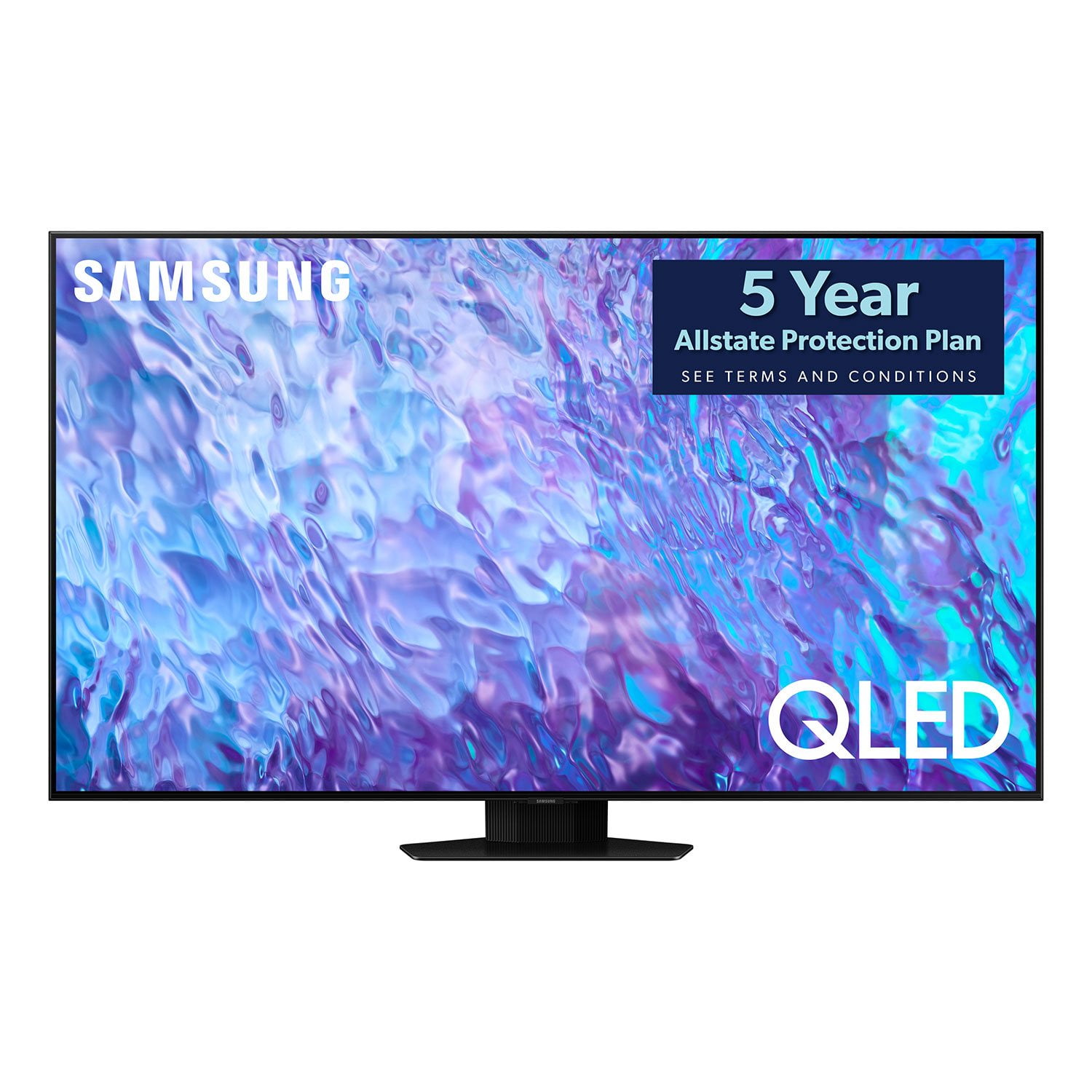
SAMSUNG 98" Class Q80 Series 4K QLED Smart TV
4.8 out of 5 stars
stars
458 ratings456 reviews
  1. 5 stars83% (380)
  2. 4 stars13% (61)
  3. 3 stars1% (6)
  4. 2 stars1% (3)
  5. 1 star2% (8)

Member photos

  • +162 images
Sort by |
Showing 11-20 of 456 reviews
Jul 10, 2023
Reviewer name: Burnurt
5 out of 5 stars
5 out of 5 stars review

Picture Perfect

[This review was collected as part of a promotion.] This TV Has Been Amazing. The Visual Quality Is Top Notch. Playing My PS5 On This TV Has Been An Experience. I Can't Put Into Words How Great This TV truly Is. If You Ever Want Quality And For A Great Price This Is The Go To

Review from Samsung US
Helpful?54SUNRPK6N4013927409063
Oct 7, 2023
Reviewer name: vjvijay
5 out of 5 stars
5 out of 5 stars review

Best purchase from Samsung

[This review was collected as part of a promotion.] Love the picture clarity. Perfect size for a small or large living space. The clarity isn't disturbed a lot due to adaptive display. The apps do free once in a while though not very often. I've noticed that exiting the apps completely helps in this case to an extent.

Review from Samsung US
Helpful?54SUNRPK6N4013927409063
Dec 6, 2024
Reviewer name: Shandapanda
4 out of 5 stars
4 out of 5 stars review

Great features, bright pictures and sound

[This review was collected as part of a promotion.] I love this product and so glad I picked this one the quality of sound floored me I can't have it up too high! The picture quality is absolutely beautiful compared to what I was used to watching growing up technology has came a long way! The details are so sharp I can't believe I was skeptical even considering buying this i wish I would have got it sooner. I will only upgrade to a bigger size for my family room but I got 2 more for my kids rooms we all love this TV

Review from Samsung US
Helpful?54SUNRPK6N4013927409063
Oct 5, 2023
Reviewer name: medvic
5 out of 5 stars
5 out of 5 stars review

best tv for the money

[This review was collected as part of a promotion.] tv works great ,my family uses the tv for streaming and gaming and so far no issues the picture is the best i can even said that is better than LG i will buy again thanks samsung for creating the best.

Review from Samsung US
Helpful?54SUNRPK6N4013927409063
May 8, 2024
Reviewer name: Tvness
5 out of 5 stars
5 out of 5 stars review

Clear clarity and resolution

[This review was collected as part of a promotion.] I use the Samsung TV to play Xbox and watch streaming services like Disney, Hulu, Amazon prime and Netflix. The clear and sharp picture resolution makes this TV a very best product out in the market.

Review from Samsung US
Helpful?54SUNRPK6N4013927409063
Aug 8, 2023
Reviewer name: OGgamer
5 out of 5 stars
5 out of 5 stars review

Great television!

[This review was collected as part of a promotion.] We use our TV daily, we stream, watch local tv, and it’s hooked up to our gaming system The picture is stunning and there’s a feature that automatically switches the input source back to tv after gaming. Very pleased with it!

Review from Samsung US
Helpful?54SUNRPK6N4013927409063
Jun 5, 2025
Reviewer name: TedWill
2 out of 5 stars
2 out of 5 stars review

When it works, it's amazing

[This review was collected as part of a promotion.] Since my purchase, I was amazed at the quality of the screen. However, many times, the screen slowly goes dark. I've had the screen and the system board replaced and the problem keeps coming back. I'm very technical and know how to troubleshoot. I updated the firmware, reset settings, etc and after a few weeks the screen goes dark on one side. The only resolution has been shutting up the system entirely for 10 or more minutes.

Review from Samsung US
Helpful?54SUNRPK6N4013927409063
reply from Samsung Specialist

TedWill, I’m sorry you have tried troubleshooting without success. Please contact Samsung Customer Support so we can better understand your issue and provide further assistance specific to your usage scenario. You can reach us at 1-800-SAMSUNG, 8AM - 12AM EST, 7 days a week. Our LiveChat agents are also available by clicking on the ‘Support’ link on our website. ~ Samsung Specialist

May 31, 2023
Reviewer name: Tvbuyer
5 out of 5 stars
5 out of 5 stars review

Best TV on the market

[This review was collected as part of a promotion.] Best tv for the price. Super clear and crisp picture. Had an issue with the remote and Samsung hooked me up with a local certified technician and they sent me a new one right away that worked without issues. Love it.

Review from Samsung US
Helpful?54SUNRPK6N4013927409063
Jul 29, 2023
Reviewer name: Anonymous
1 out of 5 stars
1 out of 5 stars review

Poor video quality

I purchased the 98 inch. Picture quality, colors and HDR does not satisfy me. Actually I feel my 2019 Q70 looks better. Of course I don’t expect it to look as great as a neo qled but still for a 2023 tv it should hold its own. Maybe it’s a simple fix with a future firmware update but it’s too point I’m so displeased I rather return the new 98 inch Q80 and put my 85 inch 2021 neo qled or 85 inch 2019 Q70 tv back up

Review from Samsung US
Helpful?54SUNRPK6N4013927409063
reply from Samsung Brand Ambassador

Hi, Thank you for sharing your thoughts on the picture quality of your Q80C TV. To ensure you’ve got the latest image quality updates, please confirm that your TV is up to date with the latest firmware version. You can check by going to: Home > Menu > Settings > Support > Software Update. If the picture you’re seeing is still not to your liking after updating firmware, there are several picture settings you may want to try adjusting. Go to Home > Menu > Settings > All Settings > Picture > Picture Mode ...and select the mode that best fits your usage: 1. Standard: Is the default mode suitable for general viewing environments 2. Dynamic: Makes the picture brighter and clearer in bright viewing environments 3. Eco: Provided to save energy 4. Movie: Suitable for watching TV or movies in a dark room 5. Filmmaker Mode: Provides source content just as the creators intended. If the image is defined as Filmmaker Mode, it’ll automatically switch to Filmmaker Mode while watching. You can also fine-tune your picture with expert settings such as brightness, contrast, sharpness and more (All Settings > Picture > Expert Settings). Intelligent Mode enables the TV to recognize and analyze the surroundings, noise, content, and your usage patterns to provide the best viewing experience. You can enable Intelligent Mode by going to Menu > Settings > All Settings > General & Privacy > Intelligent Mode Settings > Intelligent Mode. For further assistance with settings adjustments, please contact Samsung Customer Support at 1-800-SAMSUNG, 8AM - 12AM EST, 7 days a week. Or visit us on the Samsung website and click on the ‘Support’ link for: • LiveChat • Manuals, Software, & Warranty Info ~ Samsung Specialist

Oct 10, 2023
Reviewer name: Jimminy56
5 out of 5 stars
5 out of 5 stars review

Fire, drop tv, absolutely love it

[This review was collected as part of a promotion.] I use my tv for gaming for me, movies for me and my wife, kids shows for our kids, they usually take it over but we as a family, we really really love it, thinking about getting a bigger size !!!!!!!!

Review from Samsung US
Helpful?54SUNRPK6N4013927409063