
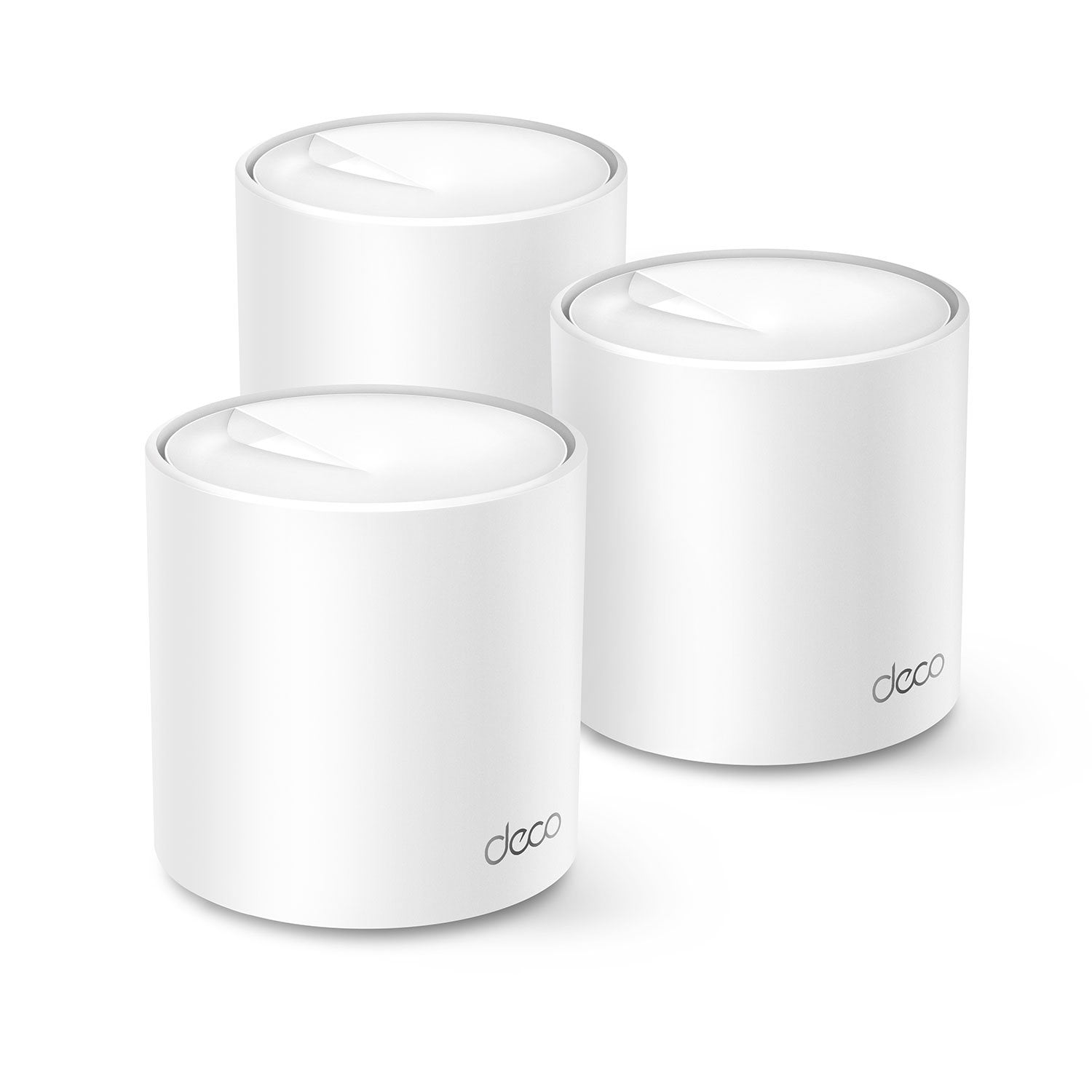
 Customer reviews for TP-Link Deco AX4300 Pro Wi-Fi 6 Whole Home System, 3pk for
MAJOR SECURITY BREECH - DO NOT BUY.
DO NOT BUY THIS if you value internet security - Red Flag 1: these devices are not locally configurable - you have to download their app. Red Flag 2: The app requires you to create an account with TP Link... where all of your WiFi and Network configuration information is stored. MAJOR RED FLAG 3: The app won't even attempt to find the devices let alone allow you to configure them unless you allow it access to your Precise GPS location. Think about that - you now have a wireless connectivity device on your network, with access to everything inside the firewall, with your credentials stored on an external server you have no control over, and a GPS map straight to your house. This is a hacker's wet dream. DO NOT ALLOW THESE ON YOUR NETWORK. If you already have some and can't return them, they need smashed with a hammer, set on fire, and thrown out in the street.
Hi BRIAN,<br /><br />Thank you for your feedback. Security is at the heart of TP-Link’s product strategy and corporate ethos. Deco Mesh Wi-Fi Solutions are designed to provide reliable, robust coverage for your whole home with convenient setup and management via the Deco app. To maximize the security of your TP-Link ID login credentials, we recommend using a complex password and enabling the available 2FA feature for added peace of mind.<br /><br />Our support team is always available and happy to assist with any questions you may have about our products. Feel free to contact us through any of the resources provided with the product or on our official website, and a Support Agent will follow up with you directly. <br /><br />Thank you,<br />TP-Link Systems Support
Verified Purchase
Strong signal
Simply amazing! No weak spots.
Verified Purchase
Not for vpn
Does not work with vpn loaded. Customer service useless
Hi Jeffo,We appreciate you taking the time to share your feedback. We regret to hear that your experience did not meet your expectations, and we would love the opportunity to work with you to resolve any concerns.With regard to the VPN connection, please first ensure your Deco app and firmware are both fully up to date. Additionally, please ensure the correct VPN configuration settings are in place via the Deco app. Please also take a look at FAQ 3642 on our official TP-Link website for detailed information and instructions on configuring VPN Server and Client settings on your Deco.We would also like to hear from you regarding your support experience. Please email USSupportTeam@TP-Link.com, reference this review and any existing support ticket numbers (TKID), and we will be more than happy to provide further assistance.Thank you,TP-Link Support
Not impressed
So far, I'm not impressed. I have a 4000 sq ft house. Downstairs is partially underground, but fully open in the back where our cable and internet lines run into the house. The modem is just through the wall inside. We were having a problem with the wifi reaching the upper front of the house where one of our new security cameras is located. It had a poor signal. I was hoping this new mesh system would improve that. So far, it hasn't, and the camera still won't connect at all. I will continue to work with it and the monitoring service. But if it doesn't improve, I will be returning it. My Linksys router is quite old, but has really worked well until we installed the new camera. This new system also keeps disconnecting periodically, buffers on my tvs and the doorbell loses connection. This never happened with the Linksys. One of the nodes is almost directly over the main one downstairs (same location as the Linksys was) so it shouldn't have so much trouble connecting through the wood floor according to what I've read about this system.
With Mesh Systems, placement is everything. We recommend nodes be placed no more than 25-30 feet apart and 3-6 feet from an exterior wall. While every home network environment is different this will help ensure maximum coverage for your system. For environments where there are still dead zones additional nodes can be added to fill in the gaps in coverage.
Not wifi 6
its not wifi 6 dont buy.
Hi Mario,<br /><br />Thank you for your review. The Deco AX4300 Pro is a Wi-Fi 6 Whole Home Mesh System. If you are referring to the 6 GHz Wi-Fi spectrum, please note that 6 GHz is part of Wi-Fi 6E. Wi-Fi 6 and Wi-Fi 6E are indeed quite different. The additional “E” stands for “extended.” Wi-Fi 6E means that Wi-Fi 6 is extended to the 6 GHz band. <br /><br />If you are looking for 6 GHz connectivity, we offer a range of reliable Wi-Fi 6E solutions for your home network. Our support team is always available and happy to assist with any questions you may have about our products. Feel free to contact us through any of the resources provided with the product or on our official website, and a Support Agent will follow up with you directly. <br /><br />Thank you,<br />TP-Link Systems Support