Skip to Main Content
Sam's Club
Sam's Club
Customer reviews for SAMSUNG 55” Class Q72D Series 4K QLED Smart TV for
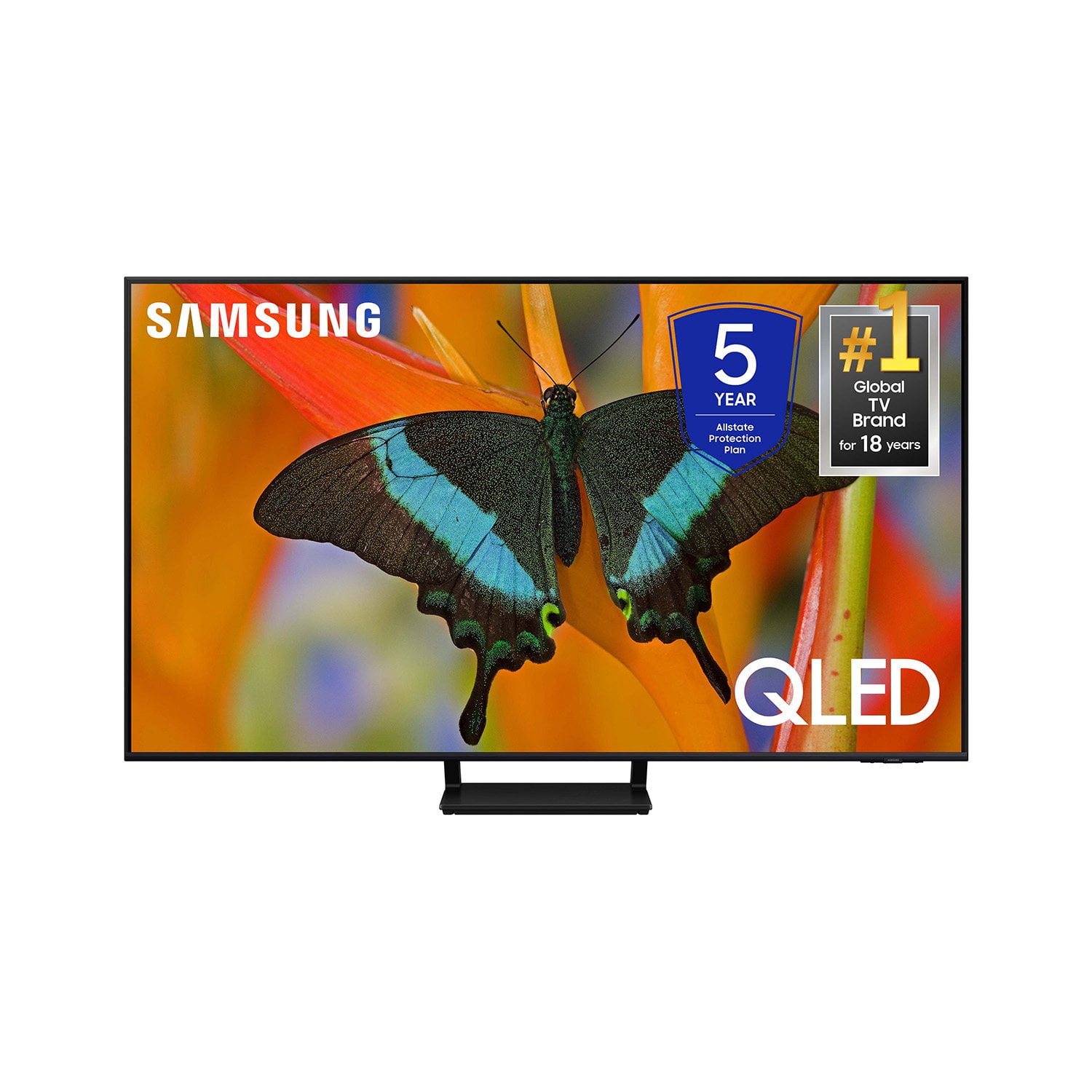
SAMSUNG 55” Class Q72D Series 4K QLED Smart TV
4.6 out of 5 stars
stars321 ratings297 reviews
  1. 5 stars77% (248)
  2. 4 stars14% (45)
  3. 3 stars4% (13)
  4. 2 stars2% (5)
  5. 1 star3% (10)

Member photos

  • +86 images
Sort by |
Showing 161-170 of 297 reviews
Feb 20, 2025
PeteVox
4 out of 5 stars review

Great picture

New 65" smart Samsung for Christmas. Great picture. Sound is weak and garbled. Remote is too small-can't read it. Why don't you paint them bright colors so you can find them???

Review from Samsung US
Helpful?1HNKIEWVHCCA13904357383
Mar 5, 2025
JohnnyD
3 out of 5 stars review

Picture and options

Love the TV but can't figure out how to set up My Favorite Channels. I'm 74 so I may be too old to grasp this stuff. The manual is of little to no help and, yes, even old people can read. :)

Review from Samsung US
Helpful?1HNKIEWVHCCA13904357383
reply from Samsung Specialist

JohnnyD, We appreciate you sharing your user experience. To assist in learning the various functions, please know you can download the Q72DD TV's User Manual, e-Manual, Remote Control Leaflet, and Quick Setup Guide on Samsung's website under Support > Manuals & Software > TVs & Home Theater. You can search for and select the Q72DD TV to download the guides you would like. The e-Manual and Remote Guide are both also embedded into your TV itself under Menu > Settings > Support > Open e-Manual. If you need more help, Samsung is here for you. Please call us at 1-800-SAMSUNG, 8AM - 12AM EST, 7 days a week. Our LiveChat agents are also available by clicking on the ‘Support’ link on our website. ~ Samsung Specialist

Feb 5, 2025
Shathom
4 out of 5 stars review

Battery not great

I really like my phobia but the battery lacks the capacity to keep the phone going am day without a recharge. That is very frustrating when I have my grandkids over at my house.

Review from Samsung US
Helpful?1HNKIEWVHCCA13904357383
Mar 20, 2025
Swayy320600
5 out of 5 stars review

The tv that keeps on giving

[This review was collected as part of a promotion.] Great picture, love the remote and being rechargeable. Also like the game pass feature where you don't need an Xbox to play games right off tv.

Review from Samsung US
Helpful?1HNKIEWVHCCA13904357383
Mar 20, 2025
MattyInMi
5 out of 5 stars review

Excellent T.V.

[This review was collected as part of a promotion.] I feel this is an excellent mid level t.v. It suits all my needs not only for quality but for ease of use and set up. Picture quality is excellent.

Review from Samsung US
Helpful?1HNKIEWVHCCA13904357383
Feb 5, 2025
GLoGene
5 out of 5 stars review

Great TV! I am so glad that I bought It.

I love my new monster TV! It has a few quirks, but nothing that I can't handle. Sometimes the microphone on the remote is triggered without me, touching it and that interrupts what I am watching at the time. So that's kind of annoying.

Review from Samsung US
Helpful?1HNKIEWVHCCA13904357383
Mar 20, 2025
shop2drop
3 out of 5 stars review

NIce size, pic not as sharp/bright as I hoped

[This review was collected as part of a promotion.] i thought when watching certain programs, the picture would be much sharper/brighter, A little disappointed.

Review from Samsung US
Helpful?1HNKIEWVHCCA13904357383
reply from Samsung Specialist

shop2drop, We appreciate your thoughts on the picture quality of Samsung’s Q72DD TV. If the image you’re seeing isn’t to your liking, there are several picture settings you may want to adjust. Go to Home > left direction button > Settings > All Settings > Picture > Picture Mode ...and select the mode that best fits your usage: 1. Standard: Is the default mode suitable for general viewing environments 2. Dynamic: Makes the picture brighter and clearer in bright viewing environments 3. Eco: Provided to save energy 4. Movie: Suitable for watching TV or movies in a dark room 5. Filmmaker Mode: Provides source content just as the creators intended. If the image is defined as Filmmaker Mode, it’ll automatically switch to Filmmaker Mode while watching. You can also fine-tune your picture with expert settings such as brightness, contrast, sharpness and more (All Settings > Picture > Expert Settings). For further assistance with settings adjustments, please contact Samsung Customer Support at 1-800-SAMSUNG, 8AM - 12AM EST, 7 days a week. Or visit us on the Samsung website and click on the ‘Support’ link for: • LiveChat • Manuals, Software, & Warranty Info ~ Samsung Specialist

Mar 20, 2025
2muchtvtime
5 out of 5 stars review

Remote Streaming

[This review was collected as part of a promotion.] Second Samsung. Much improved remote streaming experience. So easy to switch among providers. Picture is awesome and excellent sound with digital optical audio.

Review from Samsung US
Helpful?1HNKIEWVHCCA13904357383
Mar 20, 2025
PETERJUNIOR
5 out of 5 stars review

Beautiful TV

[This review was collected as part of a promotion.] This unit has Very excellent picture, nice model and great features.Easy to hung it on the wall, Highly recommend it.

Review from Samsung US
Helpful?1HNKIEWVHCCA13904357383
Feb 5, 2025
Dgriff
1 out of 5 stars review

Blurry Picture

Picture is NOT clear for most programs especially sporting events. It appears blurry and colors are washed out I have a 15 year old Panasonic that has a clearer picture Very disappointing

Review from Samsung US
Helpful?1HNKIEWVHCCA13904357383
reply from Samsung Specialist

Dgriff, We appreciate your thoughts on the picture quality of Samsung’s Q72DD TV. If the image you’re seeing isn’t to your liking, there are several picture settings you may want to adjust. Go to Home > left direction button > Settings > All Settings > Picture > Picture Mode ...and select the mode that best fits your usage: 1. Standard: Is the default mode suitable for general viewing environments 2. Dynamic: Makes the picture brighter and clearer in bright viewing environments 3. Eco: Provided to save energy 4. Movie: Suitable for watching TV or movies in a dark room 5. Filmmaker Mode: Provides source content just as the creators intended. If the image is defined as Filmmaker Mode, it’ll automatically switch to Filmmaker Mode while watching. You can also fine-tune your picture with expert settings such as brightness, contrast, sharpness and more (All Settings > Picture > Expert Settings). For further assistance with settings adjustments, please contact Samsung Customer Support at 1-800-SAMSUNG, 8AM - 12AM EST, 7 days a week. Our LiveChat agents are also available by clicking on the ‘Support’ link on our website. ~ Samsung Specialist