Skip to Main Content
Sams Club
Sams Club
Customer reviews for SAMSUNG 75" Class Q60B-Series QLED 4K Smart TV - QN75Q60BDFXZA for
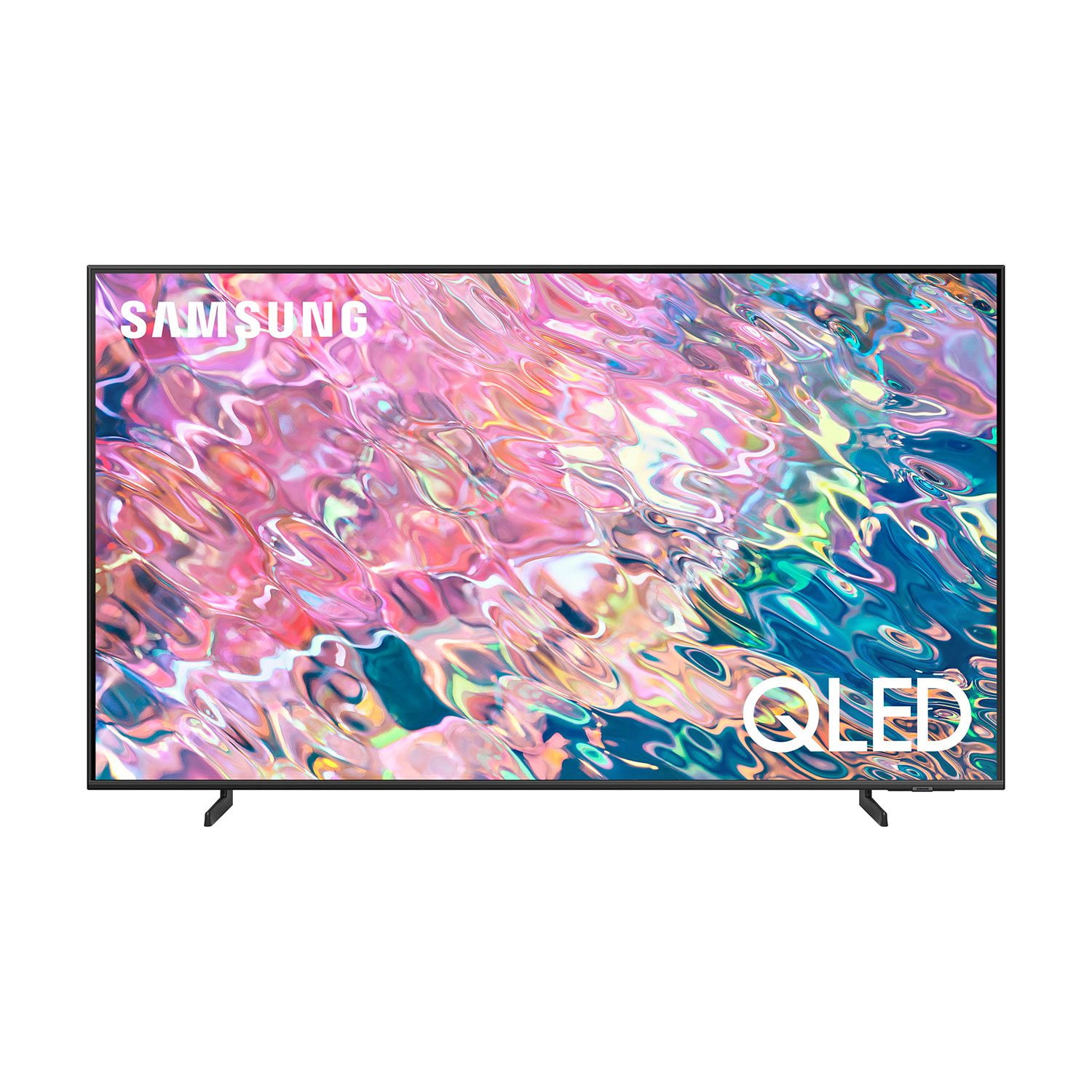
SAMSUNG 75" Class Q60B-Series QLED 4K Smart TV - QN75Q60BDFXZA
4.6 out of 5 stars
stars524 ratings504 reviews
  1. 5 stars77% (401)
  2. 4 stars16% (83)
  3. 3 stars3% (16)
  4. 2 stars1% (5)
  5. 1 star4% (19)
Write a review
Sort by |
Showing 371-380 of 504 reviews
Oct 25, 2022
Miri01
5 out of 5 stars review

great tv for the office

[This review was collected as part of a promotion.] Very easy to set up and install, we are using it for meeting and training purposes the channels are great specially construction.

Review from Samsung US
Helpful?3TIIP6E2LJGB13903455951
Sep 26, 2022
Samsungfanboy
5 out of 5 stars review

The picture is amazing

[This review was collected as part of a promotion.] I use my Samsung TV for entertaining movies sports all around entertainment what makes my Samsung TV amazing it's the color the brightness the easy setup able to use SmartThings

Review from Samsung US
Helpful?3TIIP6E2LJGB13903455951
Oct 5, 2022
Lizlovesbiking
5 out of 5 stars review

Love this TV

[This review was collected as part of a promotion.] Love this TV! Beautiful picture. It works flawlessly with the Samsung surround sound and Amazon's fire tv. All three work on one remote, no programming required.

Review from Samsung US
Helpful?3TIIP6E2LJGB13903455951
Oct 5, 2022
HappyCustomer
4 out of 5 stars review

This Product has Great Features

[This review was collected as part of a promotion.] This tv is hands down one of the best tv I have purchased in my life!!! The sound and picture quality cannot be beat.

Review from Samsung US
Helpful?3TIIP6E2LJGB13903455951
Aug 23, 2022
EyesonthePrize
5 out of 5 stars review

Picture Perfect Picture is Perfect

[This review was collected as part of a promotion.] The tv is perfect. Crisp clear picture and the stock sound is serviceable without a soundbar. Great for streaming with the integrated OS or through 3rd party hardware.

Review from Samsung US
Helpful?3TIIP6E2LJGB13903455951
Aug 14, 2022
Ttlynne
5 out of 5 stars review

I love my tv

[This review was collected as part of a promotion.] I everything about my tv honestly all features are awesome easy to navigate ect in just wish my tv had the like scroll toggle on my remote like the better TV's lol

Review from Samsung US
Helpful?3TIIP6E2LJGB13903455951
Jul 26, 2022
Slobonthehill1230
4 out of 5 stars review

Great picture. Certain apps are problematic.

[This review was collected as part of a promotion.] YouTube TV app hangs constantly. Using remote to turn tv off works intermittently. Other than that it is a great tv with fantastic picture.

Review from Samsung US
Helpful?3TIIP6E2LJGB13903455951
reply from Samsung Brand Ambassador

Hi, We appreciate you sharing your experience with app and remote issues. Please do ensure your TV's firmware is up to date with version 1303, as this includes various performance improvements. You can check this by going to: Home > Menu > Settings > Support > Software Update. You may also want to further optimize performance with the self-diagnostic tool, which checks memory, frees up unused cached memory, and closes background apps. Go to: Home > Menu > Settings > Support > Device Care > Start Device Care If your app is still freezing, not loading, or crashing, you can try cold booting your TV by holding down the power button on your remote for 5+ sec until the TV turns off and on again, deleting and downloading the apps again, and completing full reset of Smart Hub to correct the issue. To address the issue with your remote, you may first want to reset your remote by pressing and holding Return and Enter (the center of the navigation pad) for more than 10 seconds. After performing this reset, you will need to pair the remote to the TV again. To pair, press the Return and Play/Pause buttons simultaneously for at least 5 seconds or until a message appears on your TV indicating that the remote is now connected. Please also check to see if your remote is charged. You can check remaining battery by going to: Settings > All Settings > General & Privacy > Power and Energy Saving > Available Remote Battery. If you need more help, Samsung is here for you. Please call us at 1-800-SAMSUNG, 8AM - 12AM EST, 7 days a week. Our LiveChat agents are also available by clicking on the ‘Support’ link on our website. ~ Samsung Specialist

Jul 27, 2022
EJRC1971
5 out of 5 stars review

This products has a great quality images

[This review was collected as part of a promotion.] I use to see movies ,sport and play video games High quality image from every angle. High quality sound

Review from Samsung US
Helpful?3TIIP6E2LJGB13903455951
Jul 18, 2022
Bedroom
5 out of 5 stars review

Review of samsung

[This review was collected as part of a promotion.] The TV has great color and clarity. We mounted on the wall. We love the features. We watch the TV often

Review from Samsung US
Helpful?3TIIP6E2LJGB13903455951
Jul 19, 2022
123me123
4 out of 5 stars review

This tv has a Beautiful picture

[This review was collected as part of a promotion.] I love how my TV is perfect for all my needs and has a beautiful picture quality. I can play games, use streaming services and still get to watch my local channels.

Review from Samsung US
Helpful?3TIIP6E2LJGB13903455951