Skip to Main Content
Sams Club
Sams Club
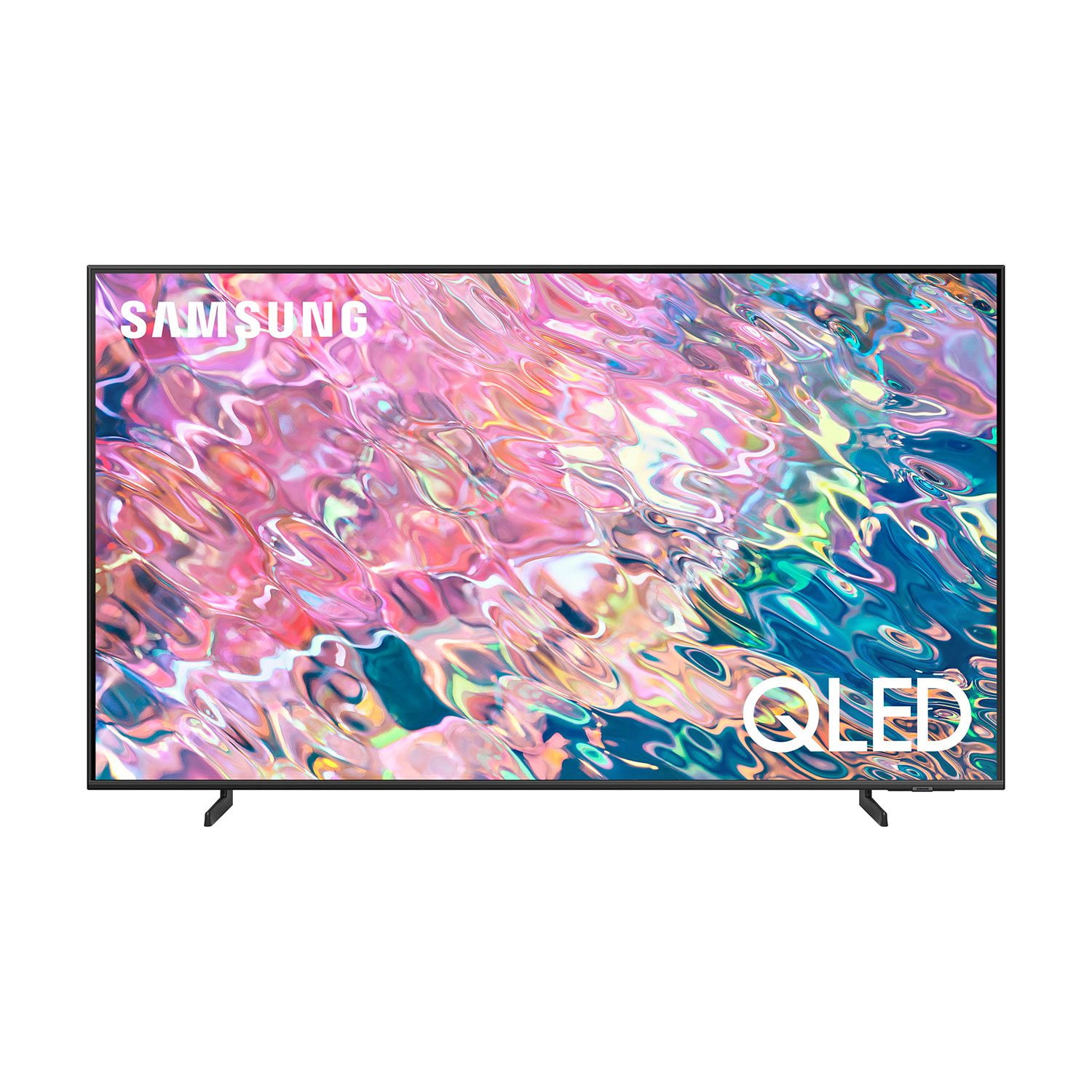
Customer reviews for SAMSUNG 75" Class Q60B-Series QLED 4K Smart TV - QN75Q60BDFXZA for
SAMSUNG 75" Class Q60B-Series QLED 4K Smart TV - QN75Q60BDFXZA
4.6 out of 5 stars
stars524 ratings504 reviews
  1. 5 stars77% (401)
  2. 4 stars16% (83)
  3. 3 stars3% (16)
  4. 2 stars1% (5)
  5. 1 star4% (19)
Write a review
Sort by |
Showing 281-290 of 504 reviews
Oct 5, 2022
Omarrie
4 out of 5 stars review

Great TV I love it!!!

[This review was collected as part of a promotion.] I have no issues with this TV, I love it, but only one flaw when playing my PS5 is that from bright scene to dark scenes is not smooth.

Review from Samsung US
Helpful?3TIIP6E2LJGB13903455951
reply from Samsung Brand Ambassador

Omarrie, I’m sorry to hear you’re not fully satisfied with the Q60B TV’s picture quality. If the image is too dim, please try disabling some of the TV's energy efficiency functions, as these will automatically adjust your picture and may cause your screen to appear brighter or darker than preferred. Go to: Home > Menu > Settings > All Settings > General & Privacy > Power and Energy Saving > turn off Brightness Optimization, Brightness Reduction, and Motion Lighting You may also want to try adjusting image settings to improve your picture. Go to Home > Menu > Settings > All Settings > Picture > Picture Mode 1) Standard: Is the default mode suitable for general viewing environments. 2) Movie: Is suitable for watching TV or movies in a dark room. 3) Dynamic: Makes the picture brighter and clearer in bright viewing environments. 4) Filmmaker Mode: You can watch the source content (e.g., movie) as it is. If the image is defined as Filmmaker Mode, it will automatically switch to Filmmaker Mode while watching. You can also customize the brightness level of your screen between 0 – 50 to your preference. Go to: Home > Menu > Settings > All Settings > Picture > Expert Settings Please also make sure you’ve got the latest firmware version installed on your TV. You can check this by going to: Home > Menu > Settings > Support > Software Update > Update Now I hope these tips help. Should you need further assistance, please call us at 1-800-SAMSUNG, 8AM - 12AM EST, 7 days a week. Or visit us on the Samsung website and click on the ‘Support’ link for: • LiveChat • Manuals, Software, & Warranty Info ~ Samsung Specialist

Oct 24, 2022
Axlrose89
5 out of 5 stars review

Great picture quality

[This review was collected as part of a promotion.] I use it mostly for YouTube and watching movies. Great picture quality. Sound quality is good but it's best to use Samsung sound bar.

Review from Samsung US
Helpful?3TIIP6E2LJGB13903455951
Jun 16, 2022
Kristin
5 out of 5 stars review

This tv has an outstanding picture

[This review was collected as part of a promotion.] The tv is great for streaming and watching movies. The quality of the picture is the best I've seen. The speed at which I am able to navigate between different streaming systems is very fast.

Review from Samsung US
Helpful?3TIIP6E2LJGB13903455951
Aug 23, 2022
Samsungfan4life
5 out of 5 stars review

Great Modern TV

[This review was collected as part of a promotion.] Looks incredible, very modern and does everything a TV should do and more! Will make a great centerpiece for any living room.

Review from Samsung US
Helpful?3TIIP6E2LJGB13903455951
Oct 25, 2022
Snicker
5 out of 5 stars review

This product has great features love it

[This review was collected as part of a promotion.] I love it because I can play my Xbox Sirius X and watch videos on my Smart Box it's great on family night when we watch movies and play games

Review from Samsung US
Helpful?3TIIP6E2LJGB13903455951
Jun 16, 2022
Jdelbosco
5 out of 5 stars review

Very happy with this TV!

[This review was collected as part of a promotion.] Very happy with this TV! Smart features work well, easy setup, good and compact remote. Excels at vintage black and white films. The best TV we have owned; very impressed by Samsung quality.

Review from Samsung US
Helpful?3TIIP6E2LJGB13903455951
Sep 27, 2022
Niecy0125
3 out of 5 stars review

Good TV, Samsung's tv app sucks

[This review was collected as part of a promotion.] I love the quality of the TV but for 5 days my TV have been roaming, I haven't been able to watch Samsung tv app at all.

Review from Samsung US
Helpful?3TIIP6E2LJGB13903455951
reply from Samsung Brand Ambassador

Niecy0125, It's unfortunate to hear of the app issue you're experiencing. So we can better understand the problems you are experiencing and provide you with troubleshooting assistance, please reach out to Samsung Customer Support at 1-800-SAMSUNG, 8AM - 12AM EST, 7 days a week. Or visit us on the Samsung website and click on the ‘Support’ link for: • LiveChat • Manuals, Software, & Warranty Info ~ Samsung Specialist

Nov 24, 2023
Lee Ann53497
4 out of 5 stars review

Love My New Television!

(This review was collected as part of a promotion.) Best purchase I've made in a awhile! Absolutely recommend the 65 " QLED Smart tv! Couldn't ask for anything better

Review from Caddle
Helpful?3TIIP6E2LJGB13903455951
reply from Samsung Support Team

Hello, thank you for your review and feedback. We will pass your comments along to our store staff and hope you visit us again someday soon.

Oct 25, 2022
skylee
5 out of 5 stars review

The item is working good.

[This review was collected as part of a promotion.] It is simple, reacting fast and working good. The resolution is quite good enough. It provides Youtube, Disney+, Amazon tv, Apple TV, Samsung tv plus, and so forth.

Review from Samsung US
Helpful?3TIIP6E2LJGB13903455951
Sep 27, 2022
Samsung4Life
5 out of 5 stars review

Great Tv.. love it

[This review was collected as part of a promotion.] I use it for my Ps4 and my Direct TV. Pictures Quality and sound are great. I love it. Very good TV. would definitely recommend

Review from Samsung US
Helpful?3TIIP6E2LJGB13903455951