Skip to Main Content
Sams Club
Sams Club
Customer reviews for SAMSUNG 55” Class DU8000 Series UHD 4K Smart TV for
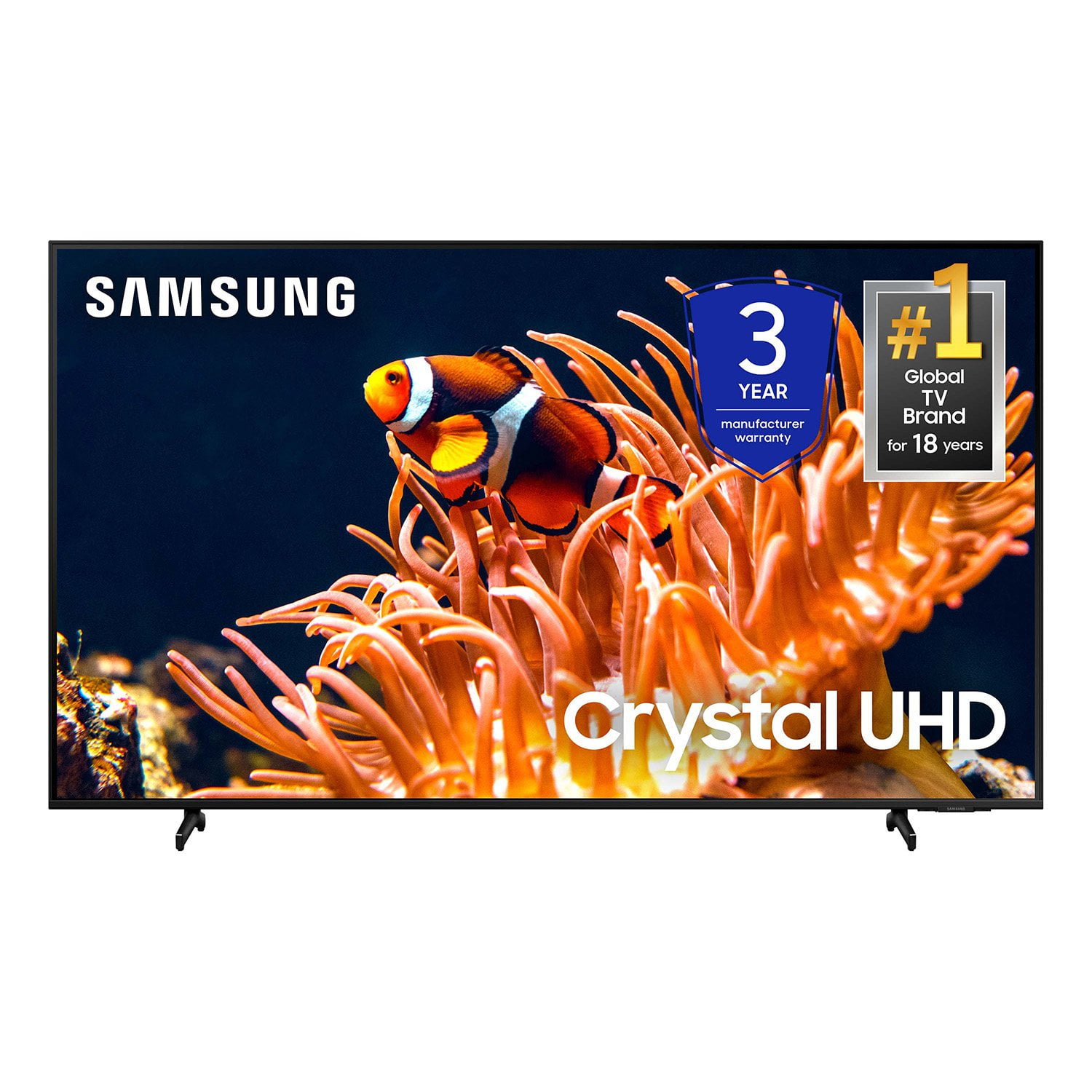
SAMSUNG 55” Class DU8000 Series UHD 4K Smart TV
4.5 out of 5 stars
stars787 ratings784 reviews
  1. 5 stars74% (581)
  2. 4 stars13% (103)
  3. 3 stars5% (42)
  4. 2 stars3% (22)
  5. 1 star5% (39)

Member photos

  • +190 images
Sort by |
Showing 521-530 of 784 reviews
Apr 20, 2025
Mike
5 out of 5 stars review

Sound was good even without sound bar.

Good TV so far. Only a few weeks old but it works good. Will like to totally pair the Spectrum remote with the TV. Let’s see how long this TV will last.

Review from Samsung US
Helpful?3VJGWSQNU1P413891164846
May 5, 2025
Crank2
3 out of 5 stars review

Picture quality is good but not excellent

The sound quality is absolutely horrible i’m gonna have to buy an external speaker to bring it up to halfway decent sound. The navigation with the remote is very poor. Overall I’m dissatisfied with the TV.

Review from Samsung US
Helpful?3VJGWSQNU1P413891164846
reply from Samsung Advisor

Hi Crank2, Thank you for sharing your experience with low volume. There are several volume features you can adjust, which may improve your audio experience. 1) Auto Volume automatically adjusts the sound to a certain level when changing channels or switching to another external input. Go to Settings > All Settings> Sound > Expert Settings > Auto Volume. 2) Adaptive Sound automatically adjusts to a specific volume level while watching TV. The TV analyzes your volume usage history by time period to automatically adjust the volume when you use an app or switch to an external input source. Go to Settings> All Settings> Sound> Sound Mode> Adaptive Sound. 3) Several Sound Modes are likewise available to meet your personal preferences: Home > Settings > All Settings> Sound > Sound Mode. Also, some sources have their own volume control, which might need to be set higher. Please check the volume control of the external device (cable box or satellite box, DVD, Blu-ray, etc.) connected to your TV. Also, check the cable connection between an external device and the TV and then try the cable connection again. To learn how to use your Samsung remote and understand the settings on your TV, please use your remote to access the remote guide. Go to Home> (left directional button) Settings> Support> Remote Control Guide. If you need more help, Samsung is here for you. Please call us at 1-800-SAMSUNG, 8 AM - 12 AM EST, seven days a week. Our LiveChat agents are also available by clicking on the ‘Support’ link on our website. ~Samsung Advisor

Feb 5, 2025
Asher
4 out of 5 stars review

Wrong size

I do like the the picture, I am disappointed in the size, it is the exact same size as my old 42” set. I do really like the remote. But if I had to do it over again, I probably wouldn’t buy it.

Review from Samsung US
Helpful?3VJGWSQNU1P413891164846
Nov 14, 2024
Hazeypoo
4 out of 5 stars review

Absolutely love it!

[This review was collected as part of a promotion.] I use this TV to play Xbox on and it's buttery smooth for 60fps. The HDR is truly amazing when watching movies. The price isn't to bad either. I've always loved Samsung products.

Review from Samsung US
Helpful?3VJGWSQNU1P413891164846
Feb 5, 2025
Nick
5 out of 5 stars review

Great buy!

Great price for the quality, no complaints.. picture is great.. the software has been an easy transition from Roku. Honestly may favorite tv I’ve owned.

Review from Samsung US
Helpful?3VJGWSQNU1P413891164846
Mar 20, 2025
Jt71Bellaire
5 out of 5 stars review

Perfect replacement for my 10 year old 60”

[This review was collected as part of a promotion.] I had such great luck with my old Samsung that I wanted to stay with the brand. I can only hope that this one will last as long as my old one. Fingers crossed.

Review from Samsung US
Helpful?3VJGWSQNU1P413891164846
Mar 20, 2025
Photospeed10
5 out of 5 stars review

Great Video quality

[This review was collected as part of a promotion.] Love it. The size it’s perfect for our living room. The quality of the video is amazing. It’s like having a theater at home specially Since I added the Samsung sound bar .

Review from Samsung US
Helpful?3VJGWSQNU1P413891164846
Jul 22, 2024
Thatboyonline
4 out of 5 stars review

Amazing image quality

[This review was collected as part of a promotion.] This TV has an a.azing image quality, the only reason I'm not giving it a 5 out of 5 is because the speakers are a bit weak. UT on e paired with a sams7ng sound bar it's a 5.

Review from Samsung US
Helpful?3VJGWSQNU1P413891164846
reply from Samsung Advisor

Hi Thatboyonline, Thank you for sharing your thoughts regarding the DU8000 TV’s sound quality. We recommend adjusting the Sound Settings to improve your experience. You can change the Sound Mode by going to Settings > All Settings> Sound > Sound Mode. You can also customize the sound with Expert Settings by going to Settings > All Settings> Sound > Expert Settings. To assist you with possible sound settings adjustments for a better audio experience or choosing a Samsung Soundbar to complement your viewing enjoyment, please reach out to us at 1-800-SAMSUNG, 8 AM - 12 AM EST, seven days a week. Our LiveChat agents are also available by clicking on the ‘Support’ link on our website. ~ Samsung Advisor

May 19, 2025
Anonymous
3 out of 5 stars review

Good TV, needs more memory

[This review was collected as part of a promotion.] I watch the TV all the time. My only complaint is there isn't enough space for all the apps I want on there

Review from Samsung US
Helpful?3VJGWSQNU1P413891164846
reply from Samsung Advisor

Hi RodSteele, Thank you for your feedback on the DU8000 TV. Please know your opinion is important to us and will be shared with our internal teams. I recommend trying to clear space by doing the following: 1) Your TV has several self-diagnosis tools that can help solve problems with the signal, network, picture, or sound. Go to Settings > Support> Device Care > Start Device Care 2) You may also want to clear out your TV's temporary storage space by pressing and holding the Power button for 6 seconds. If you need more help, Samsung is here for you! Please call us at 1-800-SAMSUNG, 8 AM - 12 AM EST, seven days a week. Our LiveChat agents are also available by clicking on the ‘Support’ link on our website. ~ Samsung Advisor

Apr 20, 2025
Carl007
4 out of 5 stars review

Overall, a good value for the price.

Picture quality is good. It took some time to adjust picture to optimal clarity and color balance. Speakers are a bit weak and screen glare from any surrounding lights is pronounced.

Review from Samsung US
Helpful?3VJGWSQNU1P413891164846