Skip to Main Content
Sams Club
Sams Club
Customer reviews for SAMSUNG 55” Class DU8000 Series UHD 4K Smart TV for
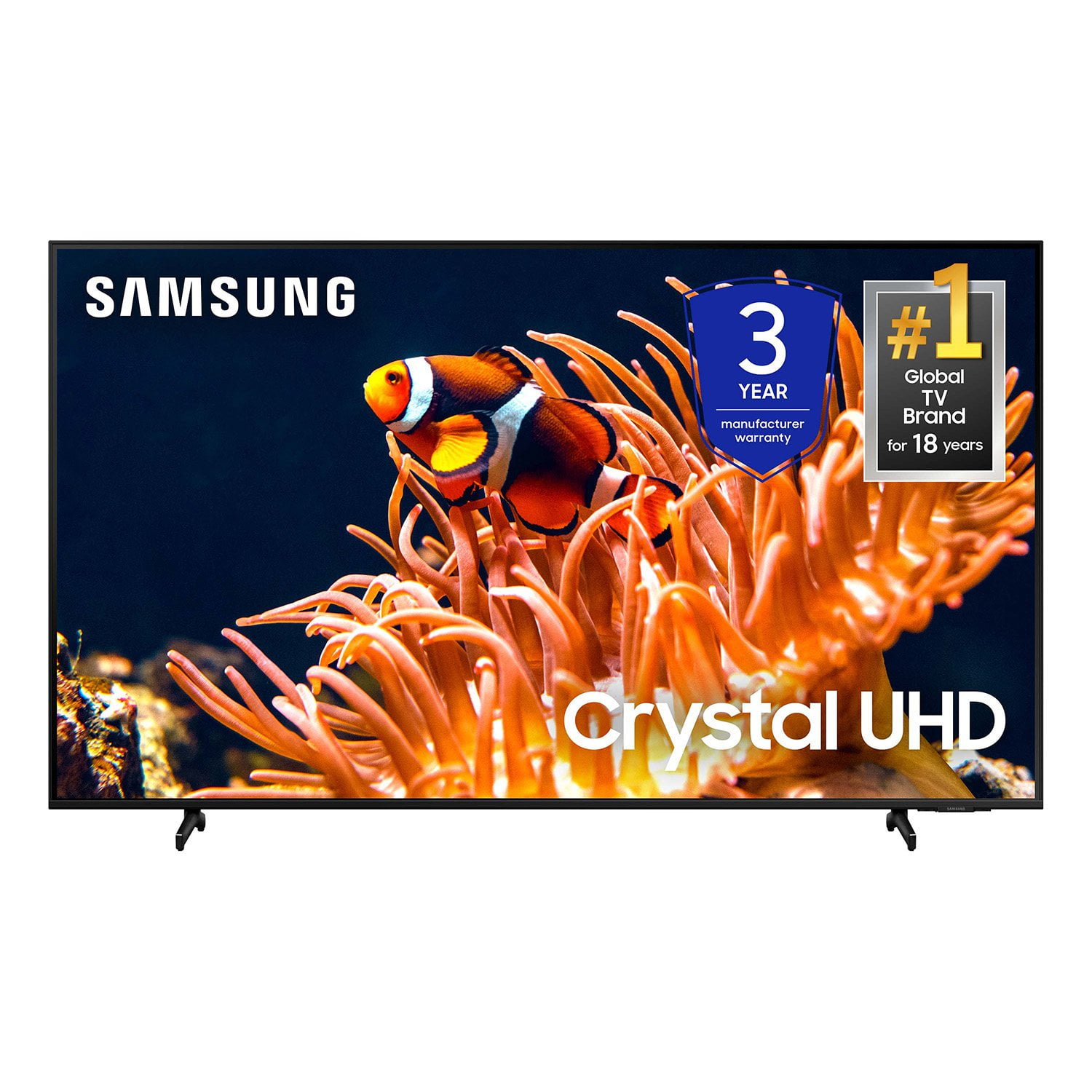
SAMSUNG 55” Class DU8000 Series UHD 4K Smart TV
4.5 out of 5 stars
stars787 ratings784 reviews
  1. 5 stars74% (581)
  2. 4 stars13% (103)
  3. 3 stars5% (42)
  4. 2 stars3% (22)
  5. 1 star5% (39)

Member photos

  • +190 images
Sort by |
Showing 481-490 of 784 reviews
Jul 3, 2025
Ortiz77
5 out of 5 stars review

Good TV. Better than TCL.

love the screen of this TV. Like the apps to. Works good with my PS5.

Review from Samsung US
Helpful?3VJGWSQNU1P413891164846
Jul 5, 2025
Love
5 out of 5 stars review

Great

Great picture, sound, love the Samsung product thank you

Review from Samsung US
Helpful?3VJGWSQNU1P413891164846
Jul 5, 2025
No name
5 out of 5 stars review

Good product

Product is of high quality and works just fine-a little difficult to set up.

Review from Samsung US
Helpful?3VJGWSQNU1P413891164846
Aug 6, 2025
joey
5 out of 5 stars review

Great TV

I love my TV Great picture, easy to navigate I love my TV

Review from Samsung US
Helpful?3VJGWSQNU1P413891164846
Jul 5, 2025
TV Time
5 out of 5 stars review

Great Purchase

The quality of the picture is excellent ! It's very sharp with beautiful colors.

Review from Samsung US
Helpful?3VJGWSQNU1P413891164846
Aug 3, 2025
Danny
4 out of 5 stars review

Smash

Samsung is called the best for a reason the games look amazing with my Xbox

Review from Samsung US
Helpful?3VJGWSQNU1P413891164846
Jul 20, 2025
Kenny
4 out of 5 stars review

Basics

Instalation was a breeze. Sound and picture are great.

Review from Samsung US
Helpful?3VJGWSQNU1P413891164846
Jul 23, 2025
Mitto
5 out of 5 stars review

Great Deal, great TV

Love everything about it, great PIC and Sound. Also love all the options.

Review from Samsung US
Helpful?3VJGWSQNU1P413891164846
Jun 5, 2025
Mets
2 out of 5 stars review

Sound effects

Sound is not great have to turn tv volume almost to 100 to get good sound

Review from Samsung US
Helpful?3VJGWSQNU1P413891164846
reply from Samsung Advisor

Hi Mets, Thank you for sharing your experience with low volume. There are several volume features you can adjust, which may improve your audio experience. 1) Auto Volume automatically adjusts the sound to a certain level when changing channels or switching to another external input. Go to Settings > All Settings> Sound > Expert Settings > Auto Volume. 2) Adaptive Sound automatically adjusts to a specific volume level while watching TV. The TV analyzes your volume usage history by time period to automatically adjust the volume when you use an app or switch to an external input source. Go to Settings> All Settings> Sound> Sound Mode> Adaptive Sound. 3) Several Sound Modes are likewise available to meet your personal preferences: Home > Settings > All Settings> Sound > Sound Mode. Also, some sources have their own volume control, which might need to be set higher. Please check the volume control of the external device (cable box or satellite box, DVD, Blu-ray, etc.) connected to your TV. Also, check the cable connection between an external device and the TV and then try the cable connection again. If you need more help, Samsung is here for you! Please call us at 1-800-SAMSUNG, 8 AM - 12 AM EST, seven days a week. Our LiveChat agents are also available by clicking on the ‘Support’ link on our website. ~Samsung Advisor

Aug 5, 2025
Qjohnson
1 out of 5 stars review

Sound not great.

Sound is not great. Also, the Home Screen seems to freeze often.

Review from Samsung US
Helpful?3VJGWSQNU1P413891164846