Skip to Main Content
Sams Club
Sams Club
Customer reviews for SAMSUNG 55” Class QN85D Series 4K Neo QLED Smart TV for
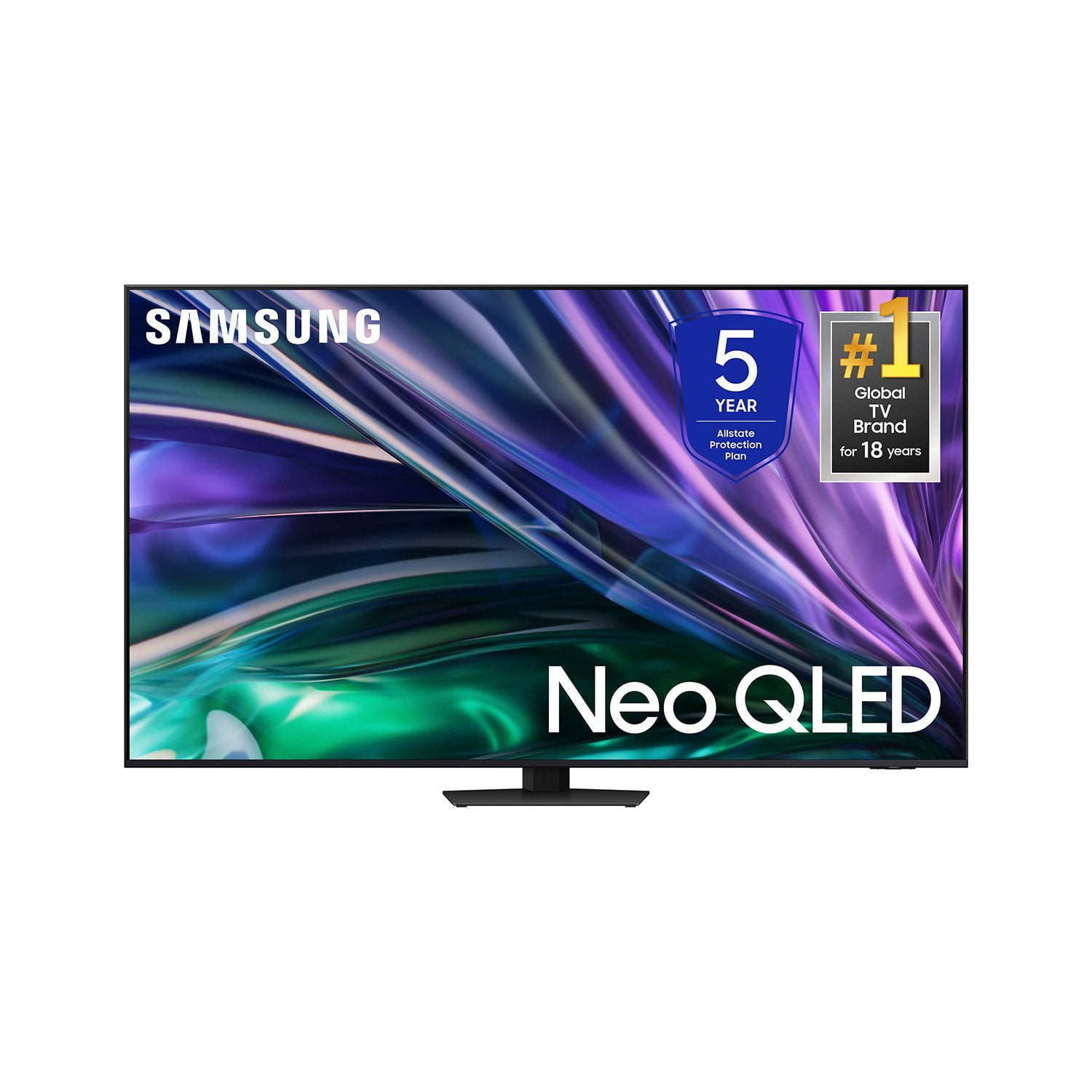
SAMSUNG 55” Class QN85D Series 4K Neo QLED Smart TV
4.7 out of 5 stars
stars251 ratings249 reviews
  1. 5 stars80% (200)
  2. 4 stars13% (33)
  3. 3 stars3% (7)
  4. 2 stars3% (7)
  5. 1 star2% (4)
Write a review

Customer photos

  • +55 images
Sort by |
Showing 241-249 of 249 reviews
Feb 14, 2025
Miky
5 out of 5 stars review

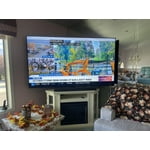
I can see it from my kitchen picture is fantastic

Bought this TV 😁 a little over 2 month absolutely love it

Review from Samsung US
Helpful?4P44UP4L9B8913890014297
Jul 16, 2024
skybird
5 out of 5 stars review

Outstanding Picture

The picture on this TV is amazing. However I wish the stand was more sturdy.

Review from Samsung US
Helpful?4P44UP4L9B8913890014297
Mar 6, 2025
Claudia
5 out of 5 stars review

Awesome TV

I am so happy and satisfied with the TV the quality of the colors is amazing

Review from Samsung US
Helpful?4P44UP4L9B8913890014297
Feb 20, 2025
hicksy
5 out of 5 stars review

good picture

I bought this about 6 months ago and love it. Great picture

Review from Samsung US
Helpful?4P44UP4L9B8913890014297
Mar 16, 2025
Jose Carlos
1 out of 5 stars review

Terrible. Can't download apps

The App section is trash. Can't download apps like Hulu and Peacock.

Review from Samsung US
Helpful?4P44UP4L9B8913890014297
reply from Samsung Specialist

Jose Carlos, We're sorry to hear you've found apps hard to install. Please know that you can customize your Home screen by installing, removing or adding your favorite apps to the Home screen. Here's how: Downloading Apps 1. From the Home screen, press left on the remote. 2. Navigate to and select Search. 3. Using the search bar, enter the content or app you’d like to find. 4. Navigate to and select the app you’d like to install, then select Install. Note: Previously installed apps can be accessed by selecting Apps on the Home screen. Adding & Managing Apps on Home Screen 1. Go to App Settings (these can be found at the bottom of the Apps screen). The following options will be available: a. Add to Home: Move the app to your desired location on the Home screen. b. Lock: Lock the app with a PIN so only you can use it. When the app is selected again, you will be prompted to enter the PIN to unlock it. c. Move: Move the app to another location d. Reinstall: Reinstall the app. e. View Details: View the app’s information and details. If you need more help, Samsung is here for you. Please call us at 1-800-SAMSUNG, 8AM - 12AM EST, 7 days a week. Our LiveChat agents are also available by clicking on the ‘Support’ link on our website. ~ Samsung Specialist

Mar 6, 2025
Pam48
5 out of 5 stars review

Great TV

Purchased in Dec. 2024. Just love it!!!! Beautiful picture. So easy to set up. Thrilled with my tv!

Review from Samsung US
Helpful?4P44UP4L9B8913890014297
Feb 5, 2025
jeet
5 out of 5 stars review

refrigerator

I buy refrigerator last year and its working excellent.

Review from Samsung US
Helpful?4P44UP4L9B8913890014297
Mar 6, 2025
Jim K
5 out of 5 stars review

Great picture and sound

Just installed and working great, picture quality and sound are as expected.

Review from Samsung US
Helpful?4P44UP4L9B8913890014297
Feb 20, 2025
Ginop
5 out of 5 stars review

Fantastic picture quality!

So happy with this best tv I’ve ever had! Fantastic picture quality!

Review from Samsung US
Helpful?4P44UP4L9B8913890014297