Skip to Main Content
Sams Club
Sams Club
Customer reviews for Avery Easy Peel Address Labels w/ Sure Feed Technology, Inkjet Printers, White, 25 Sheets/Pack for
Avery Easy Peel Address Labels w/ Sure Feed Technology, Inkjet Printers, White, 25 Sheets/Pack
4.7 out of 5 stars
stars530 ratings505 reviews
  1. 5 stars85% (453)
  2. 4 stars8% (44)
  3. 3 stars2% (8)
  4. 2 stars0% (2)
  5. 1 star4% (23)
Sort by |
Showing 221-230 of 505 reviews
Feb 11, 2010
StuckOnMail
5 out of 5 stars review

They Stick To The Job

Have used these labels and their bigger brothers for many years - they go through the printer without problems, and maintain their attachement to the mail and packages they're stuck to. Using the Avery template, the print stays centered on the labels from top to bottom of the page. Overall, a useful tool.

Review from avery.com
Helpful?6MPMHK3D2RNL13881618510
Mar 22, 2013
Bluelaura16
5 out of 5 stars review

So many uses!

I am an Avon Representative and I use these labels on my brochures. I put one on the back of each brochure with my name, phone number and email address. It has saved me a bunch of time and cramping hands from writing the info like I used to do. I have also used the labels in many other different ways around my house. I have used them to label plastic storage containers with its contents, boxes with its contents, on canning jars, etc.... This is a very good size of label for a myriad of uses.

Review from avery.com
Helpful?6MPMHK3D2RNL13881618510
Feb 12, 2011
Ciboloman
5 out of 5 stars review

Great Product / Fast Shipping

These Avery labels are great. I mail a lot of letters and packages and have tried several other name brand labels which peel off while printing, jamming & gumming up the printer. The Avery labels say put while printing, yet are easy to peel off once printed. Best part, no special printer software is needed, just visit Avery’s web site for templates or use Microsoft Works as it (yours may differ) comes with Avery label templates. Just select Avery as label type, then select the size (upper right corner of package), example: “8160” (no need to enter size as 1 x 2 5/8) and Microsoft Works pops up the correct template for you. And my hats off to WalMart for fast shipping. I ordered on 02/10/2011, chose .97 cent ship to home option and received the labels FedEx the next day. Thanks WalMart for great products at affordable prices.

Review from walmart.com
Helpful?6MPMHK3D2RNL13881618510
Sep 18, 2019
Pontus One
1 out of 5 stars review

You have 2 versions of #8160.

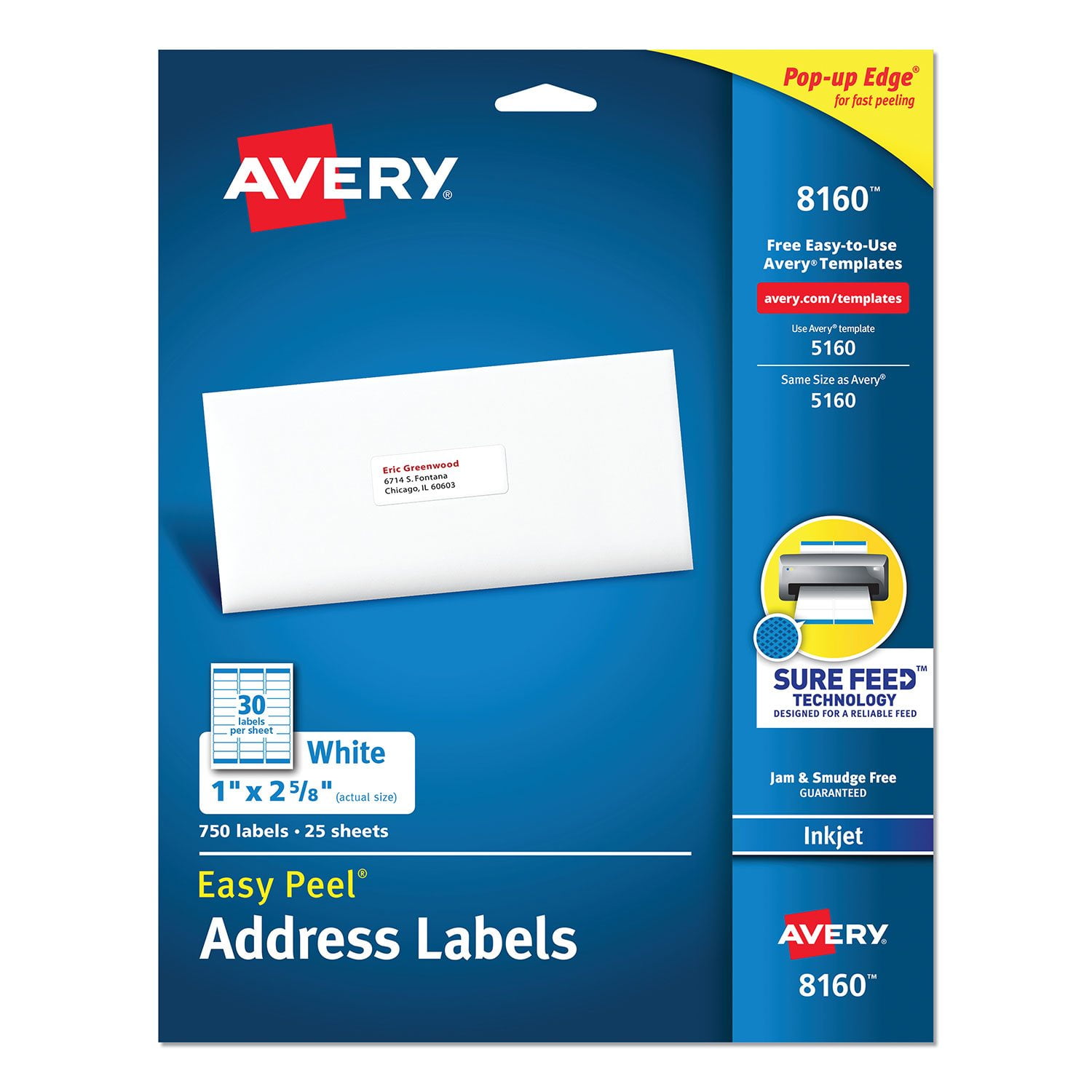
I have the #8160 labels ‘Easy Peel’ 1” x 2 5/8”; 750 labels, 25 sheets. After trying your template, the template is not the same even though your label container says ‘8160’ . How much more time should I waste trying to make your ‘over confident’ template?

Review from avery.com
Helpful?6MPMHK3D2RNL13881618510
Oct 15, 2010
theedge
5 out of 5 stars review

A great multi-use label

These are great address labels but they can also serve to make labels for spice bottles, medicine bottles and tags for electronic chords. Many times I print out address labels to relatives and friends before going on vacation so I can just stick them on a post card or envelope and don't have to carry my address book.

Review from avery.com
Helpful?6MPMHK3D2RNL13881618510
Apr 2, 2012
CMsCurves
5 out of 5 stars review

So many uses

This product is AWESOME! We use it for mailings to our members, for labels on items we donate, for larger labels for files (can put more info than Name or Topic), and LOTS more. It is a perfect size for adding special information to the back of business cards and I often cut in in half for quick stick-on projects.

Review from avery.com
Helpful?6MPMHK3D2RNL13881618510
Oct 9, 2009
torismom
5 out of 5 stars review

Great for Everything

Was an executive assistant for over 20 years, then "retired" to start a family. Now, my teen is in high school, I'm a PTSO mom, and students need everything. Found these labels so quick to make up and easy to use, bought a box for the school! Even taught some students how to download the templates so they can make labels for themselves.

Review from avery.com
Helpful?6MPMHK3D2RNL13881618510
Mar 30, 2012
workpro
5 out of 5 stars review

Labels make work easier

Avery labels are not just for addressing envelopes. I have been using the labels for mapping purposes also. Using the labels on 24" x 36" maps makes comments and instructions easier to read compared to my handwritting. Then scan the map, then print and it comes out looking more professional.

Review from avery.com
Helpful?6MPMHK3D2RNL13881618510
Sep 21, 2013
Mudbone
5 out of 5 stars review

Time Savers

Using these Avery address labels save me so much and frustration. I print up a sheet with the addresses I use most (also my return address), that way I always have them on hand. What a time saver and they look nice. I use other Avery products also and I highly recommend them.

Review from avery.com
Helpful?6MPMHK3D2RNL13881618510
Jun 29, 2012
jo51
5 out of 5 stars review

Awesome!

I purchased these to use for mailing my Christmas Cards. Had never done mailing labels before. These were just the right size, easy peel, and the ink jet printer was able to do a really professional job on these. I used the Avery Wizard for the first time, and was so excited with the way my envelopes looked, I did the address list for my son and his wife and printed labels for them. When I do a mailing such as this, I save the few on the bottom and use them to label other things such as plastic containers with food to freeze. Would you believe these few leftover labels keep your freezer organized as well? Love them and the ease for a novice to use.

Review from avery.com
Helpful?6MPMHK3D2RNL13881618510