Skip to Main Content
Sam's Club
Sam's Club
Customer reviews for SAMSUNG 43" Class The Frame QLED 4K Smart TV for
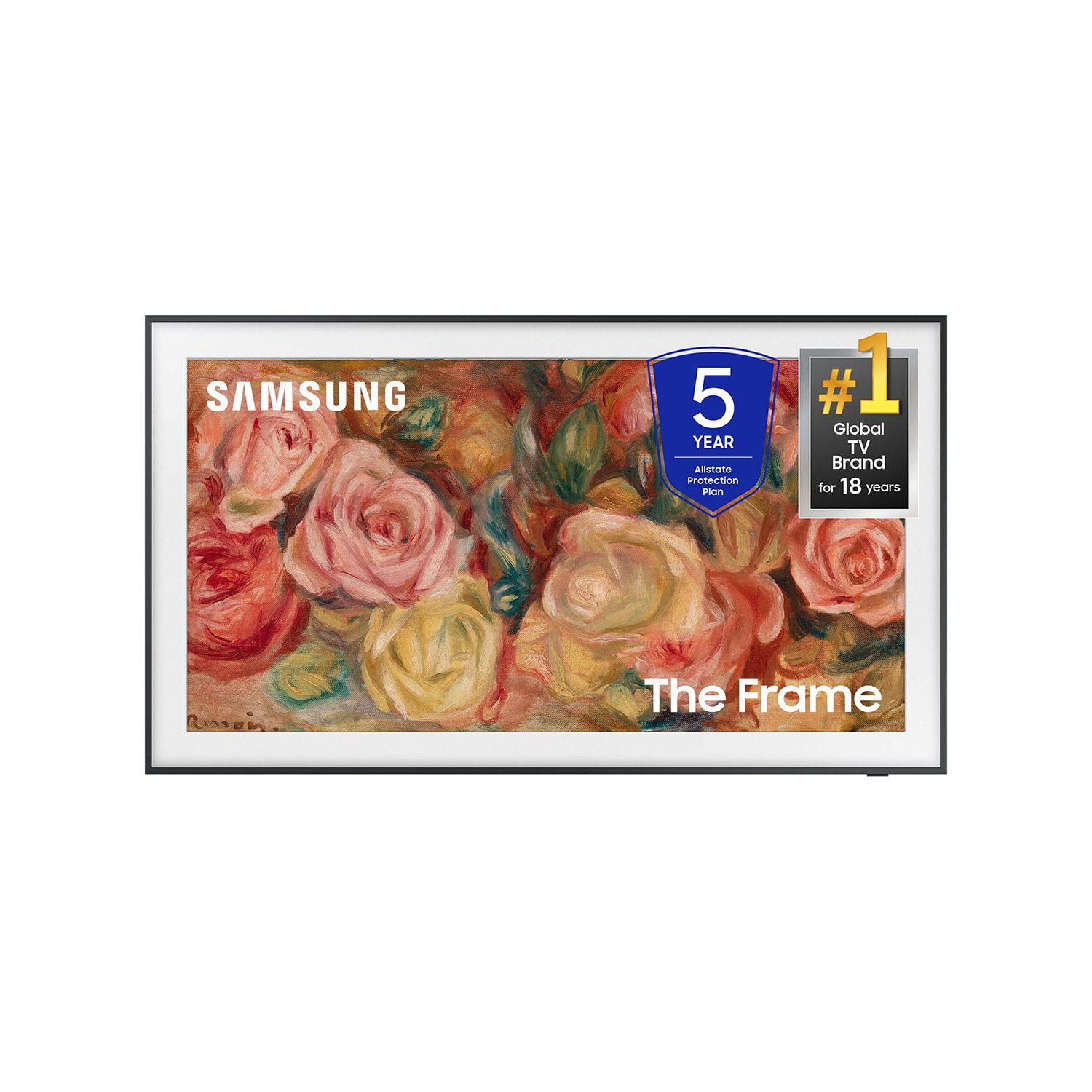
SAMSUNG 43" Class The Frame QLED 4K Smart TV
4.6 out of 5 stars
stars209 ratings207 reviews
  1. 5 stars74% (155)
  2. 4 stars14% (30)
  3. 3 stars7% (14)
  4. 2 stars3% (6)
  5. 1 star2% (4)

Member photos

  • +61 images
Sort by |
Showing 201-207 of 207 reviews
Jun 23, 2024
MuDoers
5 out of 5 stars review

WALL Painting

[This review was collected as part of a promotion.] This frame looks like a small painting i love to see abstract art on dim settings

Review from Samsung US
Helpful?3CML86905LGZ13880608513
May 21, 2024
Greatshows
5 out of 5 stars review

This tv has great options

[This review was collected as part of a promotion.] All the free shows you frame is a great tv I have 2 of them looking at buying another one

Review from Samsung US
Helpful?3CML86905LGZ13880608513
Mar 30, 2025
Jojojo
5 out of 5 stars review

Amazing amazing

[This review was collected as part of a promotion.] Great aesthetic of a frame love every minute of it

Review from Samsung US
Helpful?3CML86905LGZ13880608513
Sep 5, 2024
Joshua
5 out of 5 stars review

Great product

[This review was collected as part of a promotion.] All Samsung products work awsome. And have some amazing features. Easy to use.

Review from Samsung US
Helpful?3CML86905LGZ13880608513
Apr 20, 2025
LMS6300
5 out of 5 stars review

Great quality

[This review was collected as part of a promotion.] Great quality TV and easy to use and set up. Highly recommend.

Review from Samsung US
Helpful?3CML86905LGZ13880608513
Feb 22, 2025
wchris
1 out of 5 stars review

tv

TV keeps turning off every 15 mins by itself. I've factory reset it twice

Review from Samsung US
Helpful?3CML86905LGZ13880608513
reply from Samsung Specialist

wchris, It’s unfortunate to hear your TV is turning off by itself. Please try a few troubleshooting steps that may help solve the issue: 1. Unplug the TV from the wall outlet or surge protector and leave it unplugged for 30 seconds. 2. Check the power cord to see if there is any visible damage. 3. Plug the TV power cord back into the wall outlet. If you were using a surge protector, bypass it for now and use a wall outlet. 4. Try to update the software. In some cases, a software update can correct the problem. There is a risk, however. If the TV turns off during the software update, it could damage the TV. Updates can take up to 30 minutes depending on network speed, so if the TV is not turning off too frequently, try updating the software. If the TV continues to turn off by itself, please call us at 1-800-SAMSUNG, 8AM - 12AM EST, 7 days a week. Our LiveChat agents are also available by clicking on the ‘Support’ link on our website. ~ Samsung Specialist

Dec 2, 2024
Razorback
5 out of 5 stars review

Beautiful Art Addition

A beautiful art addition to our living room decor.

Review from Samsung US
Helpful?3CML86905LGZ13880608513