Skip to Main Content
Sams Club
Sams Club
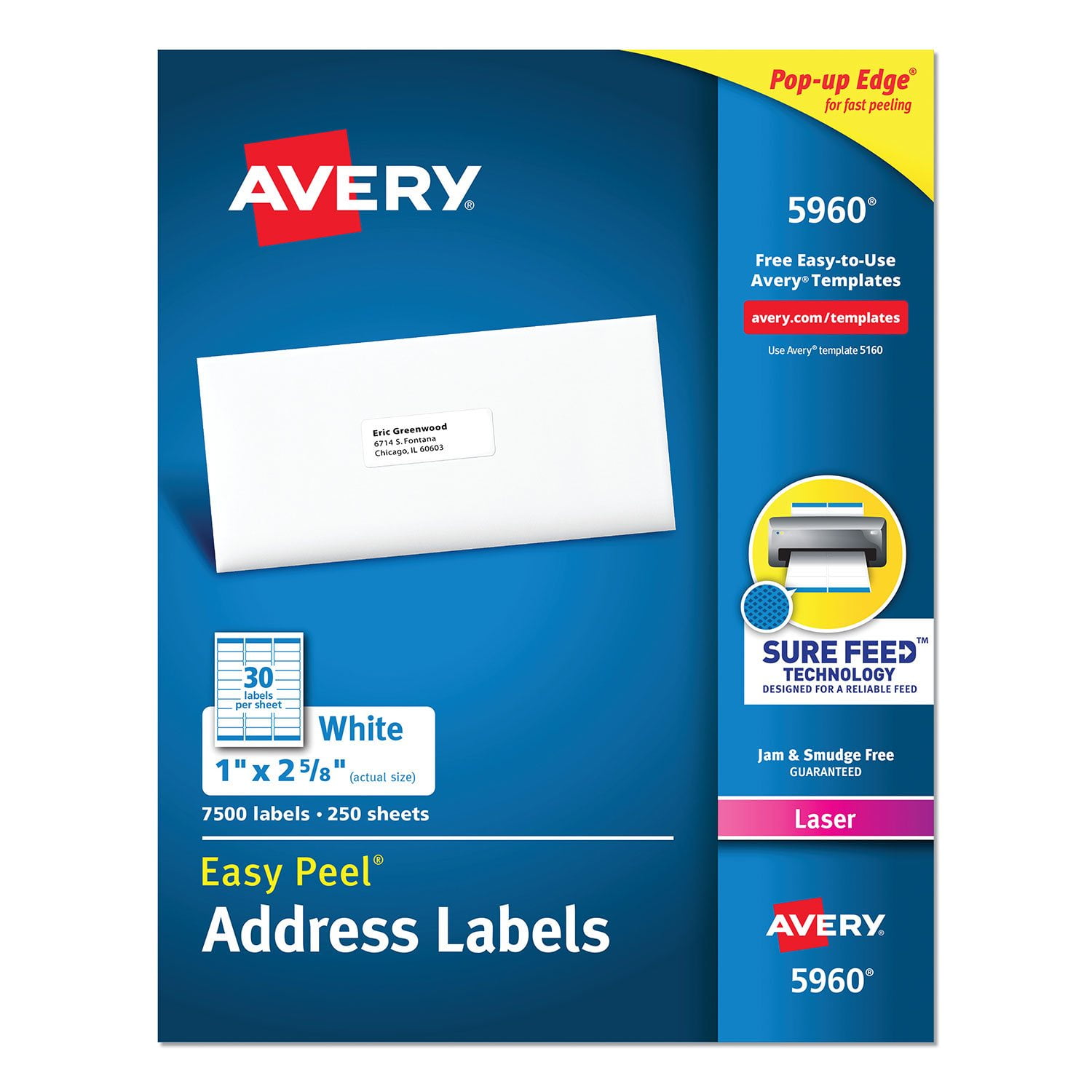
Customer reviews for Avery Easy Peel Address Labels w/ Sure Feed Technology, Laser Printers, White, 250 Sheets/Pack for
Avery Easy Peel Address Labels w/ Sure Feed Technology, Laser Printers, White, 250 Sheets/Pack
4.8 out of 5 stars
stars1,352 ratings1,339 reviews
  1. 5 stars89% (1,207)
  2. 4 stars8% (112)
  3. 3 stars1% (14)
  4. 2 stars0% (3)
  5. 1 star1% (16)
Sort by |
Showing 271-280 of 1,339 reviews
Sep 29, 2013
richkl
5 out of 5 stars review

All purpose

I use them for everything.including return labels, item/product labels, letter head address, envelope and storage boxes, etc. They are easy to work with, whether it is a single label or a whole page. They are easy to remove and stick firmly on whatever I put them on.. Much better than bargain brands. Professional work needs the professional quality of Avery.

Review from avery.com
Helpful?5Q7LR0KW8O7V13869767186
Oct 1, 2012
Elizabeth22
5 out of 5 stars review

Truly an office staple

There is one thing everyone comes to me for - labels. I always keep the Avery 5160 labels on hand because we use them for everything: mailings, folder identification, (mug identification), name tags, jeans day stickers. In a pinch, it hits a homerun. It's easy to set up, print and even my "take your daughter to work day" daughter used to print labels for me. Seriously - you can't go wrong with this product. It would be super great for scouts or camping/traveling. Try it. You'll like it!

Review from avery.com
Helpful?5Q7LR0KW8O7V13869767186
Sep 26, 2015
kenu
2 out of 5 stars review

It could use a better adhesive & printer loading directions.

This product is very useful for generating many copies of personal or business return address labels. In my opinion, however, it needs some improvement: (a) please make the adhesive stronger so that the labels do not curl up and drop off envelopes in transit; (b) provide clear printer hopper insertion directions so there is no guesswork, trial-and-error and wasted label sheets; (c) ensure that the label sheets are more heat resistant so they don't curl up in laser printers and the ink sticks to the labels better

Review from avery.com
Helpful?5Q7LR0KW8O7V13869767186
Oct 16, 2009
lindylew22
5 out of 5 stars review

Label Review

I do a lot of different projects for different people. Mail merges is a big one and Avery makes it simple. I'm not really a "follow the directions" type person and usually move along fine. If I hit a road bump Avery directions are simple to follow. I have used store brand (like) products and they do not line up the same

Review from avery.com
Helpful?5Q7LR0KW8O7V13869767186
Jun 21, 2012
Slashie
5 out of 5 stars review

Would be lost without Avery Labels

I have no idea what I did before Avery labels were introduced. I've used them for both home and office mailings; newsletter mailings; cutting them in half to seal the newsletters (cost effective); storage box labeling...I could go on and on. Avery labels are a great product for every home and office.

Review from avery.com
Helpful?5Q7LR0KW8O7V13869767186
Jan 12, 2016
Amanda the Office Whiz
5 out of 5 stars review

Read this!

People, you have to change the settings in Word for these to be printed correctly. In the Mailings tab, click Labels, then options, then select Avery US Letter from the vendor drop down menu and then search for the 5160 Addressing Labels template. Then on the next screen, type the address. To change those settings, hi-lite the text, R click and select Font to change the font style, size and color. Select Paragraph to change the Spacing Before and Spacing After settings. Set to 0 for no spacing.

Review from avery.com
Helpful?5Q7LR0KW8O7V13869767186
Sep 30, 2013
LadyJ17
5 out of 5 stars review

Not just an envelope label

I find many uses for the 5160 labels. One of my favorites is for certified, return receipt mail forms. This size label is perfect for the return receipt, and I just trim a smidge after printing to fit on the certified postal form. Legible, neat, tidy and very professional looking. I don't use many other postal supplies, but think these labels would work on many other forms as well.

Review from avery.com
Helpful?5Q7LR0KW8O7V13869767186
Sep 22, 2024
smacri
1 out of 5 stars review

Avery 74652

I tried everything to get these name badges to print correctly Avery Name Badges 74652. I used the Pages template on a MacBook Air. I’ve used Avery labels in the past and I’ve never had a problem with them. Not sure what went wrong. I ended up printing the name badges on regular card stock.

Review from avery.com
Helpful?5Q7LR0KW8O7V13869767186
reply from Customer Care

Hello, thank you for your review. I can see that this product is a custom paper size, so perhaps changing the paper size in your printer settings could help, as these sheets are 4.25x10.5in.

Mar 28, 2011
jsmith
5 out of 5 stars review

Always Improving

I have been using Avery address labels for a long, long time, and I am impressed that you keep making improvements to the product for ease of use. I used to tear off all the extraneous material between the labels, but now the labels come that way. And I love that I can tear off one column of labels and have that leading edge of adhesive exposed so I can grab a label and get it applied quickly. Labeling is not one of my favorite activities, but Avery sure makes it easier! Thanks, Avery!

Review from avery.com
Helpful?5Q7LR0KW8O7V13869767186
Oct 11, 2010
doingtoomuch
5 out of 5 stars review

Avery Labels are Best

I have always turned to Avery for these type products. I always find them easy to use and of high quality. The templates provided to print by computer are easy to follow and always print out perfectly. Thank you for providing such good quality labels and related products.

Review from avery.com
Helpful?5Q7LR0KW8O7V13869767186