Skip to Main Content
Sams Club
Sams Club
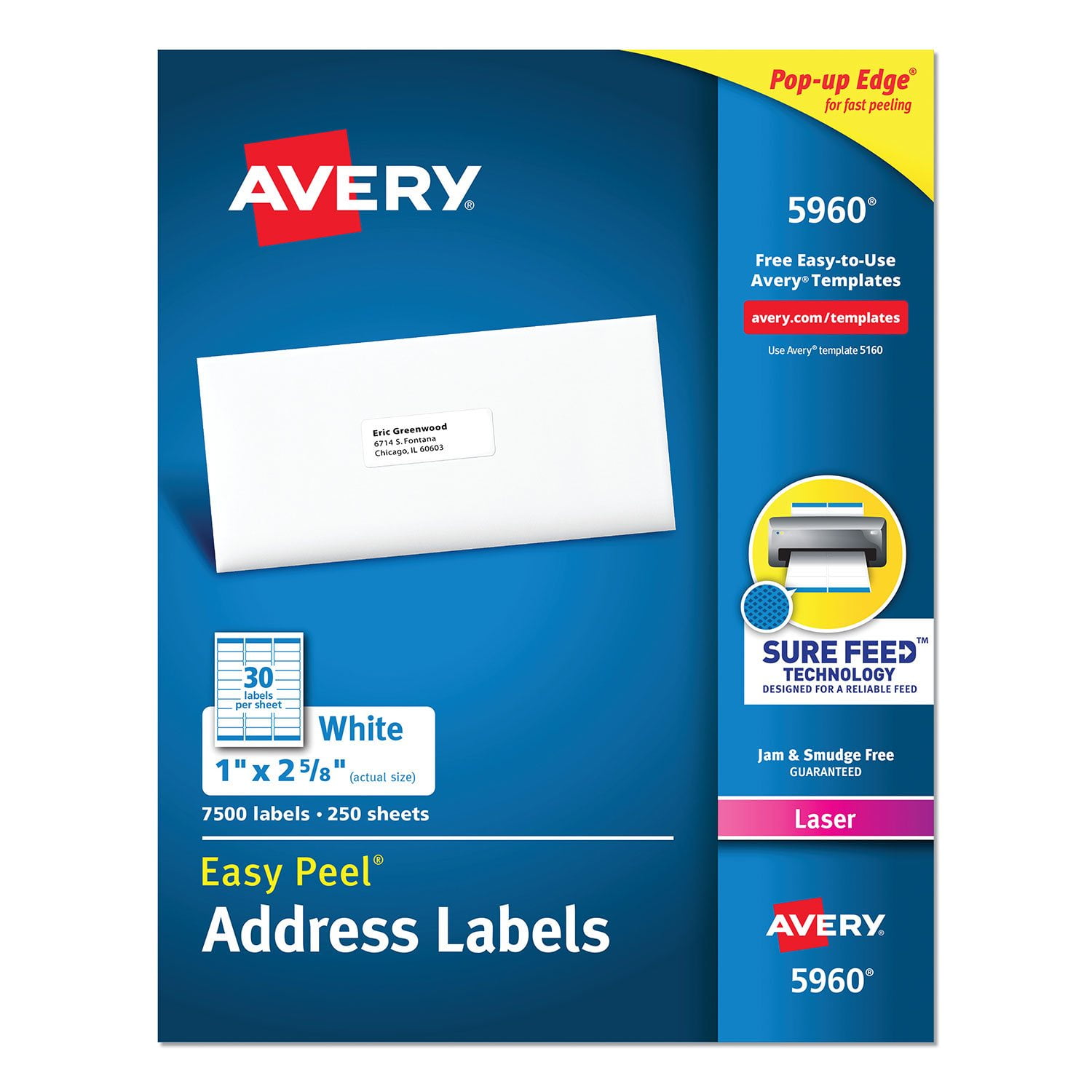
Customer reviews for Avery Easy Peel Address Labels w/ Sure Feed Technology, Laser Printers, White, 250 Sheets/Pack for
Avery Easy Peel Address Labels w/ Sure Feed Technology, Laser Printers, White, 250 Sheets/Pack
4.8 out of 5 stars
stars1,352 ratings1,339 reviews
  1. 5 stars89% (1,207)
  2. 4 stars8% (112)
  3. 3 stars1% (14)
  4. 2 stars0% (3)
  5. 1 star1% (16)
Sort by |
Showing 161-170 of 1,339 reviews
Oct 13, 2010
Bobbibear
5 out of 5 stars review

Super useful

I have always used these labels for the basic use of addresses. However, I have found some unusual additional uses for them as well. 1. Nametags: I teach large classes and only wish to see first names and that is what I ask for as large as they can fit or a nickname. 2. Icebrakers: At friendly meetings I ask each to write their name and print one important thing about themselves. At the beginning of the meeting, I have the person to the right introduce the person to the left to the group and tell them of her special talent. 3. Cords: In this very heavy electronic age, keeping track of all the different cords is very confusing. To fix this I write the name of the device on the label on both ends and then stick it around the cord. 3. Games: I choose famous people, places of things depending upon the kind of party it is. Place the name on a label and have the person ask someone a yes or no question about the person. First one to guess whose name is on the back wins. All in all, I feel these address labels are a very valuable and important part of my private and professional life. I recommend them to everyone.

Review from avery.com
Helpful?5Q7LR0KW8O7V13869767186
Sep 25, 2015
Chuckles
5 out of 5 stars review

Wow! The selections are endless

I use the labels and labeling products on a variety of items. Group mailing labels, individual labels and even custom work. The labels are high quality and even though I use the full sheet (30) labels, I often have odd labels left over that I can use to print individual labels when needed.

Review from avery.com
Helpful?5Q7LR0KW8O7V13869767186
Oct 11, 2009
PaperAddict76
4 out of 5 stars review

Best address labels made !!

I love Avery's labels and these are my favorites ! I guess if there's one down side - it's that they are only available in large quantities. With the economy the way it is, alot of us are out of work or trying to work out of our homes and would appreciate a smaller package which would be more economic. Thanks for the great product, Avery : ) Keep up the good work !

Review from avery.com
Helpful?5Q7LR0KW8O7V13869767186
Oct 8, 2009
sherib
5 out of 5 stars review

Get the Job Done!

I have depended on Avery products for over 15 years to securely label mail. Avery listens to feedback and continues to improve their product such as the easy peel feature, a must with mass mailings, and technology to reduce printing smear. Works seamlessly with Word mail merge.

Review from avery.com
Helpful?5Q7LR0KW8O7V13869767186
Aug 27, 2018
Dori
3 out of 5 stars review

Address labels

I have been using Avery labels for well over 12 years and go through about 600-1000 sheets a month. I have tried the surefeed labels and they are no better than your other labels. I cannot load several sheets without several sheets going through at a time and that defeats my purpose. With that said... I only use Avery labels because of the quality.

Review from avery.com
Helpful?5Q7LR0KW8O7V13869767186
reply from Avery Consumer Care

We’re sorry to hear about the issues you were having. Avery’s Sure Feed technology is designed to prevent misfeeds and jamming for more accurate print alignment and improved printer performance. We’d love to learn more about this issue as we always aim to provide a hassle-free, high quality product. Please contact our Consumer Care Center for more assistance at (800) GO AVERY or through chat at Avery.com/contact

Sep 27, 2010
HoPoAo01
4 out of 5 stars review

Great for crafts/business

My daughter makes hand made soap for craft fairs and uses these labels to create her own soap labels. We have also used them to label home made jelly/salsa. It was easier to create our own label than trying to use a template on the website ..we tried but had difficulty trying to import our own picture for the label. Regardless, they still look nice and we're very satisfied with the end result.

Review from avery.com
Helpful?5Q7LR0KW8O7V13869767186
Sep 24, 2015
Babs
5 out of 5 stars review

Address Labels

The Avery site is so easy to use and the products are great!! There are so many templates to choose from and it is easy to print from your own printer. Avery saves your data so with addresses, you can keep all the work and change the template to make them look different. Fun product!!

Review from avery.com
Helpful?5Q7LR0KW8O7V13869767186
Jan 12, 2016
Amanda the Office Whiz
5 out of 5 stars review

Read this!

People, you have to change the settings in Word for these to be printed correctly. In the Mailings tab, click Labels, then options, then select Avery US Letter from the vendor drop down menu and then search for the 5160 Addressing Labels template. Then on the next screen, type the address. To change those settings, hi-lite the text, R click and select Font to change the font style, size and color. Select Paragraph to change the Spacing Before and Spacing After settings. Set to 0 for no spacing.

Review from avery.com
Helpful?5Q7LR0KW8O7V13869767186
Oct 7, 2012
Jchapp2
5 out of 5 stars review

Just what I needed

Avery has a label size that fits everything you need. I needed to put my contact information on a pre-made brochure to distribute, and this label fit perfectly in the space allotted. Saved me tons of time from hand writing my email address over and over. The template number was easy to use in Microsoft and printed arranged everything neatly. Couldn't ask for anything more.

Review from avery.com
Helpful?5Q7LR0KW8O7V13869767186
Oct 19, 2010
RockLakeGuy
5 out of 5 stars review

Music Labels

We have thousands of anthems in our choir library. Many, if not most ,are in memory of some person. Typing "In Memory of ___" on the label and then printing out the number of copies (usually 50+) for the music makes the job quick, easy, neat and permanent.

Review from avery.com
Helpful?5Q7LR0KW8O7V13869767186