Skip to Main Content
Sams Club
Sams Club
Customer reviews for SAMSUNG 55" Class S90D Series 4K OLED Smart TV for
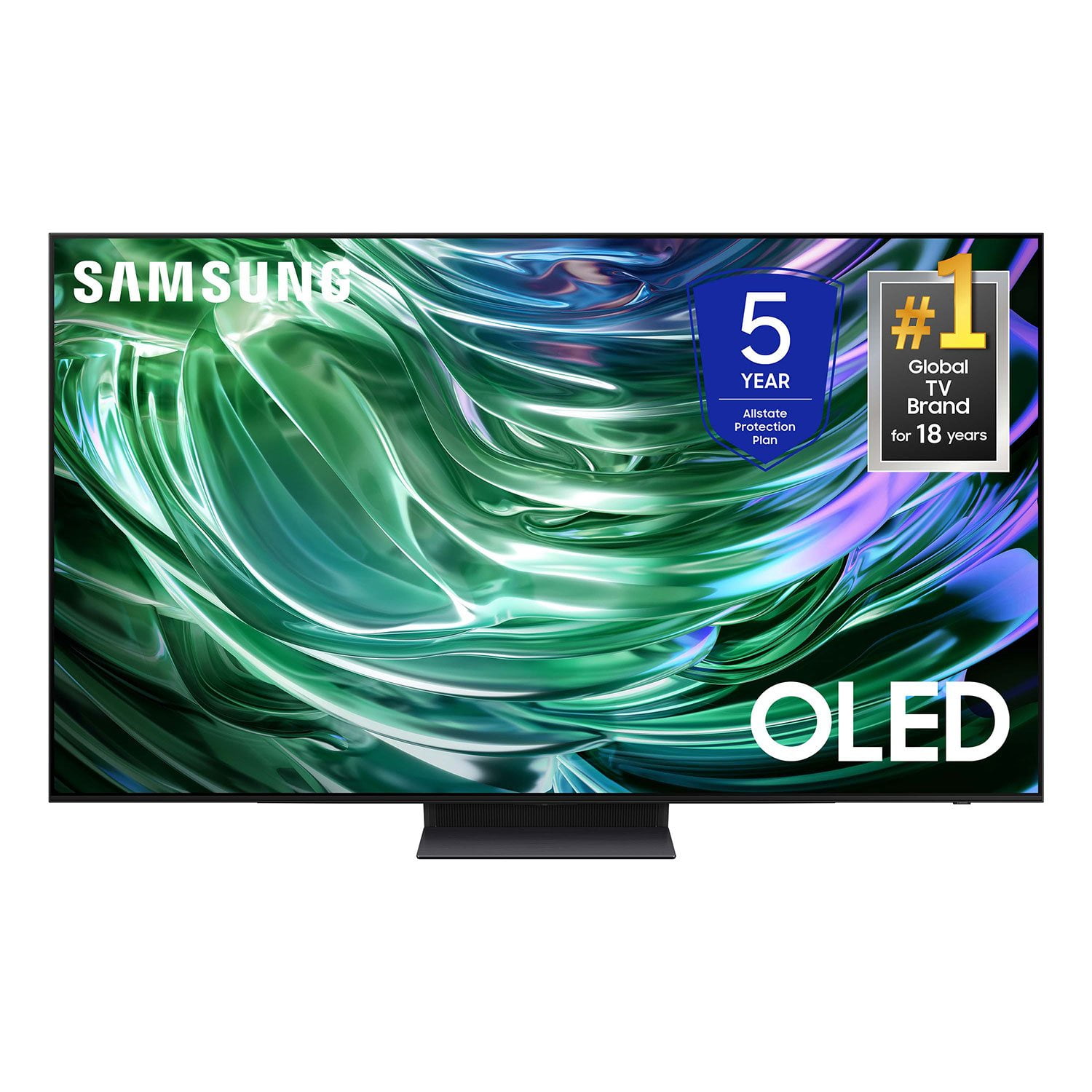
SAMSUNG 55" Class S90D Series 4K OLED Smart TV
4.4 out of 5 stars
stars409 ratings397 reviews
  1. 5 stars69% (284)
  2. 4 stars16% (64)
  3. 3 stars7% (28)
  4. 2 stars2% (8)
  5. 1 star6% (25)
Write a review

Customer photos

  • +80 images
Sort by |
Showing 51-60 of 397 reviews
Mar 21, 2025
Dana74
5 out of 5 stars review

A top notch TV

[This review was collected as part of a promotion.] My new 65” Samsung S90D is beyond compare. Set up was fast and easy. Am streaming via wifi and running sound thru bluetooth and quality is excellent. Have had several Samsungs and this is by far the best so far.

Review from Samsung US
Helpful?4X15JVZ4UVGM13868419382
Apr 19, 2025
0957home
5 out of 5 stars review

Beautiful Picture

[This review was collected as part of a promotion.] I usually do not write reviews. However, as someone who often reads reviews before purchasing, I felt the need to contribute on my experience with this high-end purchase. This is by far, the best television experience ever! The picture quality, overall features and speed is amazing! I have had no issues and highly recommend this model!

Review from Samsung US
Helpful?4X15JVZ4UVGM13868419382
May 16, 2025
Yakov Soloveychik
5 out of 5 stars review

Great TV

Excellent quality, good software, great remote control.

Review from Samsung Canada
Helpful?4X15JVZ4UVGM13868419382
May 5, 2025
Redsmom52
5 out of 5 stars review

Great TV

[This review was collected as part of a promotion.] The picture is amazing. I'm still learning the different options I have and there are many! I'm mostly on cable news and Netflix and I couldn't be happier with the quality of this TV.

Review from Samsung US
Helpful?4X15JVZ4UVGM13868419382
Apr 19, 2025
Anonymous
5 out of 5 stars review

This TV has all apps that I love like youtube

[This review was collected as part of a promotion.] This TV has a great quality has Netflix,youtube and more. Batterys last long also the TV has a big screen has a speaker that is wonderful for party's it's one of the best TV we ever had.

Review from Samsung US
Helpful?4X15JVZ4UVGM13868419382
Feb 2, 2025
Gneves
5 out of 5 stars review

BEAUTIFUL PICTURE- JUST LIKE IN THE STORE

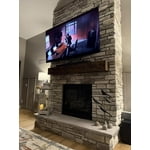
Love it. 65" Beautiful picture. installed it myself and it was easy connecting. weighs 50lbs , so I needed another person to help me install above Fireplace. AMAZING PICTURE- JUSTBLIKE WE SAW IN STORE!

Review from Samsung US
Helpful?4X15JVZ4UVGM13868419382
Mar 20, 2025
HappyRockReviewer
5 out of 5 stars review

Great Picture

[This review was collected as part of a promotion.] I love the picture on this TV! It is so beautiful and rich looking! Samsung is an excellent company with excellent products!

Review from Samsung US
Helpful?4X15JVZ4UVGM13868419382
Mar 21, 2025
JJones
5 out of 5 stars review

Amazing picture

[This review was collected as part of a promotion.] The best picture quality. Hands down. Sometimes the software does an odd thing but it’s not enough to warrant removing a star. 4k blu ray movies are spectacular

Review from Samsung US
Helpful?4X15JVZ4UVGM13868419382
Dec 30, 2024
Patrick
3 out of 5 stars review

EARC does not work

[This review was collected as part of a promotion.] Picture and brightness seem very good but eARC connection produces audio only and no picture, even with new HDMI cable. Have to use alternate HDMI port in order to get both audio and video.

Review from Samsung US
Helpful?4X15JVZ4UVGM13868419382
reply from Samsung Specialist

Hi Patrick, We appreciate your review of Samsung’s S90DD TV. To ensure eARC is functioning properly, please check the following: 1. Disconnect all HDMI devices. To make sure that setup is configured correctly, it's easiest to start from scratch. 2. Turn on only the TV and soundbar. Any other HDMI devices can be left alone for now. After the issue is resolved, you can reconnect and turn on any other devices. 3. Connect the TV and soundbar's ARC ports with an eARC-compatible HDMI cable. After a moment, the TV will autodetect the soundbar. Examples of eARC-compatible cables include a High-Speed HEAC or HEC cable. Make sure you use a cable you know is functional and in good condition. 4. Once the soundbar is detected, enable the proper settings on the TV. Go to Sound > Expert Settings, and enable both HDMI eARC Mode and Dolby Atmos compatibility. 5. Please also make sure you’ve got the latest firmware versions installed on both your TV and your soundbar. I hope these tips help. You can always contact us for further assistance at 1-800-SAMSUNG, 8AM - 12AM EST, 7 days a week. Our LiveChat agents are also available by clicking on the ‘Support’ link on our website. ~ Samsung Specialist

May 10, 2025
Koreanxstallion
4 out of 5 stars review

Breath taking picture quality

[This review was collected as part of a promotion.] Samsung oled series did not disappoint when it comes to picture quality. The only issue I have with recent samsung TVs would be the poorly designed stock stand especially for larger screen sizes.

Review from Samsung US
Helpful?4X15JVZ4UVGM13868419382