Skip to Main Content
Sams Club
Sams Club
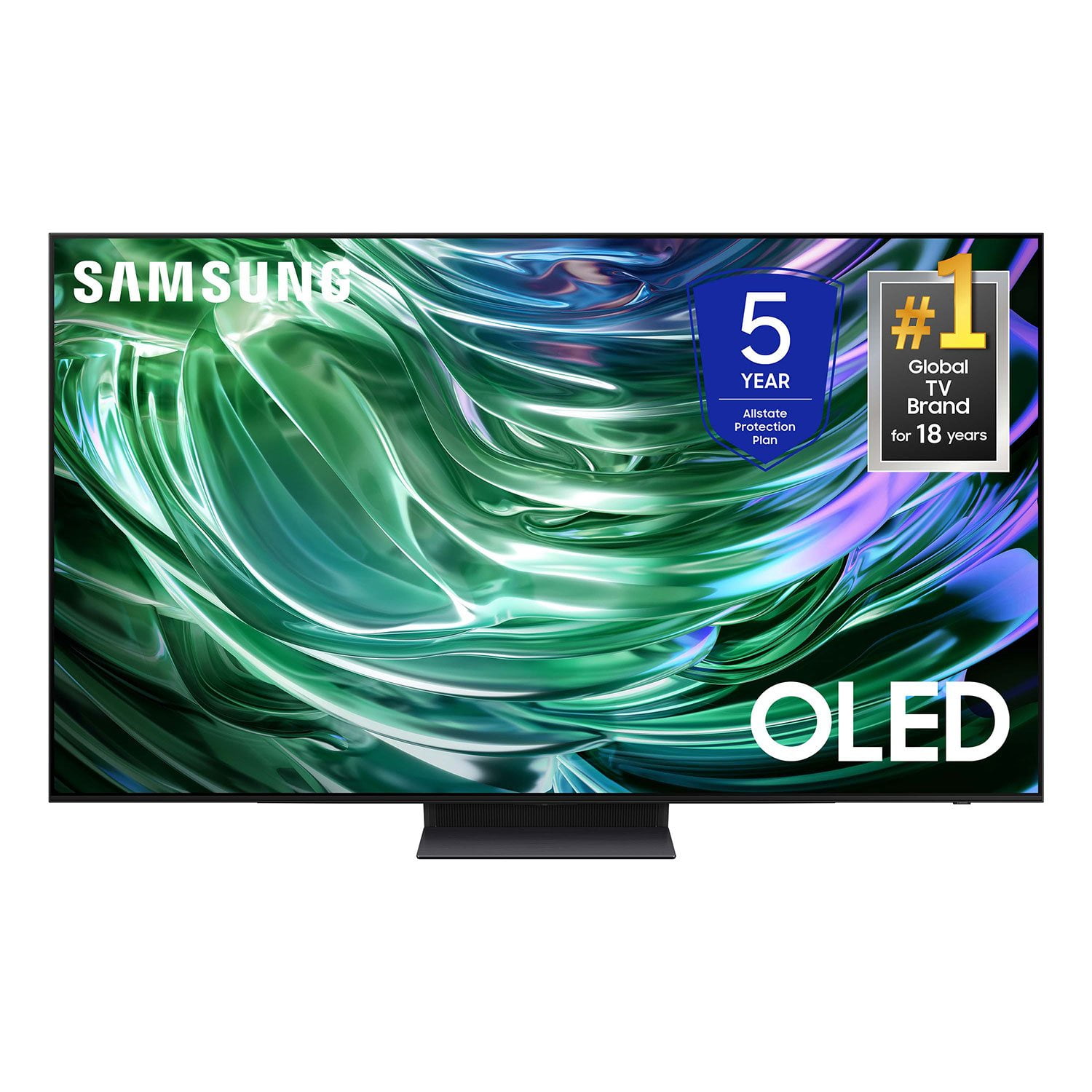
Customer reviews for SAMSUNG 55" Class S90D Series 4K OLED Smart TV for
SAMSUNG 55" Class S90D Series 4K OLED Smart TV
4.4 out of 5 stars
stars409 ratings397 reviews
  1. 5 stars69% (284)
  2. 4 stars16% (64)
  3. 3 stars7% (28)
  4. 2 stars2% (8)
  5. 1 star6% (25)
Write a review

Customer photos

  • +80 images
Sort by |
Showing 381-390 of 397 reviews
Feb 21, 2025
Researcher2123
5 out of 5 stars review

Picture quality & Smart

I did my homework and research and felt that I got a good quality TV

Review from Samsung US
Helpful?4X15JVZ4UVGM13868419382
Mar 5, 2025
Rich
5 out of 5 stars review

Absolutely love the TV

One of the best and most advance Samsung TV we ever owned

Review from Samsung US
Helpful?4X15JVZ4UVGM13868419382
Feb 5, 2025
Meyrle
5 out of 5 stars review

Easy to operate

Was time for an upgrade. Just what we wanted. Awesome picture.

Review from Samsung US
Helpful?4X15JVZ4UVGM13868419382
Dec 29, 2024
Neal
5 out of 5 stars review

Great picture and features

Beautiful tv very happy with it. Nothing else to submit

Review from Samsung US
Helpful?4X15JVZ4UVGM13868419382
Feb 21, 2025
Svtc
5 out of 5 stars review

New 77" Samsung TV

Bought in December GREAT TV!!! Great picture best i have ever owen.

Review from Samsung US
Helpful?4X15JVZ4UVGM13868419382
Mar 5, 2025
ChillMan
5 out of 5 stars review

Great TV

Great TV has Fantastic Picture and Sound Quality Very Happy with Purchase !!

Review from Samsung US
Helpful?4X15JVZ4UVGM13868419382
Feb 20, 2025
Kent
2 out of 5 stars review

Another Samsung appliance dud

Tv has turned on by itself 5 times in three months

Review from Samsung US
Helpful?4X15JVZ4UVGM13868419382
reply from Samsung Specialist

Kent, It’s unfortunate to hear your TV is turning on by itself. Please try a few troubleshooting steps that may help solve the issue: 1. Unplug the TV from the wall outlet or surge protector and leave it unplugged for 30 seconds. 2. Check the power cord to see if there is any visible damage. 3. Plug the TV power cord back into the wall outlet. If you were using a surge protector, bypass it for now and use a wall outlet. 4. Try to update the software. In some cases, a software update can correct the problem. There is a risk, however. If the TV turns off during the software update, it could damage the TV. Updates can take up to 30 minutes depending on network speed, so if the TV is not turning off too frequently, try updating the software. 5. Disable the Power On with Mobile option. TVs that can connect to SmartThings can be turned on using compatible devices, sometimes automatically. However, if abnormal "power on" signals are sent through the wireless network, they will trigger this function and make the TV turn on. If you do not want this function, navigate to Menu > Settings > All Settings > Connection > Network > Expert Settings > Power On with Mobile, and turn the setting off. If the TV continues to turn on by itself, please call us at 1-800-SAMSUNG, 8AM - 12AM EST, 7 days a week. Or visit us on the Samsung website and click on the ‘Support’ link for: • LiveChat • Manuals, Software, & Warranty Info ~ Samsung Specialist

Mar 28, 2025
John
5 out of 5 stars review

Great features!

Ease of operation and the color and contrast are outstanding!

Review from Samsung US
Helpful?4X15JVZ4UVGM13868419382
Feb 21, 2025
TV nut
5 out of 5 stars review

Very happy

Love the clarity and the size. Had Samsung in the past. I think best picture

Review from Samsung US
Helpful?4X15JVZ4UVGM13868419382
Feb 6, 2025
Big Red
5 out of 5 stars review

Absolutely happy

We are absolutely amazed at the color intensity And spectrum

Review from Samsung US
Helpful?4X15JVZ4UVGM13868419382