
 Member ratings & reviews for
Member photos






 +38 images
Flawless experience
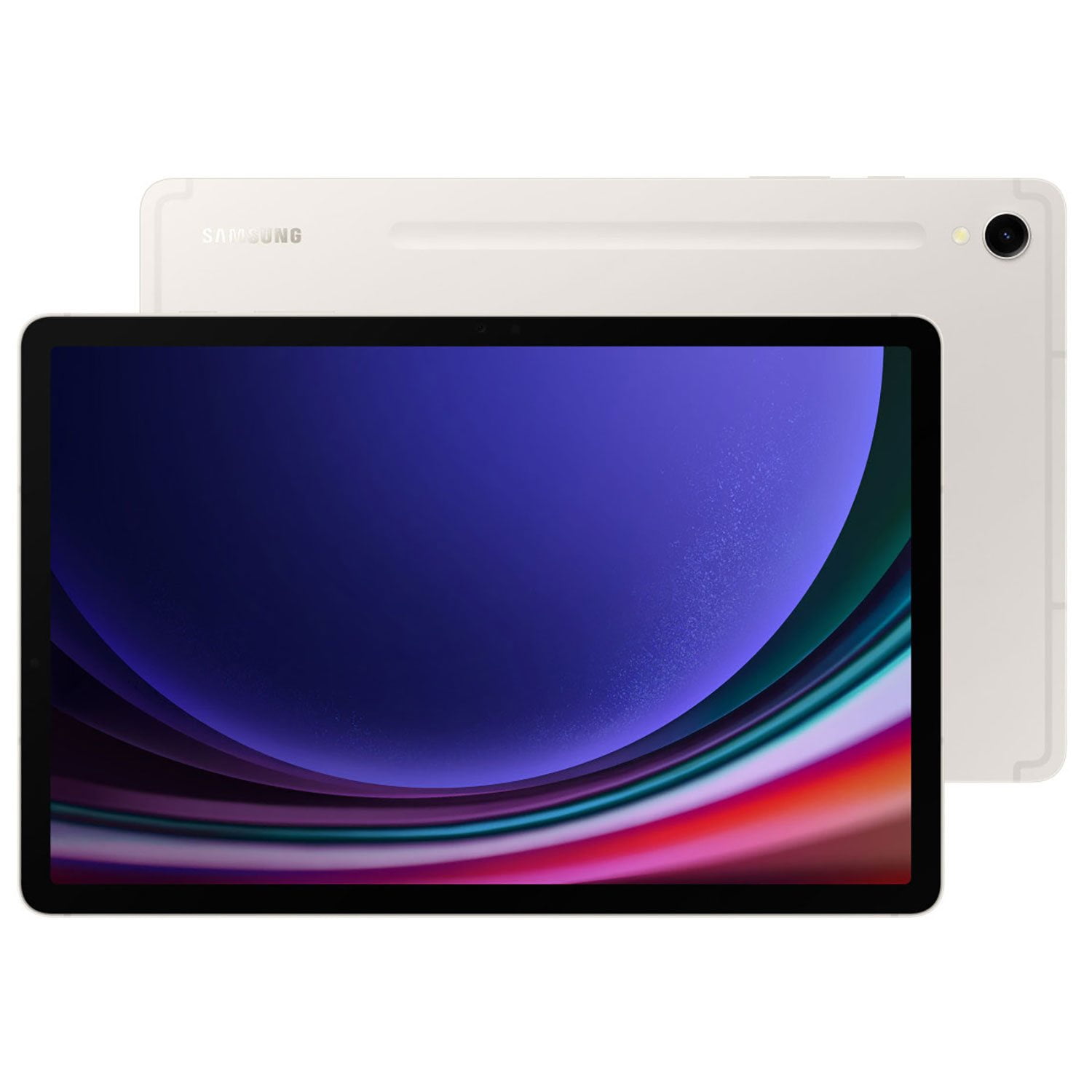
[This review was collected as part of a promotion.] The Samsung Galaxy Tab S9 functions exactly how you'd expect Samsung's top tier of tablets to perform. Quick, no lagging, no hangups, no glitches, just perfect. And I'm constantly using the included S Pen.
Way beter than Ipad!!
[This review was collected as part of a promotion.] I use my tab s9 for watching movies,playing games (no lag) i might add. Listening to music, banking, and al my work related apps work great. I've only ever had ipads for the longest time but this tablet blows them away and samsung dex is great. What else is there to say get one you won't be disappointed!!!
Wow! is all I could say about my new S9 Tablet
[This review was collected as part of a promotion.] Where to begin? Right out of the box I turned it on and the screen is unbelievable. The colors are so rich and the screen is so crisp and sharp, it exceeded my expectations. The next thing I noticed was how fast it was. It seems twice as fast as my old S6 tablet. And the feature set is unbelievable, has all the toys I found on my wife's new Fold 5 phone. And the features are doubly effective because it came with an its own S Pen. By the way I ordered it with the keyboard cover. The keyboard cover has a handy docking station for the S Pen. Additionally the keyboard cover makes a great stand which snaps magnetically into position. The docking station for the S-Pen is also held closed magnetically. I was so happy to see that the screen would tell me the amount of charge that the S-Pen had. Then I tried "Live Messages" and all my friends let me know that they wished that their cell phones and tablets could do that. Also the ability to transfer a large number of photographs to my phone with "Nearby Share" came in handy and was so fast I couldn't believe it. And anything that didn't come standard on the phone was available on Samsungs "Good Lock" app. I immediately customized the layout of the main screen. Another great feature is the ability to show application programs in landscape mode even if they were designed to run only in portrait mode. Really slick. Next I watched YouTube videos introducing my S9. They overwhelmed me with features like easy multitasking.
True iPad Pro Killer
[This review was collected as part of a promotion.] The Galaxy Tab S9 Ultra is a formidable contender in the tablet market, boasting a stunning 14.6-inch OLED screen that immediately captivates the senses. The display is not just large; it's a visual masterpiece that elevates the overall tablet experience to new heights. The colors are vibrant, blacks are deep, and the clarity is exceptional, making every image and video a joy to behold. The tablet is powered by cutting-edge hardware, ensuring smooth performance even during resource-intensive tasks. The combination of a powerful processor and ample RAM results in snappy responsiveness, making the overall user experience fluid and enjoyable. The Galaxy Tab S9 Ultra effortlessly handles demanding applications and delivers a level of performance that rivals, and in some cases, surpasses its competitors. Comparisons with the iPad Pro are inevitable, and the Galaxy Tab S9 Ultra stands tall as a true competitor, if not a superior alternative. While both devices cater to professionals and creatives, the Galaxy Tab S9 Ultra's larger OLED display gives it a distinct advantage, providing a more immersive canvas for productivity and content consumption.
Phenomenal PC replacement with DeX mode!
[This review was collected as part of a promotion.] I've been using this tablet for the last couple of days and I have to admit I am so glad I got this instead of another laptop. The DeX mode alone makes it worth it to me since I travel a lot and do the full time rv life, so portability asks the less space consumed, the better. I'm recommending this tablet to all my friends and family!
S9 in all its Glory
[This review was collected as part of a promotion.] For years I've used many Galaxy tabs from the 2 to S6lite. Each was better than the last. I use Cubasis for Android which taxes hardware on many levels. With the S9, you get the right-sized RAM for modern music production software, you need north of 8Gb of RAM to start with at least 256 GB of storage. The S9 ticks it all. I've noticed AI assistance has improved battery performance and a lot of nagging Galaxy issues like its spelling correction and multi-controls( device recognition and switching) moving between modes. It's even made other AI-activated apps work as they were advertised as compared to my S6 lite Even the screen recreate rate to the color is an overall improvement as compared to my A71 phone with older AMOLED tech. And I love the side break-out connection to my devices with the mouse to drag and drop files is a huge feature
Lightning fast
[This review was collected as part of a promotion.] Upgraded from my Tab S8. Immediately noticed the difference in screens. The amoled is perfect for watching YouTube videos. The S pen is vastly improved as well, making it easier to jot down important notes. Galaxy AI helps a ton. All in all I'd say it's a big improvement from the Tab S8.
This is the only tablet you need
[This review was collected as part of a promotion.] The Samsung Galaxy Tab S9 stands out as a flagship tablet, offering a remarkable blend of power, design, and functionality. One of the features I enjoy is the stunning 12.4-inch Super AMOLED display, delivering vibrant colors and deep contrasts, making it a visual delight for multimedia consumption and productivity tasks alike. Powered by the Exynos 2200 processor and paired with up to 8GB of RAM, the Galaxy Tab S9 exhibits impressive performance. Multitasking is a breeze, and demanding applications run smoothly, providing a seamless user experience. The tablet's 10,090mAh battery ensures all-day usage, while the 45W fast charging capability adds convenience, swiftly replenishing the battery when needed. The S Pen stylus integration is a standout feature, offering precise and responsive input for note-taking, drawing, and other creative tasks. The S Pen's improved latency and pressure sensitivity enhance the overall user experience, making it a valuable tool for professionals and creatives alike. I use the Tab S9 for leisure, school, and work. The inclusion of an in-display fingerprint sensor ensures secure and convenient access to the device. Samsung's One UI 4.0, based on Android, provides a clean and intuitive user interface, with a host of features tailored for tablet use.
Great tablet for productivity/content consumption
[This review was collected as part of a promotion.] I recently picked up the Samsung Galaxy Tab S9, and I'm super impressed! Right out of the box, the sleek design caught my eye – it's both stylish and feels solid. The display is just stunning; whether I'm watching movies or browsing, everything looks crisp and vibrant. Performance-wise, this tablet hasn't let me down. I can jump between apps, play games, or stream videos without any lag. And the battery life? Fantastic! I can use it all day for my usual stuff without worrying about charging. The S Pen is a game-changer for me. It's so smooth and accurate, making note-taking and doodling a breeze. Plus, the camera quality is a big leap from my old tablet, making video calls much clearer. Yes, it's a bit pricey, but for what it offers, I think it's a great value. If you're on the fence about it, I'd say go for it – you won't be disappointed!
I can't put this tablet down!
[This review was collected as part of a promotion.] I work in cyber security and need a portal and secure device that I can carry anywhere with me. This tablet fits perfectly! Not only does the battery last a very long time, but its easy to use. With the Samsung Slim Tablet Keyboard/Cover, I can work faster than I normally would do on my Windows desktop. The cover protects the device well. The screen quality is excellent, and the sound quality is incredible. I never thoguht I'd use the S-Pen, but that is way more useful than I expected. I really like that I can make this tablet as secure as I need it to be, and adding a VPN to connect to my home office was just too easy. I can even RDP into my Windows desktop if necessary (and it works extremely well) Great job on the S9 Tablet, Samsung. Well done!!