Skip to Main Content
Sam's Club
Sam's Club
Customer reviews for Avery True Print Clean Edge Business Cards, Inkjet, 2 x 3 1/2, White, 200/Pack for
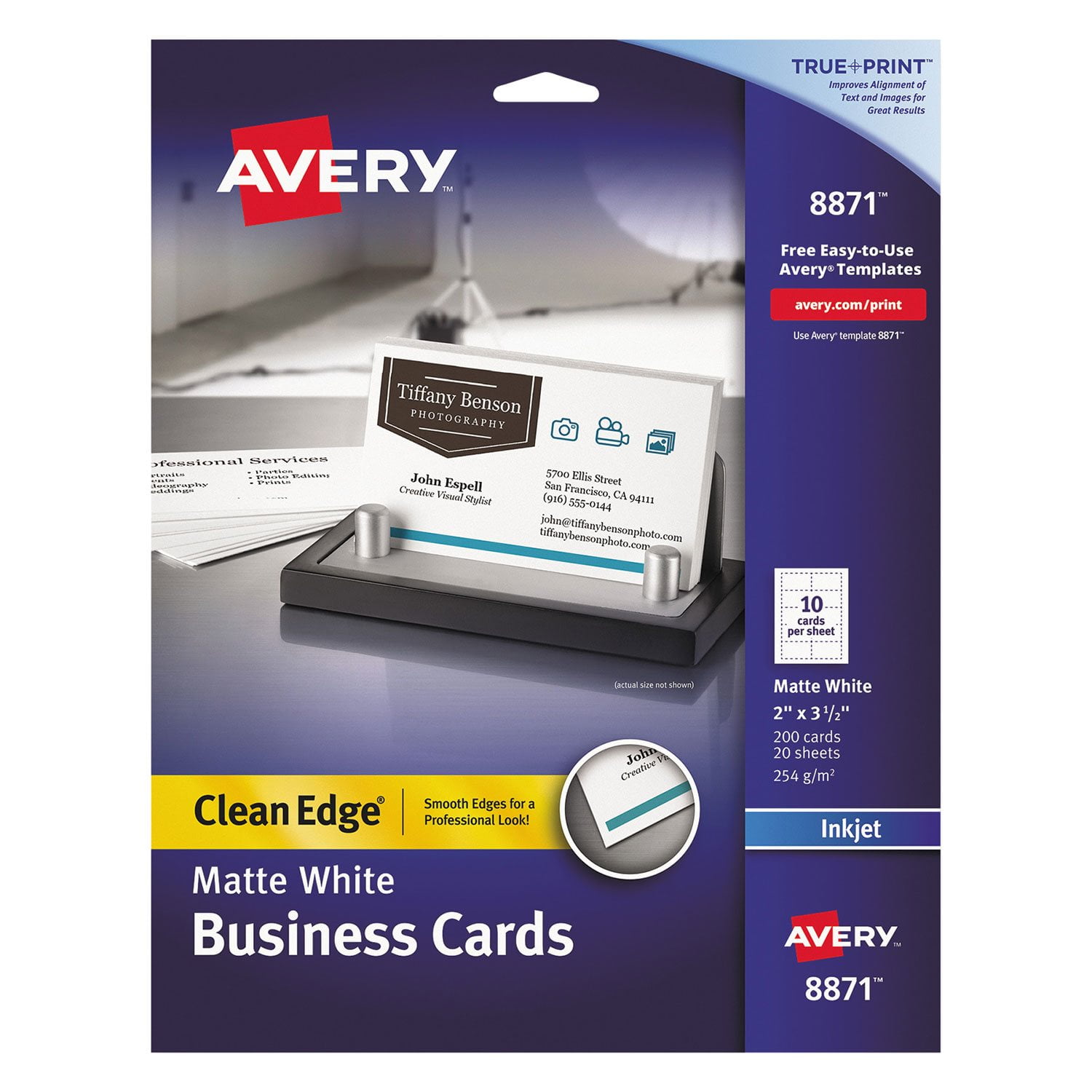
Avery True Print Clean Edge Business Cards, Inkjet, 2 x 3 1/2, White, 200/Pack
4.7 out of 5 stars
stars482 ratings471 reviews
  1. 5 stars84% (407)
  2. 4 stars8% (40)
  3. 3 stars1% (3)
  4. 2 stars1% (6)
  5. 1 star5% (26)

Member photos

  • +1 image
Sort by |
Showing 371-380 of 471 reviews
Sep 10, 2010
otolemur
5 out of 5 stars review

Cheaper

Well, these are certainly cheaper than many cards you have to have printed - the only problem I have ever had is the occasional perforation not working, but that is rare and usually due to user error!

Review from avery.com
Helpful?2V9E83CIS5HY13863750886
Mar 31, 2012
happycarduser
4 out of 5 stars review

Good product

This product is very good and very easy to use. I would sure never beleive that I was able to create this kind of cards so fast and without major problems.

Review from avery.com
Helpful?2V9E83CIS5HY13863750886
Jul 21, 2024
Jenny
3 out of 5 stars review

Second time was not a charm

The paper keeps falling apart in the printer. We've had to place two sheets together to get it to print and jamming the printer. Last time we used the stock in the printer there were no issues.

Review from avery.com
Helpful?2V9E83CIS5HY13863750886
reply from Customer Care

Hello Jenner, I am sorry to hear that these business cards are jamming in your printer. Some tips I have found helpful is to change the Paper/Media type to Heavyweight/Cardstock. This setting is typically in the Page Setup in the pdf. I've also found with some printers, it is best to print one page at a time to avoid jamming. If these tips do not work, please contact our Care Team with your order number and an image of this issue (if possible) and we are happy to help. You can chat with us on avery.com/help, or you can call us at 800-462-8379. Our hours: 6am-5pm PST, Mon-Fri. Thank you.

Oct 15, 2009
lilpeppep
5 out of 5 stars review

So easy

It is a really good product. Simple to use. Well known brand so the templates are already loaded into my computer system. A very good price for DIY projects. Excellent!

Review from avery.com
Helpful?2V9E83CIS5HY13863750886
Dec 1, 2011
cnyobserver
4 out of 5 stars review

Work Pefectly

I used these to create my own business cards. They were easy to use and the directions are simple. I used Photoshop to do most of the design work (logo) and it was no problem using it on my cards. I would recommend these to anyone.

Review from avery.com
Helpful?2V9E83CIS5HY13863750886
Feb 10, 2010
KansasKickerLongAgo
5 out of 5 stars review

Exceeded Expectations

I needed quality cards for job search and this product not only allows the traditional layout on front but also additional info on the back - in my case I used the back to list bullet points of specific experience and skill sets, which served as a mini resume. When I did land a job, the official company cards were misprinted, so once again I used the Avery 2 Sided Cards until the corrected company cards arrived. I used the online design and print resource and found that to be easy and intuitive. One suggestion - allow an image to be pasted onto the card rather than import a jpeg or other file. Overall, terrific product and system from Avery!!

Review from avery.com
Helpful?2V9E83CIS5HY13863750886
Mar 30, 2012
NHLocksmith
5 out of 5 stars review

Great Cards

I am Secretary for several organizations and these cards are great for making dues cards. I can put members names and and even insignia. I use Avery templates in Microsoft Word so changes can be easily made. I also use the cards as business cards for my and my wifes business.

Review from avery.com
Helpful?2V9E83CIS5HY13863750886
Jun 27, 2013
KATHY5
5 out of 5 stars review

great product

why pay someone else to make your business cards, easy as pie!

Review from avery.com
Helpful?2V9E83CIS5HY13863750886
Aug 27, 2018
Disappointed
1 out of 5 stars review

Template doesn't align to the cards

Only the top two cards of each sheet printed correctly

Review from avery.com
Helpful?2V9E83CIS5HY13863750886
reply from Avery Consumer Care

We are sorry that you had a bad experience with printing. There are so many things that can affect print results. Selecting "Heavyweight" or "Cardstock" in your printer settings can sometimes solve this. Please contact our Consumer Care Center so we can help to troubleshoot and make this right. Call and Chat are available at Avery.com/contact

Sep 27, 2015
Don
5 out of 5 stars review

Great card stock

I use this stock for all my business card requirements

Review from avery.com
Helpful?2V9E83CIS5HY13863750886