Skip to Main Content
Sam's Club
Sam's Club
Customer reviews for Avery True Print Clean Edge Business Cards, Inkjet, 2 x 3 1/2, White, 200/Pack for
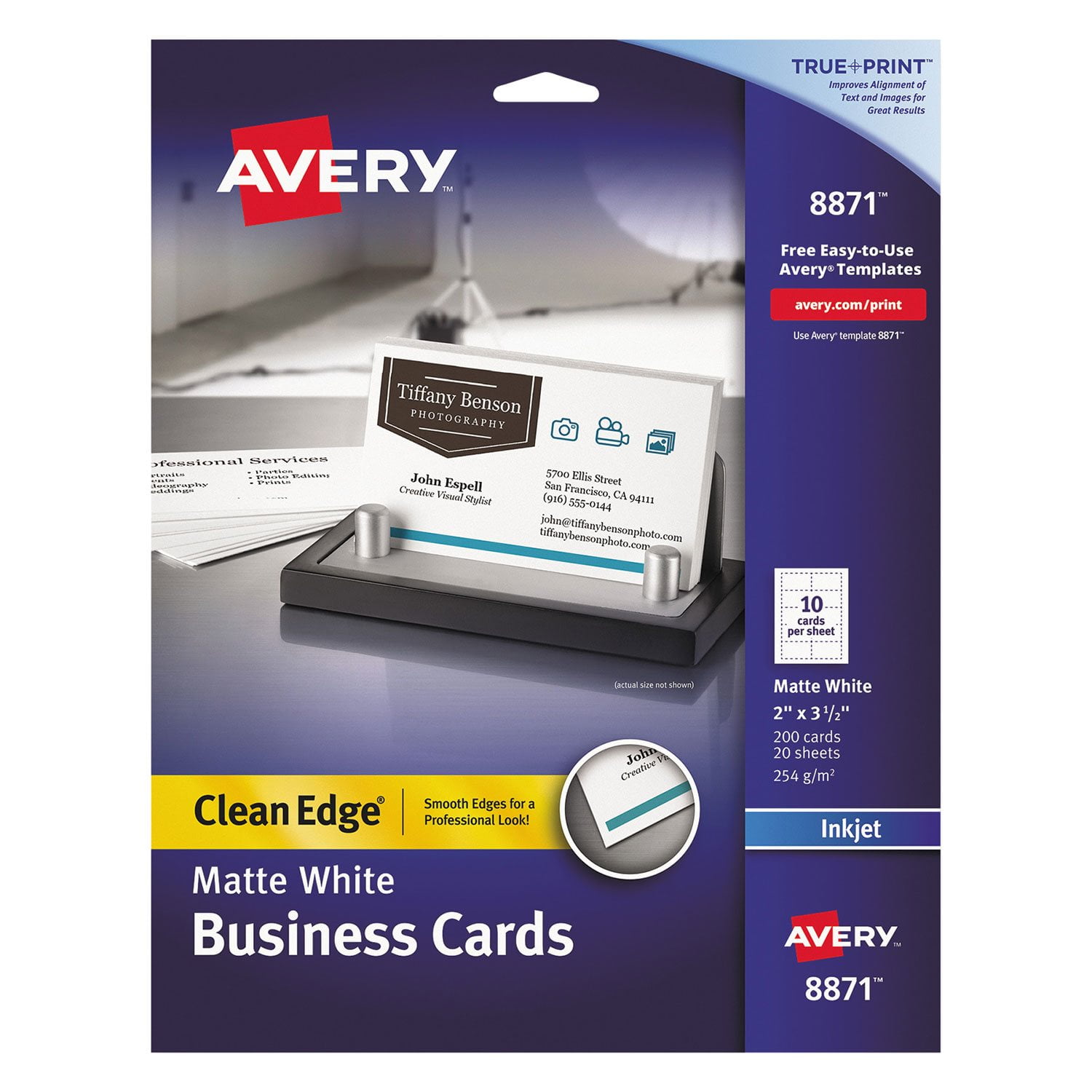
Avery True Print Clean Edge Business Cards, Inkjet, 2 x 3 1/2, White, 200/Pack
4.7 out of 5 stars
stars482 ratings471 reviews
  1. 5 stars84% (407)
  2. 4 stars8% (40)
  3. 3 stars1% (3)
  4. 2 stars1% (6)
  5. 1 star5% (26)

Member photos

  • +1 image
Sort by |
Showing 131-140 of 471 reviews
Apr 12, 2021
DSD Designer
1 out of 5 stars review

Designer- These make me look bad!!!!

The worst. I have spent 4 hours and almost the entire package of cards trying to get one useable card. No such luck. The Print area is off by over 1/4". and on a card that is huge. The color absorption makes everything dull and flat. I feel like this product used to work, but not anymore. I wish I had read reviews before purchasing.

Review from avery.com
Helpful?2V9E83CIS5HY13863750886
reply from Avery Consumer Care

We are very sorry to hear that you had trouble printing. We would recommend selecting a thicker paper type such as cardstock or heavyweight and a best quality print setting to assist with feeding the sheet. Also checking that your Page Size is set to Letter or 8.5" x 11" and Scale is set to 100 is very important. If you continue to have trouble, please reach out to our Care Team at avery.com/contact or call us at 800-462-8379 and we would be happy to assist you.

Oct 27, 2018
parkerlane
1 out of 5 stars review

Just go to Vistaprint and don't bother with these.

Good idea, but absolutely awful results. Wasted around 15 sheets of normal paper and all the sheets of these and ended up with maybe 20 useable cards. The image does not fit the cards, the alignment is off no matter how many times I adjusted the print and did everything their "help" menu suggested. There is no way to adjust the distance between each image and that seems to be the main issue. Complete waste of money and 2 hours of my time trying to get these to work.

Review from walmart.com
Helpful?2V9E83CIS5HY13863750886
Mar 29, 2013
PaultheWall
5 out of 5 stars review

Saves Money - Look great

Very easy to use, cards look great -- very professional. You can change the design of your business cards whenever you want and to meet every occasion. Cards print out easily and look great. All at the fraction of the cost of professionally printed business cards. Great choice for small business looking to save money.

Review from avery.com
Helpful?2V9E83CIS5HY13863750886
Mar 23, 2011
SweetPea
5 out of 5 stars review

Quick Resume Networking Cards

I bought these business cards to make Resume Networking Cards for my niece while she was job-hunting. These came in handy while attending job/career fairs. They were very a multi-functional and compact product to have at her fingertips while traveling around the Bay Area while interviewing for that perfect job. A bonus is that the cards are printable on both sides, which allowed me to print additional information on it such as her Highlights of Qualifications.

Review from avery.com
Helpful?2V9E83CIS5HY13863750886
Jun 21, 2013
Pam2423
5 out of 5 stars review

Peofessional Business Cards at a Reasonable Price

I made the mistake of trying a cheaper brand of business cards before I bought Avery. Lesson learned, I will continue to use these Avery Business Cards. I even received compliments on my business cards. No one has to know I did them myself, thanks to Avery.

Review from avery.com
Helpful?2V9E83CIS5HY13863750886
Feb 12, 2010
kcinil
5 out of 5 stars review

I was worried that these ...

I was worried that these would get cought up in my printer but they worked well in both an inkjet and a laser. You need to follow the directions to punch them out. I am using them as membership cards and thought I may have to laminate but they are strong enough as they are.

Review from avery.com
Helpful?2V9E83CIS5HY13863750886
Sep 27, 2012
BigDaddyCrown
4 out of 5 stars review

Template dead on, loading a little tricky

The template I downloaded for the business cards was dead on as far as aligning the cards on the computer. It was a little tricky to copy and paste what I wanted onto all of the cards after I designed the first one but this could have been something I was doing incorrectly. It took me a few tries to get the paper loaded into the printer correctly but, once loaded properly, the cards came out great. The edges were very crisp and you couldn't tell it was a perforated sheet once they were broken apart. Excellent product and a lot cheaper than buying cards. I did have to load and print the cards one at a time since I was using a printer with a lot of turns and bends.

Review from avery.com
Helpful?2V9E83CIS5HY13863750886
Sep 20, 2013
Toy4boo
5 out of 5 stars review

Love, love, love Avery

Avery has been around my small business for years and now that I am retired, I am now doing projects for my grand children. I am not a computer geek, and, the ease of being able to design, save and then print is just so awesome for me! I can go on any computer and be able to pull up my project and make small adjustments or just print away. I love the fact that I don't need to worry about storing my projects on a thumb drive and only to forget the drive when I need it! Yeah for Avery Products!

Review from avery.com
Helpful?2V9E83CIS5HY13863750886
Feb 13, 2009
LaMalaise
5 out of 5 stars review

A Product That Delivers As Promised

I've used this Avery business card product for years. The cards printed on any ink jet I have owned come out clear, crisp, and beautiful. I've even had people ask where I got them printed, they look so professional! The cards snap apart leaving an edge that's cleaner than many die-cut cards I have ordered. Every once in a while I'll try another brand or format. None have come close to the quality of this product. Bottom line: An absolute winner!

Review from walmart.com
Helpful?2V9E83CIS5HY13863750886
Jan 12, 2019
Beadlady
5 out of 5 stars review

Awesome & Versatile Product

I design/create custom jewelry & I prefer to make my own business cards. I've been using Avery products for 25 years and have never had a single problem! Very simply: follow the directions & Avery's suggestions especially this one: "Print a test page to see if the alignment is correct before you print on the cardstock." I usually use Word to design my cards & when printed the images are clear, the color is brilliant, the text easy to read, and since both front & back can be used I can put a little more info about the elements I use in my pieces as well as my contact information. I also use them for earring cards designed/printed in portrait which has details of the earrings & of course my info; I fold the bottom edge to make a display stand if the earrings aren't too heavy it works out beautifully. Sometimes we're in too much of a hurry to do things, you'd be amazed at how uncomplicated things get if the pace is just slowed down a bit. just saying...

Review from avery.com
Helpful?2V9E83CIS5HY13863750886