Skip to Main Content
Sams Club
Sams Club
Customer reviews for Avery Easy Peel Address Labels w/ Sure Feed Technology, Laser Printers, White, 100 Sheets/Box for
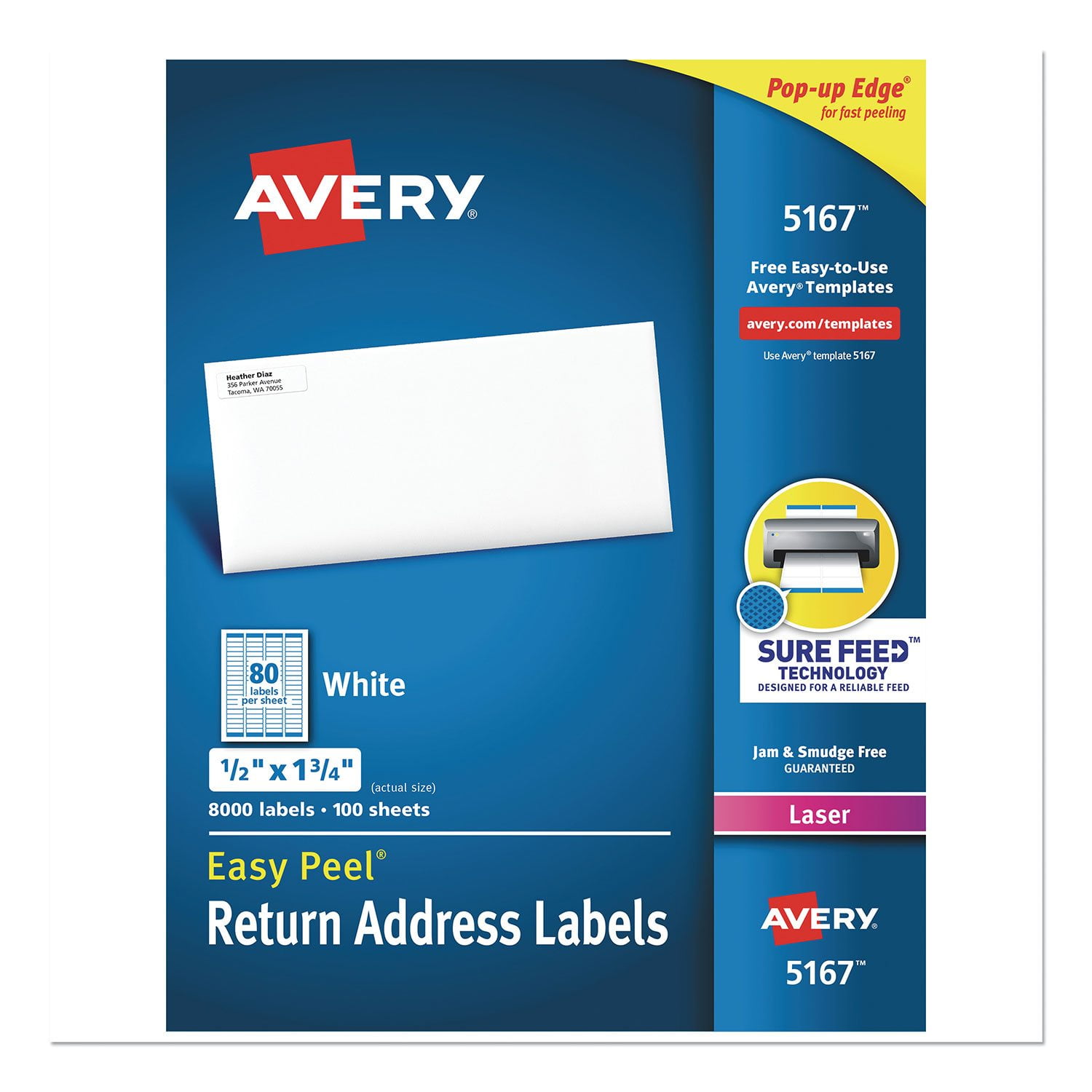
Avery Easy Peel Address Labels w/ Sure Feed Technology, Laser Printers, White, 100 Sheets/Box
4.6 out of 5 stars
stars92 ratings81 reviews
  1. 5 stars75% (69)
  2. 4 stars18% (17)
  3. 3 stars2% (2)
  4. 2 stars0% (0)
  5. 1 star4% (4)
Sort by |
Showing 41-50 of 81 reviews
Mar 19, 2013
LiLu
5 out of 5 stars review

Greatest Label Ever!

I love this label. It is the perfect size for putting my new address on my checks. I hate having to cross out and rewrite my address when I move. I refuse to order new checks and this is the perfect solution! The new design and print feature allows you to easily add a graphic to the label :)

Review from avery.com
Helpful?50AAJS1ZSXX913843966438
Jun 4, 2019
Joce
1 out of 5 stars review

Template doesn’t match

For some reason not matter how much I try to adjust the margins it does not match the labels. Only some of the labels print on right. I found that the outside margins are too big and the writing prints out too small. It would be ideal if you could fix the margins in between the labels to make it more spaced out

Review from avery.com
Helpful?50AAJS1ZSXX913843966438
reply from Avery Consumer Care

We are sorry to see that you are having trouble printing these labels. Could you please reach out to our Care Team at avery.com/contact so we may further troubleshoot this issue? We want to make sure you are able to print your labels properly.

Oct 14, 2010
Chelsea
5 out of 5 stars review

Perfect for Personalization

I love that these labels are easy to use, have the easy pop off edging that makes it easy to remove them from the sheet to put onto your mailing envelopes. I also love that I can design my own labels, and personalize them however I want. I love that I can print a row for business use for my bills and professional mail needs, and a row for just a fun label, and a row that fits for the season it is. It's great for holiday mailing too, since you can customize it for whatever holiday you are sending cards for.

Review from avery.com
Helpful?50AAJS1ZSXX913843966438
Mar 29, 2013
Labelsrmypassion
4 out of 5 stars review

Great for calendars

I love to use these labels for desk top calendar events. They are small enough to type in calendar dates. Then you just peel and apply to calendar page! Also great for kids wall calendars.

Review from avery.com
Helpful?50AAJS1ZSXX913843966438
Mar 20, 2013
aluring
5 out of 5 stars review

aluring

These labels print very well, i.e. do not jam in the printer, and they are very easy to remove and adhere to the target surface. We use very large numbers and ease of use saves us a lot of time, and as we all know time is money.

Review from avery.com
Helpful?50AAJS1ZSXX913843966438
Sep 30, 2015
JRyan778
4 out of 5 stars review

Great for Back to School Labeling!

I love to print off labels with the kids names to use for labeling all of their school supplies. It would be better if they were more durable, but they serve the purpose and its quick and easy.

Review from avery.com
Helpful?50AAJS1ZSXX913843966438
Mar 29, 2013
Kadiya
5 out of 5 stars review

Our printer tends to ...

Our printer tends to offset it when it's from the manual feed tray. I use these for my other projects, which it's perfect for and not mailings. I think the very small size would not be ideal for mailings.

Review from avery.com
Helpful?50AAJS1ZSXX913843966438
Jun 21, 2013
aluring
5 out of 5 stars review

I'm stuck on you

These labels are great in terms of printing and use. We literally use thousands for labeling envelopes to store our products thus ease of use is critical to a smooth operation.

Review from avery.com
Helpful?50AAJS1ZSXX913843966438
Dec 19, 2024
Steve
1 out of 5 stars review

Avoid at all cost

Template is garbage, doesn't come close to being accurate. The spacing between the address fields aren't correct. Like other reviewers stated, about mid document you start to get some lined up but the majority don't fit. Waste of money.

Review from avery.com
Helpful?50AAJS1ZSXX913843966438
reply from Customer Care

Hello Steve, I am so sorry to hear that this template is printing misaligned. Some tips I have found helpful to print in alignment is to use avery.com/dpo. I’ve also found the best success to check the PDF settings when printing from Chrome and using the free Adobe Acrobat Reader. In DPO, in Customize, go Next and Open PDF to check the PDF Printer Settings. With these labels, the Page Size should be set to Letter/8.5x11" and the Scale should be Custom 100%. Another tip is to check if your printer has a Labels or Matte Photo Paper setting, as this may help your printer grab the paper better. For additional assistance, our Care Team is available via chat on avery.com/help, or through our call center. Our number: 800-462-8379. Our hours: 6am-5pm PST, Mon-Fri.

Nov 14, 2012
MelMac
5 out of 5 stars review

Love these Labels

I discovered these labels about 6 months ago. They are the perfect size for me. I was using a larger label, so using more labels, which cost me more money. These labels save me money! And who doesn't like to save money?!

Review from avery.com
Helpful?50AAJS1ZSXX913843966438