Skip to Main Content
Sam's Club
Sam's Club
Customer reviews for SAMSUNG 55" Class The Frame 4K QLED Smart TV for
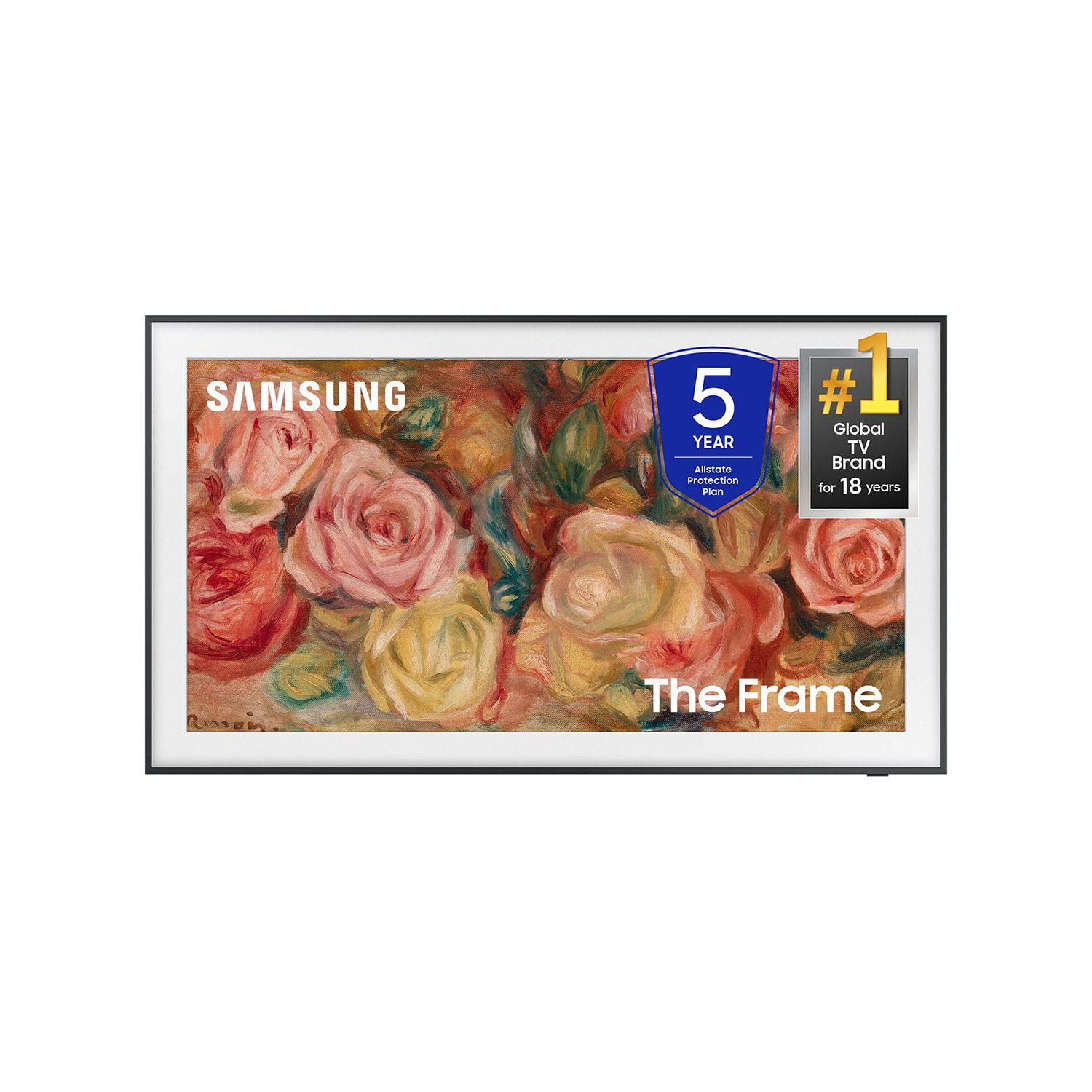
SAMSUNG 55" Class The Frame 4K QLED Smart TV
4.6 out of 5 stars
stars213 ratings211 reviews
  1. 5 stars74% (158)
  2. 4 stars15% (31)
  3. 3 stars7% (14)
  4. 2 stars3% (7)
  5. 1 star1% (3)

Member photos

  • +61 images
Sort by |
Showing 111-120 of 211 reviews
May 20, 2025
Frametv
2 out of 5 stars review

TV looks good on wall but bad picture quality

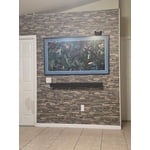
[This review was collected as part of a promotion.] The TV looks great on the wall but it has bad picture quality, it is very dark to the point that people ask why it looks so dark, I tried everything to make it look good but I can't, I even looked on you tube and it seems to be the issue with this tv.

Review from Samsung US
Helpful?3IHVWV3H0VL413723202559
reply from Samsung Specialist

Hi, I’m sorry to hear you’re not fully satisfied with your TV’s picture quality. If the image is too dim, please try disabling some of the TV's energy efficiency functions, as these will automatically adjust your picture and may cause your screen to appear brighter or darker than preferred. Go to: Home > Menu > Settings > All Settings > General & Privacy > Power and Energy Saving > turn off Brightness Optimization, Brightness Reduction, and Motion Lighting You may also want to try adjusting image settings to improve your picture. Go to Home > Menu > Settings > All Settings > Picture > Picture Mode 1. Standard: Is the default mode suitable for general viewing environments 2. Dynamic: Makes the picture brighter and clearer in bright viewing environments 3. Eco: Provided to save energy 4. Movie: Suitable for watching TV or movies in a dark room 5. Filmmaker Mode: Provides source content just as the creators intended. If the image is defined as Filmmaker Mode, it’ll automatically switch to Filmmaker Mode while watching. You can also customize the brightness level of your screen between 0 – 50 to your preference. Go to: Home > Menu > Settings > All Settings > Picture > Expert Settings Please also make sure you’ve got the latest firmware version installed on your TV. You can check this by going to: Home > Menu > Settings > Support > Software Update > Update Now I hope these tips help. Should you need further assistance, please call us at 1-800-SAMSUNG, 8AM - 12AM EST, 7 days a week. Or visit us on the Samsung website and click on the ‘Support’ link for: • LiveChat • Manuals, Software, & Warranty Info ~ Samsung Specialist

Dec 26, 2024
Iamhim
5 out of 5 stars review

Great amazing features this product has

[This review was collected as part of a promotion.] I use my the frame LS03DD QLED 4K TV for streaming TV series to podcast, plus great picture for gaming and clear sound for homework videos for school work. Since having the frame TV it's been such a great experience couldn't imagine going back to regular boring TV screens again.

Review from Samsung US
Helpful?3IHVWV3H0VL413723202559
Dec 29, 2024
Taquainstv2
5 out of 5 stars review

This tv is amazing

[This review was collected as part of a promotion.] I absolutely love my Samsung frame television. It has so many features, I feel like I discover something new on it every other day and I've had it for like 6 months now. It plays movies so clear me and my children feel like we can reach into the screen or are watch 3D in real time. It's amazing.

Review from Samsung US
Helpful?3IHVWV3H0VL413723202559
Nov 18, 2024
Fossilfuel
5 out of 5 stars review

Great TV, looks and performs amazing

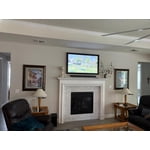
[This review was collected as part of a promotion.] I had not heard of the Frame previously and was looking for a VERY thin TV for our renovated living room---one that you see the side of right when you walk in the front door....I didn't want a bulky, black, sticking-out box to great people when the walked in. In searching for a thin TV I came upon The Frame and was blown away by the design and art functionality. I knew it would be perfect! We basically designed the whole main wall and wall unit of our living room around the TV. We added white bezel and it is perfect. It's a great TV for watching and many guests have no idea that it is anything BUT art hanging on the wall.

Review from Samsung US
Helpful?3IHVWV3H0VL413723202559
Dec 16, 2024
Robin
4 out of 5 stars review

Wonderful picture, ridiculously difficult set-up

This TV's picture is the best I've ever seen. There truly is no glare. The sound is surprisingly good. However, this is the first smart TV I have ever bought, & it was very difficult to set up because no instructions are included. I don't want to have to find on-line how to do the many required steps to set it up not to mention that the web-site is HORRIBLE; the whole ordeal was ridiculously difficult & unnecessarily frustrating. For this expense there should have been at least basic printed instructions. Shame on you Samsung. This is the 2nd one we purchased; the first one died in the first 3 months.

Helpful?3IHVWV3H0VL413723202559
Oct 24, 2024
Phlashgroden
4 out of 5 stars review

Thin and looks great, software needs some work

[This review was collected as part of a promotion.] Thin mount looks amazing, frames snap on with ease. Art mode can cycle through your own pics or existing libraries. The software to upload pics doesn’t work well and has bugs. The TV doesn’t seem to mind the rules when you set to auto dim and motion detection. Picture and color are great.

Review from Samsung US
Helpful?3IHVWV3H0VL413723202559
May 5, 2025
TechGuru
4 out of 5 stars review

not totally user friendly

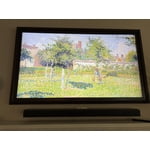
[This review was collected as part of a promotion.] The picture quality if super, the sound with the sound bar is great, the remote leaves a lot to be desired. One wrong button push and you have to start from the begining to get back to where your were. The menu can be modified some, but not enough to allow you to set it to your true liking. Overall a good product.

Review from Samsung US
Helpful?3IHVWV3H0VL413723202559
Feb 5, 2025
Susie
1 out of 5 stars review

Not thrilled.

I've had it for about a year. I've had issues with the volume. During a show, for example Seinfeld, the actors voices with suddenly change volume and get very loud for a bit. Then it will shift back.to normal. Sometimes opposite, volume will decrease for a few moments then go back to normal. I tried adjusting the settings. This happens a lot and no one is touching the remote or the tv at all. Other than that it's ok. Not thrilled with it. I kind of like the art subscription but there's not enough of what i like or want with that either. enh.

Review from Samsung US
Helpful?3IHVWV3H0VL413723202559
reply from Samsung Specialist

Susie, Thank you for sharing your experience with volume fluctuations. Please try the following which may help resolve this: 1. Turn off the Sound Sensor switch by using the button at the bottom of the TV, beneath the Samsung logo. With the TV on, you can push the button to the left to turn the sound sensor on or to the right to turn it off. 2. Try disabling some of the TV's intelligent functions, as these will automatically analyze and adjust your sound which may cause your volume to fluctuate. Go to Settings > All Settings > General & Privacy > Intelligent Mode Settings and select Intelligent Mode to turn off all the functions or select each option to turn it off. 3. Please also make sure your TV’s firmware is updated. You can check this by going to: Menu > Settings > Support > Software Update. I hope these tips help. If you need further assistance, please reach out to Samsung Support at 1-800-SAMSUNG, 8AM - 12AM EST, 7 days a week. Or visit us on the Samsung website and click on the ‘Support’ link for: • LiveChat • Manuals, Software, & Warranty Info ~ Samsung Specialist

Apr 14, 2025
TheWatcher57
5 out of 5 stars review

The last TV you will buy.

[This review was collected as part of a promotion.] Well my The Frame TV is mounted in my bedroom. The best TV in the market. I use it to watch or stream movies and a lot of TV series. I luv this TV for its sleek design, super awesome resolution , it's web capability and most of all its affordable price. Ops before I forget the personalization capability of this TV. You can change the bezel color to match your decor. The best TV.

Review from Samsung US
Helpful?3IHVWV3H0VL413723202559
Aug 26, 2024
ShakesySays
5 out of 5 stars review

Beautiful as technology and decor

[This review was collected as part of a promotion.] The Frame isn’t just called “The Frame” for no reason—it’s super thin and looks just like a piece of art when you mount it on the wall. It comes with bezels you can switch out, so you can change the frame color to fit your room's vibe. The idea is to make it look like you’ve hung a fancy picture on the wall, not a TV. When you’re not binge-watching your favorite series, turn on Art Mode, and The Frame displays artwork instead of a blank screen. The matte finish on the screen is awesome too—it cuts down on glare, making the art look almost like the real thing, even in bright light. How It Performs: In terms of picture quality, the QLED 4K display is stunning. Everything looks sharp, with rich colors and deep contrasts. Whether you're watching the latest blockbuster in 4K or streaming something in HD, it all looks fantastic, thanks to Samsung’s Quantum Processor 4K that handles upscaling like a champ. As for smart features, The Frame is powered by Tizen OS, which is smooth and easy to use. You get all the apps you’d expect—Netflix, Disney+, and so on—and voice control is a breeze, whether you’re using Bixby, Alexa, or Google Assistant. The TV also comes with a Slim Fit Wall Mount that makes it hug the wall perfectly, adding to that picture-frame effect. Final Thoughts: The Samsung The Frame LS03DD QLED 4K TV (2024) isn’t just a TV—it’s a statement piece for your home. If you want a TV that looks as good when it’s off as it does when it’s on, this is it.

Review from Samsung US
Helpful?3IHVWV3H0VL413723202559