
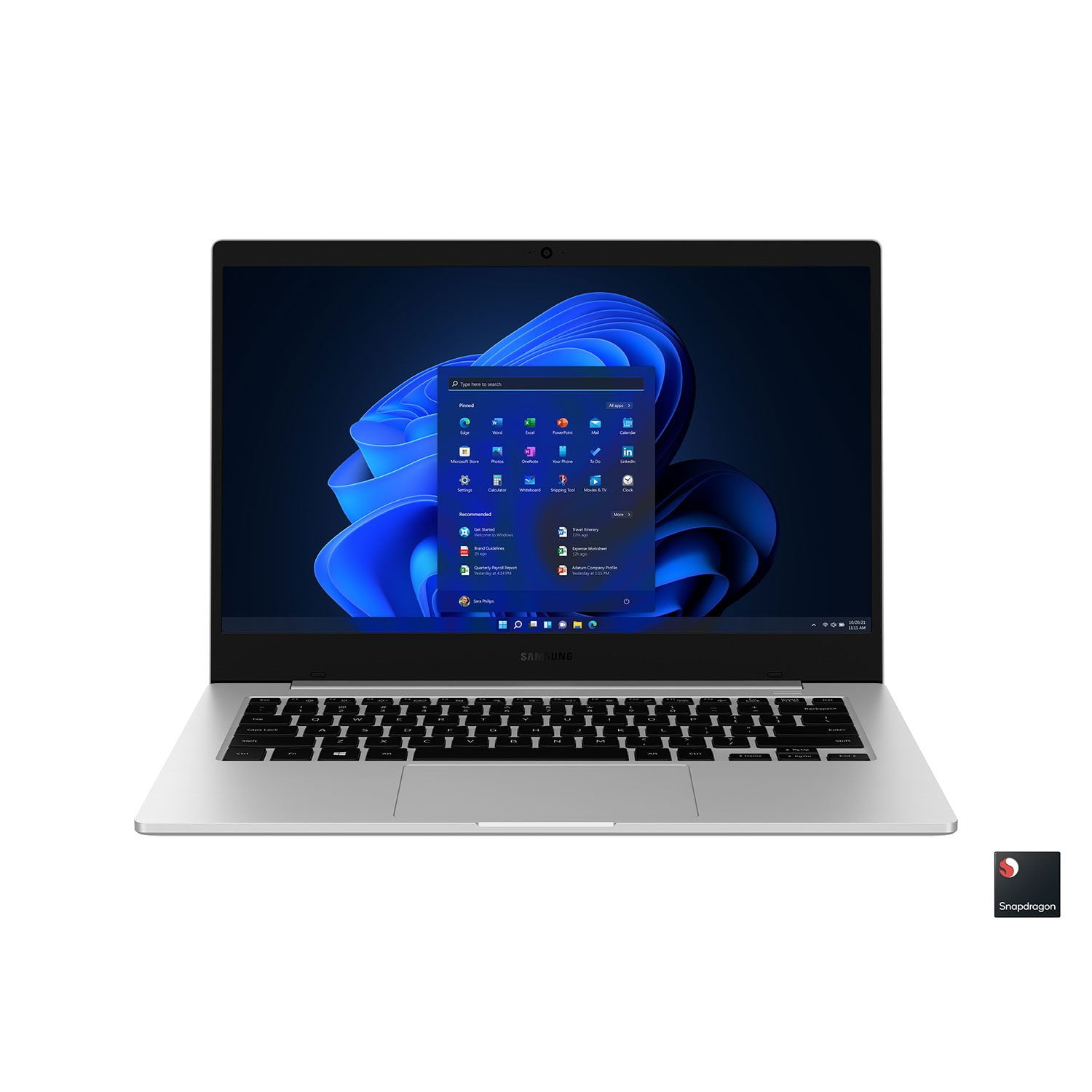
 Customer reviews for Samsung Galaxy Book Go - 14" Silver - Qualcomm 7C Kryo465 Processor - 4GB Memory for
Customer photos
Verified Purchase
Very great quality nice thin slim design
Great laptop
Verified Purchase
Thank you
Loveing it .
Verified Purchase
Nice little computer
For what I'm using this computer for it is fine. I just need it to download designs to my embroidery machine or design projects for my Cricut.
Great Laptop Underrated
After reading other tech websites about this computer I concluded it was worth a gamble because of the Samsclub discount. So I have decided that the purchase was well worth the low low price. Ok, so right upfront I'm not a professional rater for Samsung. I'm just a satisfied user. Most of the websites I visited that had reviewed this laptop complained that it was too slow, the screen was not as good as a more expensive laptop. And a whole list of other problems that some tech could find to complain about. Alot of these sites just want to find something wrong so they can offer advise. That's usually not the way most people think. So real world experience... I have found that most of my software works on this laptop inspite of the ARM processor. Some of the software I'm speaking of is Ham Radio Handie Talkie programing software such as "CHIRP". And other software for specific Ham Radio uses seems to run just fine. Of course I never expected the same performance I get from my 8 core servers, but then they don't run on batteries for 18 hours (advertised not tested). I've found the screen to suit me fine. But then again I'm not nearly as picky as the tech site writers. The speed of this laptop doesn't match more expensive laptops with Intel processors but its also not $1200. I suggest you use a bluetooth mouse so that the USB A port will be freed up for yet another connection. Also used bluetooth headphones to stream music from one of my servers with great quality. I'm sure down the road I'll find some software that doesn't like the ARM processor because the coder never included a driver for the ARM. Nothing is perfect. It has shown some lag as expected when using some software especially loading the software from the solid state hard drive. But I expect that and don't really think it will perform like an Intel laptop as stated above. But I'm really satified with the purchase especially the price, weight of the computer, and usability for the software I wanted to use. It's worth a try, and SamsClub has a great return policy. Give it a spin.
Verified Purchase
Pretty for kids school
Not as promissed.
Howdy Rki, thanks for taking the time out of your hectic day to share your thoughts with us about your Samsung Galaxy Book Go. Samsung provides a 12-month warranty on our products for manufacturing defects in materials and workmanship. We would love nothing more than to be able to assist you with whatever you may be referring to, however, without having any details available and without being able to ask you any follow up questions to probe further, I suggest contacting Samsung Support if you would like any additional assistance. Thank you for being a devoted Samsung customer. - Debra
Verified Purchase
Horrible! Waste of money
If I could rate it any lower I would. Had it for maybe 2 weeks and my son went to do an update that the computer said it needed, which my son has done plenty of times before. It steered the update and then after maybe 20 minutes it froze with that swirling circle of death that computers like to do when something isn't quite right and it was stuck at 80% done; so I powered it off with the power button, then turned it back on and then I got the blue screen of death saying error that the computer needed to be repaired. It looked like the whole thing had been wiped off any programming just by doing an update! Needless to say I took it back, got a refund and purchased a completely different computer!
Hey there Kwllie, thank you for taking the time out of your busy day to review your Samsung Galaxy Book Go. Your feedback is appreciated as it allows us to continue to strive in providing the best products with superior functionality on the market to our customers while we remain committed to constant innovation. Samsung provides a warranty for manufacturing defects in materials and workmanship on our products. We also offer Samsung Care+ that can be added to eligible devices to provide an additional layer of protection. It offers you that ultimate peace of mind for those unanticipated situations in life like leaving your device behind in a coffee shop, spilling your drink on your keyboard, having your device stolen, or dropping and breaking your screen. With over 700 authorized repair locations available nationwide, getting back to what you love most is our top priority. Samsung Support is available to answer your questions, take any additional feedback that you would like to provide, and they are also able to assist you with troubleshooting your devices. If you would like any further assistance, please feel free to reach out to Samsung Support. Thanks for being a valued Samsung customer. - Debra
Verified Purchase
old 2009
this is book go is behind old 2009 unlike fool this year when I get new laptop low price but that how behind old 2009 so this laptop sometime freeze and sometime disappear mouse pad and can't update window 11 what a waste stupid Walmart why still selling behind 2009 that is stupid Walmart
Verified Purchase
😬 Not the best
The first one I ordered didn't even turn on. The second one I ordered, the “R” and “F” button doesn't work.
Hey there SH, thank you for finding the free time out of your busy day to share your thoughts with us about your Samsung Galaxy Book Go. Your feedback is invaluable to us as we strive to provide the very best products with superior functionality on the market to our customers while we remain committed to constant innovation. Our goal is for our customers to feel like they are having the most memorable experiences while using our products. Samsung provides a 12-month warranty on our products for manufacturing defects in materials and workmanship. Please do not hesitate to contact Samsung Support if you would like any further assistance and/or help troubleshooting your Galaxy devices. Thank you for being a valued Samsung customer.- Debra
Stuck on start up
I purchased this laptop thinking it would help me access word documents to save for school, however I ran into an issue with it trying to start up.. I initially was able to set up the computer up and let all the updates take, however the next day I went to go open and see what the progress was only to find that it was spinning from the start up. I turned it off and back on, but it went back to the loading screen. I then did a factor reset and set it up again only for the end result to be the same. Weird I had used it or surfed the web or anything, just let it update and set up the account to access and it still doesn't work... I then decided that I wanted to get another maybe that one was defective. I got it in the mail and set this one up and I was happy that I was able to get it set up and was able to use it and set up my account with out issue for that moment.. the same issue took place when trying to wake it.. it was stuck on the start up screen. 2 different devices doing the same thing. I wouldn't recommend this at this point.
Greetings Almondy, thank you for finding the unobstructed time out of your bustling day to share your sentiments with us about your Samsung Galaxy Book Go. Samsung provides a 12-month warranty on our products for manufacturing defects in materials and workmanship. If your Galaxy Book Go turns on, but doesn't start or boot into Windows, take a look at, "Samsung PC does on start, power on, or charge" to conduct some troubleshooting steps to help resolve what you have described to be experiencing with your PC. Feel free to contact Samsung Support afterwards if you would like any further assistance. We're always happy to assist you! Thank you for being a dedicated Samsung customer. - Debra
False Reviews From Other Customers
Sam's Club Samsung labtop doesn't come with a backlit keyboard. Telling you the truth. False information about product review me as a customer my mom bought me.
Hi there Tomasz31, thank you for taking the time out of your busy schedule to review your Samsung Galaxy Book Go. We appreciate your feedback as we strive to provide the best products with superior functionality on the market to our customers while we remain committed to constant innovation. We never want our customers to feel like they have less than ideal experiences while using our products. When you have some availability in your day, please visit the Samsung website to gain easy access to your device manual so that you may become better acquainted with your Galaxy Book Go's settings. Also, once you're on the Samsung website, take a look at the article titled, "Cannot enable keyboard backlight on Samsung PC." If you have a backlit keyboard, it can be toggled on and off with the Fn and F9 keys. If the key combination does not work, you may need to install the appropriate Samsung Settings app on your PC. If the key combination does something else (like turn the screen on and off), this means your model does not have a backlit keyboard. Please feel free to reach out to Samsung Support if you would like further assistance, have questions, or if you would like to share any additional feedback with us. Thank you for being a valued Samsung customer. - Debra