Skip to Main Content
Sam's Club
Sam's Club
All Departments
All Services
Customer reviews for ASUS Chromebook CX1, 15.6" FHD NanoEdge Display, Intel Celeron N4500 Processor, 128GB eMMC Storage, 4GB RAM, ChromeOS, Mineral Gray, CX1500CKA-SS48F for
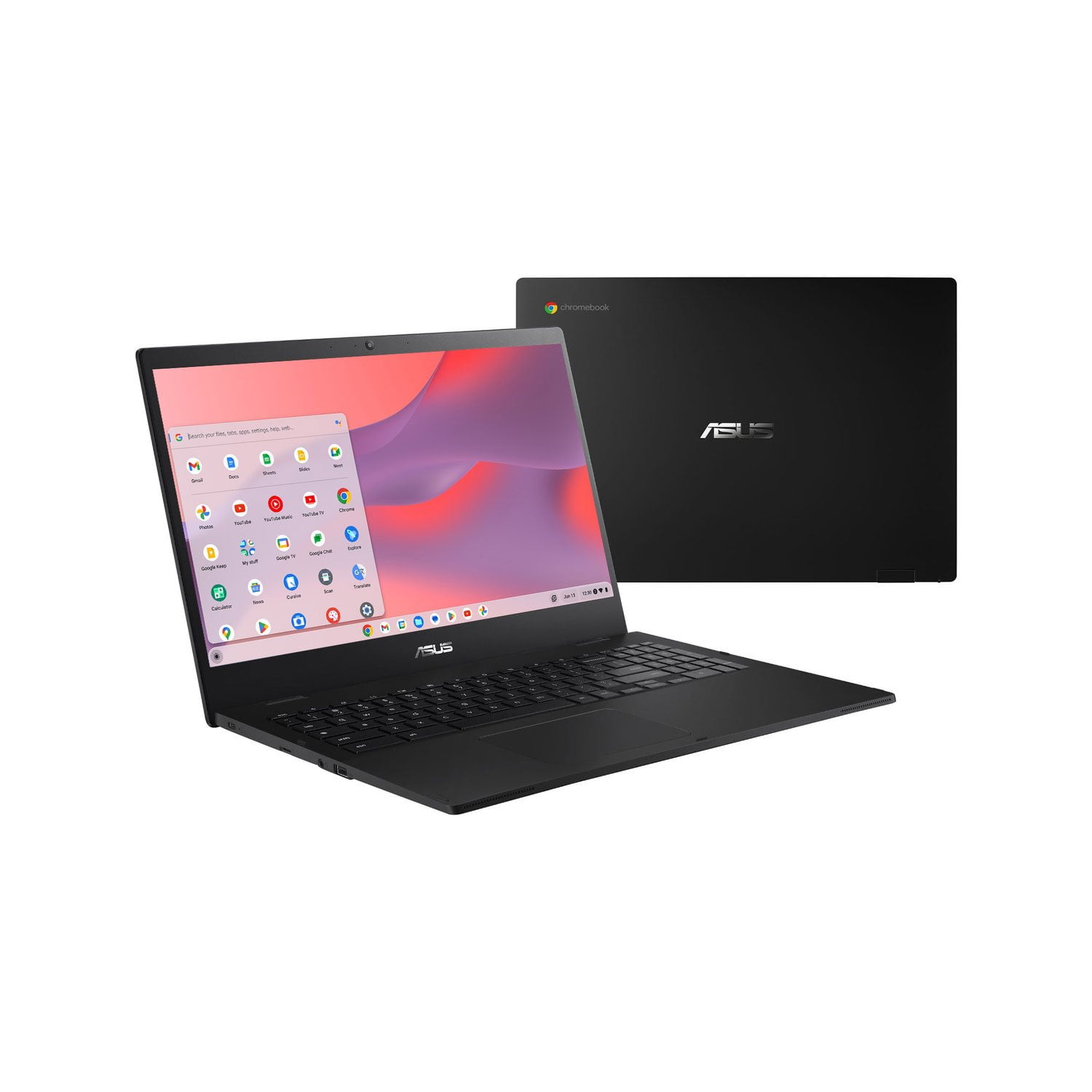
ASUS Chromebook CX1, 15.6" FHD NanoEdge Display, Intel Celeron N4500 Processor, 128GB eMMC Storage, 4GB RAM, ChromeOS, Mineral Gray, CX1500CKA-SS48F
4.4 out of 5 stars
stars
25 ratings16 reviews
  1. 5 stars64% (16)
  2. 4 stars24% (6)
  3. 3 stars4% (1)
  4. 2 stars0% (0)
  5. 1 star8% (2)
Sort by |
Showing 11-16 of 16 reviews
Feb 18, 2025
Reviewer name: Iriel
5 out of 5 stars
5 out of 5 stars review

Verified Purchase

Awesome Price, Great Performance

It performs great. Excellent price, definitely recommend.

Helpful?1R0O5XZQ2GSC13630107600
Nov 17, 2024
Reviewer name: Harve
3 out of 5 stars
3 out of 5 stars review

Verified Purchase

Mr

Some difficulty getting started. I'm not very good with computers. My fault.

Review from https://www.asus.com
Helpful?1R0O5XZQ2GSC13630107600
reply from CLM

Dear Harve, We certainly understand the inconvenience this may have caused if you are experiencing difficulty using the Chromebook. Chromebook operates, or works just like any other laptop, it comes with a web or cloud base OS that is fast, secure, and easy to use and is becoming a popular choice for young and old users alike because of these features. Internet security or antivirus software is integrated, no need to purchase the software or application separately. Besides being a low-cost and lightweight laptop, it supports thousands of popular computing applications, both in Chrome and Android, and Linux applications as well. Since it is a web base OS it does require a Google or Gmail account and an internet connection to use or operate it properly. If this is your first experience with a Chromebook, I recommend using the HELP file incorporated within the OS. To access HELP, please click your profile picture on the Notification Bar, located on the lower right-hand corner of the home screen then click the question mark icon or widget. For more help, please visit Google Support webpage at: https://www.google.com/chromebook/howto/. Should you need further assistance, please email me at cl-rodel@asus.com and I will be more than glad to help. Or you are most welcome to call Product Support Hotline at: 1(888) 678-3688. Also, you can chat with an ASUS live support agent from the link: https://www.asus.com/us/support/article/1135/. Thank you for choosing an ASUS product. Regards, Rodel ASUS Customer Loyalty

Jan 27, 2025
Reviewer name: Anonymous
4 out of 5 stars
4 out of 5 stars review

Verified Purchase

New Chrome book

Nice just have to spend time,with it to find out what you you can do.

Review from https://www.asus.com
Helpful?1R0O5XZQ2GSC13630107600
Apr 19, 2025
Reviewer name: Kujo
4 out of 5 stars
4 out of 5 stars review

Verified Purchase

I would buy this again

I'm still getting used to the touch pad but the information transfer was very easy.

Review from https://www.asus.com
Helpful?1R0O5XZQ2GSC13630107600
May 3, 2025
Reviewer name: None
5 out of 5 stars
5 out of 5 stars review

Verified Purchase

Satisfied

It’s fine

Helpful?1R0O5XZQ2GSC13630107600
Feb 2, 2025
Reviewer name: cfleavitt
5 out of 5 stars
5 out of 5 stars review

Verified Purchase

Good for basic needs.

Good basic laptop.

Helpful?1R0O5XZQ2GSC13630107600