Skip to Main Content
Sam's Club
Sam's Club
All Departments
All Services
Customer reviews for JBL Tune BlueTooth Wireless On-Ear Headphones for
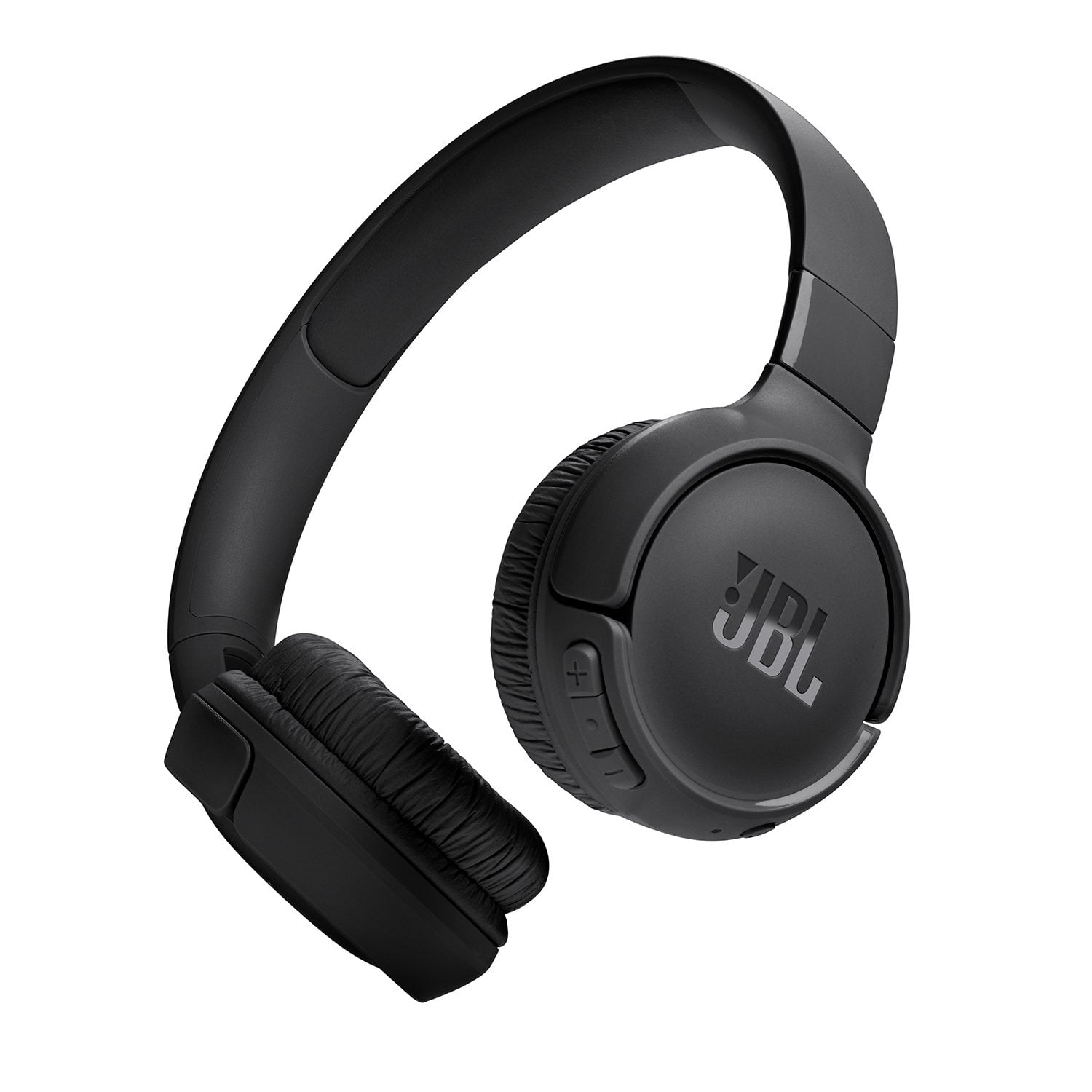
JBL Tune BlueTooth Wireless On-Ear Headphones
4.3 out of 5 stars
stars
690 ratings549 reviews
  1. 5 stars71% (487)
  2. 4 stars12% (81)
  3. 3 stars6% (40)
  4. 2 stars5% (34)
  5. 1 star7% (48)

Member photos

Sort by |
Showing 531-540 of 549 reviews
Aug 2, 2024
anonymous
3 out of 5 stars review

Surprised

Honestly I don’t really use over the ear headphones, but are definitely worth it, it has great bass and quality, it works well with Spotify’s custom equalizer, was really surprised by how good theses headphones sound, i definitely recommend it

Review from walmart.com
Helpful?42DM9XQ1L6YT13602018733
Apr 1, 2024
Kendra34
5 out of 5 stars review

Love it ❤❤❤

I bought this last weekend and it can in so fast 😆😆 I bought them cuz I was going on a plane and they worked perfectly I am very happy with this product it truly is a must buy!!

Review from jbl.com
Helpful?42DM9XQ1L6YT13602018733
Nov 26, 2024
Jessica
5 out of 5 stars review

Test them with Bad Guy by Billie Eilish

People should not be sleeping on JBL. They’ve been in the audio game for decades and they really are masters. For an entry-level headphone set I’m blown away by the quality of audio these put out. And the bass? So good. Highly Recommend!

Review from Walmart.ca
Helpful?42DM9XQ1L6YT13602018733
Aug 5, 2025
Barnabee
1 out of 5 stars review

Too dnall

Way too small

Review from walmart.com
Helpful?42DM9XQ1L6YT13602018733
reply from JBL Support

Thank you for your feedback. We're sorry to hear that our JBL Tune 520BT didn't meet your expectations. If you're interested, you may check out our over-ear headphones like our JBL Tune 720BT.

Jan 3, 2025
Beverly
2 out of 5 stars review

iight

they weren't fully what I expected in headphones. plus, now that they are acting up, I'm ready to return them and maybe swap out for something else.

Review from walmart.com
Helpful?42DM9XQ1L6YT13602018733
Jun 30, 2025
Zoey 10
1 out of 5 stars review

poor battery life for the long term

I bought this 7 months ago and I can't get it to charge up, charge light comes on but won't hold a charge, totally dead to battery life

Helpful?42DM9XQ1L6YT13602018733
reply from JBL Support

Thanks for your feedback on our JBL Tune 520BT. Please try using a different USB-C charging cable and USB charger (preferably one with a 5 V, 1 amp rating), as well as unplugging and re-plugging the cable from your device. The product's charging port may also become clogged with sand or grit. Examine the port. If necessary, use compressed air to clean. If you need more help, please contact us.

Jun 20, 2024
MWQ1
1 out of 5 stars review

Worst for Ipad Pro

The worst… it’s a useless headset… actually a headache as iPad Pro frequently disconnects it…. Please don’t buy this junk

Review from jbl.com
Helpful?42DM9XQ1L6YT13602018733
reply from Customer Support

We're here to help with your JBL Tune 520BT. Please ensure it is within 10 feet of your device with a clear line of sight (no obstacles). Try to forget/unpair the headphones on your device and initiate a reset. To reset your headphones, press and hold the "Volume +" and "Volume -" buttons for more than 5 seconds. Reset will wipe all previous settings and pairings, so it will be necessary to pair your unit with your devices again. Lastly, try to connect the headphones to a different device (phone/tablet/music player) to determine if the issue lies with the headphones or the initial device you paired them with.

Mar 26, 2025
Mihir____25
3 out of 5 stars review

Great

Over the working is so good but my headphone is not working properly losing the connection and lagging in audio

Review from jbl.com
Helpful?42DM9XQ1L6YT13602018733
reply from Customer Support

Thank you for reaching out. We appreciate your feedback. Bluetooth, in a perfect environment, will perform well for up to 30 feet. However, walls, obstacles, and other wireless devices can impede that 30-foot range. If it works well at 10 feet or less, it is likely that there is something interfering with your wireless Bluetooth signal, causing these dropouts. Try unpairing and then re-pairing your Bluetooth device, as the connection may have become corrupted. If this doesn’t solve the issue. Try to connect the headphones to a different device (phone/tablet/music player) to see if it fixes the problem. If the issue is still not resolved, the last thing to try is a reset. Turn the headphones on Press and hold "Volume +" and "Volume -" for more than 5 seconds. The headphones will turn off and reboot to factory default. For further assistance, please contact us.

Apr 9, 2025
Gagandeep
5 out of 5 stars review

cool headphones

I like these headphones.. They are very classy and stylish especially white color looks amazing. Thankyou jbl and Walmart.

Review from Walmart.ca
Helpful?42DM9XQ1L6YT13602018733
May 7, 2025
Leeyah
3 out of 5 stars review

Not very impressed.

The sound quality was decent, but I’ve heard better and these headphones are very flimsy and they broke in the first couple months of me having them.

Review from walmart.com
Helpful?42DM9XQ1L6YT13602018733