Skip to Main Content
Sam's Club
Sam's Club
All Departments
All Services
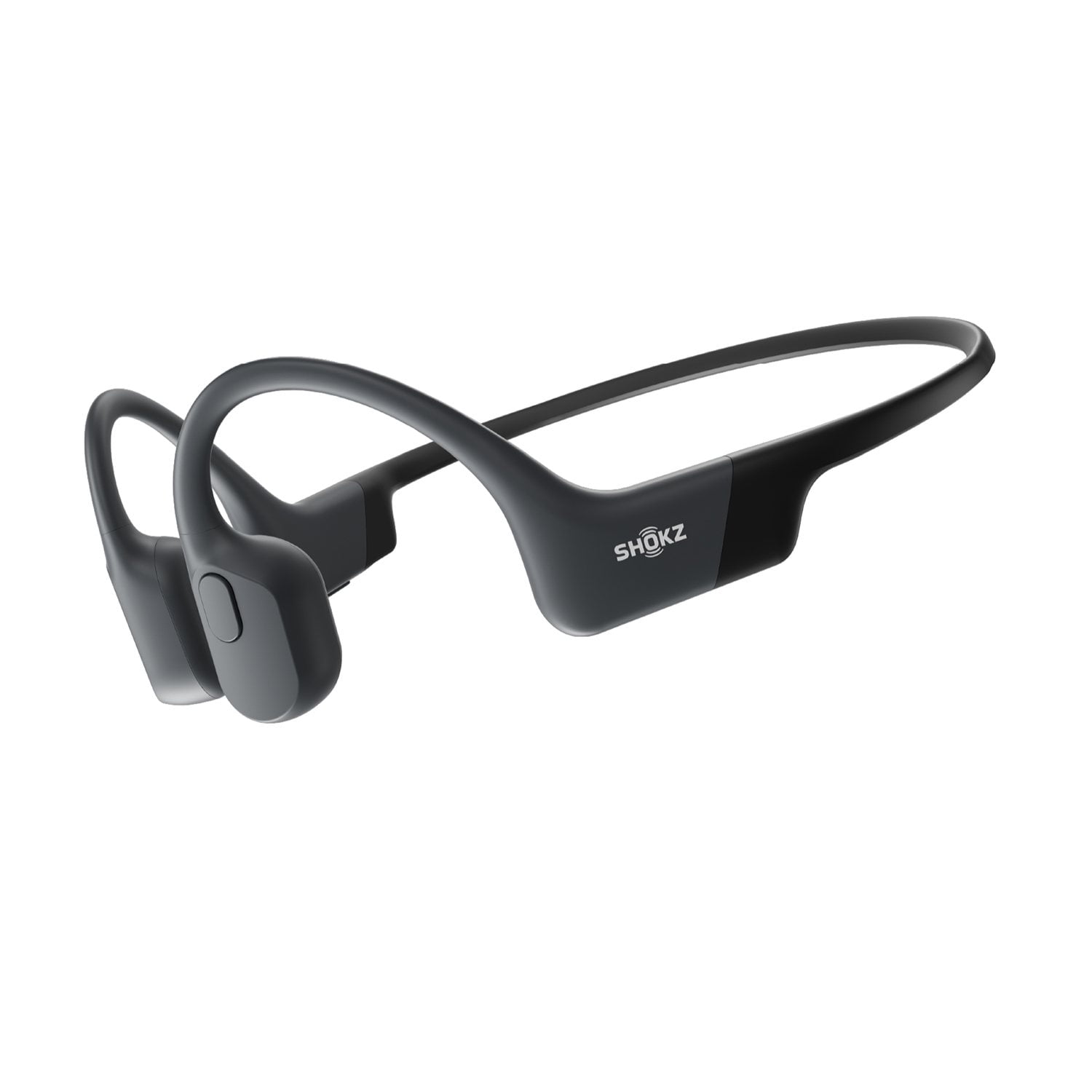
Customer reviews for Shokz OpenRun Open-Ear Endurance Wireless Bluetooth Headphones for
Shokz OpenRun Open-Ear Endurance Wireless Bluetooth Headphones
4.5 out of 5 stars
stars
6,387 ratings4,185 reviews
  1. 5 stars75% (4,806)
  2. 4 stars12% (776)
  3. 3 stars6% (369)
  4. 2 stars3% (185)
  5. 1 star4% (251)

Member photos

  • +21 images
Sort by |
Showing 2,851-2,860 of 4,185 reviews
Oct 9, 2023
Reviewer name: Jmcshu
4 out of 5 stars
4 out of 5 stars review

Verified Purchase

Have enough at each store, if out pull cards

Work great!

Helpful?3OBIFKVY9RES13596902562
Aug 28, 2024
Reviewer name: PJ
5 out of 5 stars
5 out of 5 stars review

Verified Purchase

Great for the price

Awesome

Helpful?3OBIFKVY9RES13596902562
Mar 29, 2025
Reviewer name: Ric
5 out of 5 stars
5 out of 5 stars review

Verified Purchase

Music

Just excellent!!!

Helpful?3OBIFKVY9RES13596902562
Apr 27, 2025
Reviewer name: Raphael
5 out of 5 stars
5 out of 5 stars review

Verified Purchase

Good quality, very happy

Review from walmart.com
Helpful?3OBIFKVY9RES13596902562
Feb 25, 2025
Reviewer name: Mc
2 out of 5 stars
2 out of 5 stars review

Verified Purchase

Low quality sound

Unable to hear

Helpful?3OBIFKVY9RES13596902562
reply from AfterShokz

Hi there! - Shokz here. We're very sorry to hear this has been your experience. There is a phone setting that may resolve the low volume issue. -On the iPhone, go to Settings > Sound & Haptics > Headphone Safety, make sure that the Reduce Loud Audio Feature is switched off as this will affect the volume of the headphone. -On an Android, go to the Bluetooth Settings on the phone, find the headphone and make sure that the Absolute Volume feature is switched on for it. All Shokz come with a free two-year warranty. If you decide these are not a good fit for you, we kindly ask that you reach out to Sam's Club directly to learn of their return policy. Please visit our website, click "Support" to begin a claim. Thank you!

Dec 17, 2024
Reviewer name: brbb
5 out of 5 stars
5 out of 5 stars review

Verified Purchase

🔥

🔥

Helpful?3OBIFKVY9RES13596902562
Jan 11, 2025
Reviewer name: Mp
5 out of 5 stars
5 out of 5 stars review

Verified Purchase

You cannot even feel that you have them on

Love them

Helpful?3OBIFKVY9RES13596902562
Jan 3, 2025
Reviewer name: Andrew
5 out of 5 stars
5 out of 5 stars review

Verified Purchase

Awesome

They’re awesome

Helpful?3OBIFKVY9RES13596902562
Jan 18, 2025
Reviewer name: NC
5 out of 5 stars
5 out of 5 stars review

Verified Purchase

Ear buds

Love them!

Helpful?3OBIFKVY9RES13596902562
Jan 12, 2025
Reviewer name: Luna
1 out of 5 stars
1 out of 5 stars review

Verified Purchase

Not good

Bad audio quality

Helpful?3OBIFKVY9RES13596902562
reply from AfterShokz

Hi there- Shokz here! We're sorry to hear you're not completely satisfied with your OpenRun. There is a phone setting that may resolve the low volume issues. -On the iPhone, go to Settings > Sound & Haptics > Headphone Safety, make sure that the Reduce Loud Audio Feature is switched off as this will affect the volume of the headphone. -On an Android, go to the Bluetooth Settings on the phone, find the headphone and make sure that the Absolute Volume feature is switched on for it. If you decide these are not a good fit for you, we kindly ask that you reach out to Sam's Club directly to learn of their return policy. Thank you!