Skip to Main Content
Sams Club
Sams Club
Member ratings & reviews for
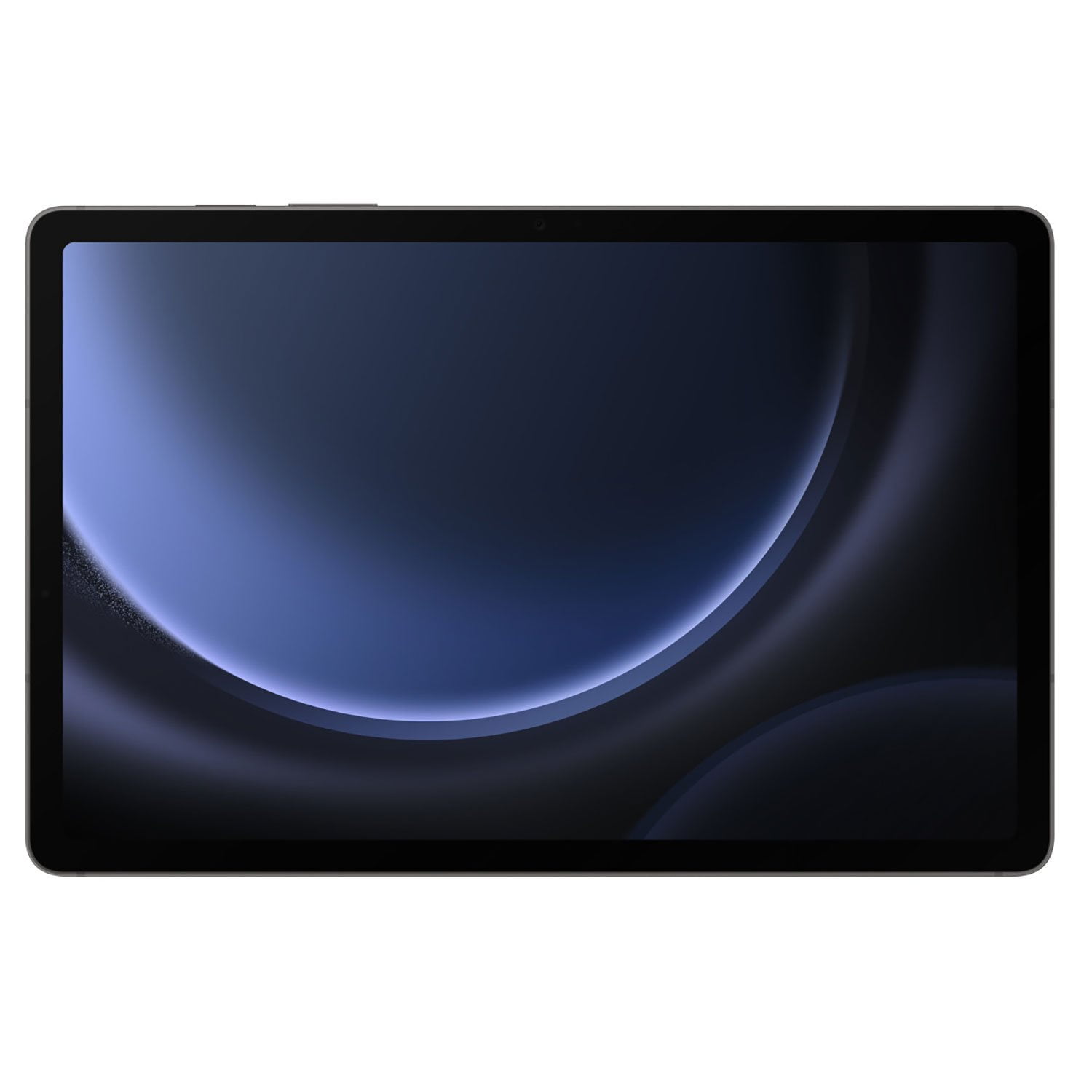
Samsung Galaxy Tab S9FE 10.9" Tablet, Choose Color and Capacity
4.6 out of 5 stars
stars809 ratings807 reviews
  1. 5 stars78% (635)
  2. 4 stars13% (103)
  3. 3 stars3% (28)
  4. 2 stars1% (11)
  5. 1 star4% (32)

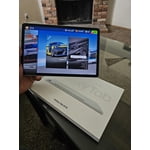
Member photos

  • +118 images
Sort by |
Showing 801-807 of 807 reviews
Nov 4, 2023
Gozy
5 out of 5 stars review

IP68 rating

I bought this tablet last month and it is a very great tablet

Review from Samsung US
Helpful?52OFYIK1XT6B13593969314
Aug 31, 2024
Anonymous
5 out of 5 stars review

Value for money

One of the best tablets out there. Pure value for money. Purchased for everyday use.

Review from Samsung US
Helpful?52OFYIK1XT6B13593969314
Dec 20, 2024
Pistol
5 out of 5 stars review

Great features

Thanks for the phone it's been amazing and I enjoy the quality of it Thanks for the support

Review from Samsung US
Helpful?52OFYIK1XT6B13593969314
Oct 10, 2024
Crt89
1 out of 5 stars review

Not recommend

Slow, freeze's and very laggy ...I am very disappointed with this tablet.

Review from Samsung US
Helpful?52OFYIK1XT6B13593969314
reply from R&R Team

Hey Crt89! Thank you for sharing your thoughts on the Galaxy Tab S9 FE with us. Your feedback is greatly appreciated as we continue to make improvements. With the Tab S9 FE, you get big Galaxy power for your everyday moments. The latest Exynos chipset keeps up with your active lifestyle and more. To keep up with the nuts and bolts of your device's performance, you can use the Device Care feature. It provides an overview of your battery, storage, and RAM. You can also automatically optimize your phone or tablet for faster, better performance. Before doing anything, please make sure to check and make sure that your device is up to date with the latest software update. If a system update is available, you should install it to keep your phone or tablet running smoothly. Now perform a quick optimization. The Quick optimization feature improves your device's performance by identifying apps that use excessive battery power. It also clears away unneeded items from memory, deletes unnecessary files, scans for malware, and closes apps running in the background. Optimizing your phone is quick and simple. From Settings, swipe to and tap Device Care. Tap Optimize now, and then tap Done. Check out the link attached for additional options to help troubleshoot. If this continues to be your experience, please reach out to us at Samsung Support. -Kelvin https://www.samsung.com/us/support/answer/ANS00078985/ smsng.us/Samsung- Support smsng.us/Facebook-Messenger smsng.us/X-Messages smsng.us/Samsung-Community smsng.us/Warranty-Info smsng.us/Samsung-Care-Plus

Nov 20, 2023
Lowis
5 out of 5 stars review

Affordable Product

My Friend has bought Its Good and Affordable Product

Review from Samsung US
Helpful?52OFYIK1XT6B13593969314
Oct 18, 2024
basx2000
4 out of 5 stars review

Good value

In general I like it but wish more applications could use the S pen

Review from Samsung Canada
Helpful?52OFYIK1XT6B13593969314
Jan 3, 2024
Pimm
1 out of 5 stars review

Don't do it

Horrifically poor design. It can't even run Microsoft or outlook properly. It's so glitchy it can barely read touch. Such a waste of money.

Review from Samsung US
Helpful?52OFYIK1XT6B13593969314
reply from Social Commerce

Good day Pimm, Thank you for finding the free time out of your busy day to share your thoughts with us about your Samsung Galaxy Tab S9 FE. We value your honesty. Samsung provides a 12-month warranty on our products for manufacturing defects in materials and workmanship, linked below. If you're looking for a faster processor that can handle you on your most productive days, I recommend taking a look at our Galaxy Tab S9. It has our most powerful tablet processor yet with the Qualcomm Snapdragon 8 Gen 2. Your Galaxy tablet’s touchscreen is the main way of navigating your device, so we understand how worrisome it can be when the touch function isn’t working properly. There are some simple ways to get the touchscreen working again when it’s frozen, unresponsive, or acting funny. Take a moment to review, "Touchscreen issues on a Galaxy phone or tablet" to conduct some troubleshooting steps on your device when you have the available time. Let us know if you have any questions for us afterwards or if you would like any additional assistance. We're here to assist you in any way that we can. Thank you for being an unwavering Samsung customer. - Debra smsng.us/Samsung-Support smsng.us/Warranty-Info smsng.us/Facebook-Messenger smsng.us/Twitter-Messages smsng.us/Samsung-Community https://www.samsung.com/us/support/troubleshooting/TSG01213974/ https://www.samsung.com/us/tablets/galaxy-tab-s9-fe/buy/?modelCode=SM-X510NZAAXAR https://www.samsung.com/us/tablets/galaxy-tab-s9/