Skip to Main Content
Sam's Club
Sam's Club
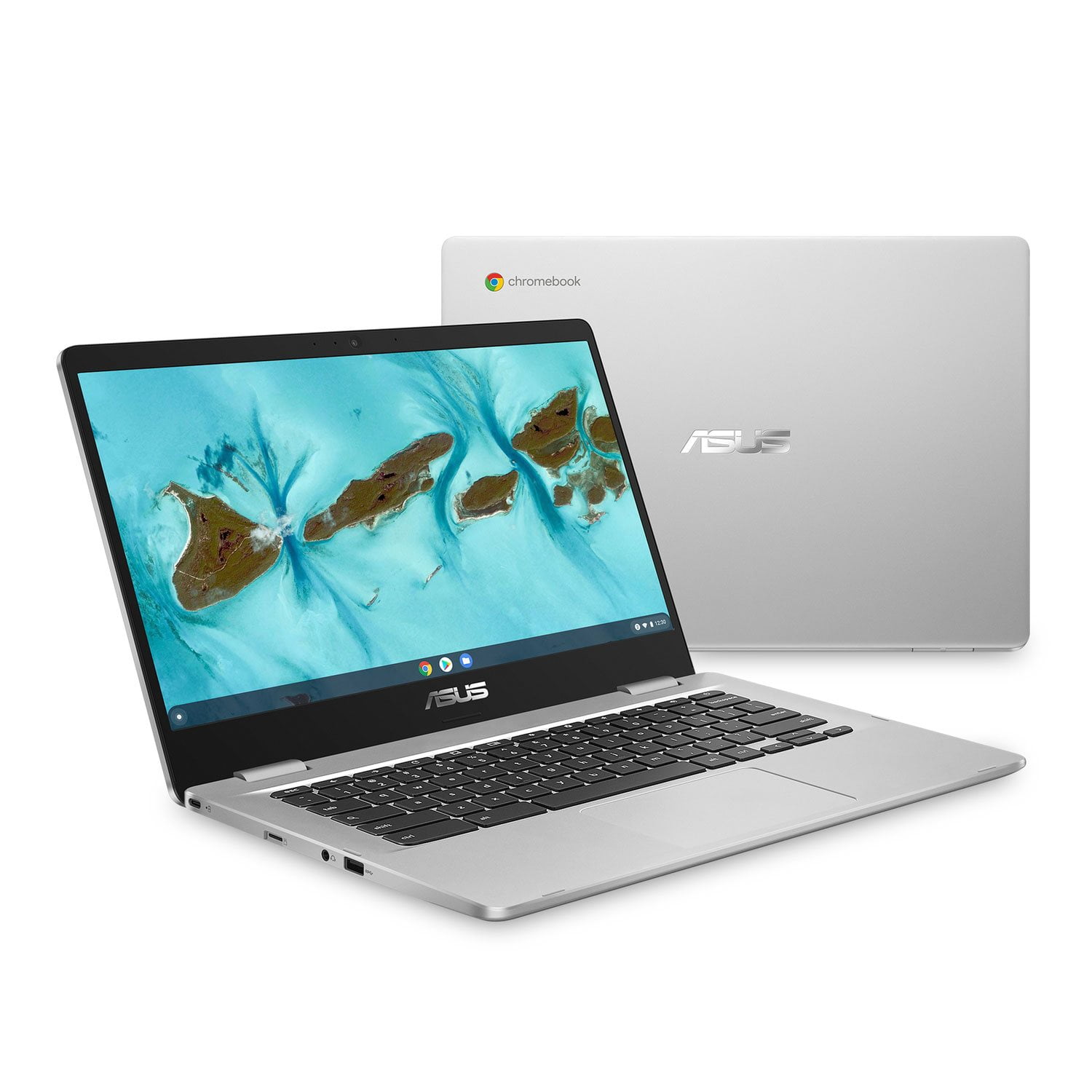
Customer reviews for ASUS 14" Chromebook | Intel® Celeron® Processor | 4GB RAM | 64GB Storage | Chrome OS | 2-Year Warranty + 1-Year Accidental Damage Protection for
ASUS 14" Chromebook | Intel® Celeron® Processor | 4GB RAM | 64GB Storage | Chrome OS | 2-Year Warranty + 1-Year Accidental Damage Protection
4.2 out of 5 stars
stars36 ratings20 reviews
  1. 5 stars56% (20)
  2. 4 stars28% (10)
  3. 3 stars6% (2)
  4. 2 stars6% (2)
  5. 1 star6% (2)
Sort by |
Showing 11-20 of 20 reviews
Nov 21, 2025
LORI
2 out of 5 stars review

You get what you paid for!

You get what you pay for...some buttons fell off, some stick (I keep a knife nearby to pop the button back up, and have learned to type without the left shift button), I am always clearing cache or deleting documents, etc, because it cannot keep much on it. It is not compatible with everything, kind of like the iPad. For some reason, it will not automatically connect to my internet. It says the internet is down, but when I disconnect and reconnect, it connects, so that is frustrating. However, I only had $200 at the time so it worked good enough for all I had, but lots of things to do to keep it running.

Helpful?5SJHZ668LTVS13577351829
reply from ASUS Answers

Dear LORI,<br /> <br />Thank you for your comment.<br /> <br />We certainly understand your disappointment with the quality of this Chromebook and the inconvenience this may have caused if you are experriencing a slow system performance and stability issues. On the contrary, lots of satisfied customers, having positive experience using the product, will agree with me that it is a decent entry-level system that is perfect for running basic and light computing applications, without compromising system stability and performance. To resolve the performance issue, ensure this Chromebook has access to a stable and a high-speed internet service since it is a web-based computer. Poor and unstable internet connection will definitely cause system stability and performance issues. Also, by clearing browsing history and minimizing the number of opened browser tabs will help improve and maintain optimum system stability and performance. Additionally, ensure the unit is running with the most current OS update. <br /> <br />All ASUS products undergo intensive quality control testing and inspections, and are built to last, and are built to last. The buttons falling off is a random problem. <br />ASUS provides warranty coverage for the product. We recommend you send the product in for service to determine if this is a hardware issue so this may be resolved immediately. An RMA number is required to send it in for service. For RMA details, please go to: https://www.asus.com/us/support/article/818/. <br /> <br />Should you need further assistance, please email me at cl-rodel&#64;asus.com and I will be more than glad to help. Or you are most welcome to call Product Support Hotline at: 1(888) 678-3688. Also, you can chat with an ASUS live support agent from the link: https://www.asus.com/us/support/article/1135/.<br /> <br />Thank you for choosing an ASUS product.<br /> <br />Regards,<br /> <br />Rodel<br />ASUS Customer Loyalty

Aug 14, 2024
Snowgirl
3 out of 5 stars review

Verified Purchase

Operating system

Can't get emails from outlook to show up on this. Not sure if operating system or me. Not sure what is up

Review from https://www.asus.com
Helpful?5SJHZ668LTVS13577351829
reply from CLM

Dear Snowgirl, We certainly understand the inconvenience this may have caused. To access Outlook from the Chromebook, you need to open a browser and log-in to www.outlook.com or install Outlook from the Google Play Store. Also, it can be set as your default email app in the Chrome Settings. If you need more information or further assistance with the warranty for the product, please email me at cl-rodel@asus.com and I would be more than happy to help. Or, you are most welcome to call Product Support Hotline at: 1(888) 678-3688. Also, you can chat with an ASUS live support agent from the link: https://www.asus.com/us/support/article/1135/. Thank you for choosing an ASUS product. Regards, Rodel ASUS Customer Loyalty

Sep 1, 2024
Valles
5 out of 5 stars review

Verified Purchase

Excelent

I am really satisfied with ASUS's service as well as their product. The quality is excellent. It has been my best purchase this year.

Review from https://www.asus.com
Helpful?5SJHZ668LTVS13577351829
Jan 14, 2024
George 2
4 out of 5 stars review

Verified Purchase

Good buy

Works as expected. Like the thin profile. Keyboard is nice.

Review from https://www.asus.com
Helpful?5SJHZ668LTVS13577351829
Aug 17, 2024
Steve
5 out of 5 stars review

Verified Purchase

Excellent buy!

So far I love it! Especially for the price.

Helpful?5SJHZ668LTVS13577351829
Apr 3, 2024
Michelle B
4 out of 5 stars review

Verified Purchase

Great Buy

Great Price,Shipping,Great Product

Helpful?5SJHZ668LTVS13577351829
Jan 3, 2025
Brush Man
4 out of 5 stars review

Verified Purchase

To the point

Works well- navigates the web quickly- easy to see screen

Review from https://www.asus.com
Helpful?5SJHZ668LTVS13577351829
Sep 1, 2024
Marie
4 out of 5 stars review

Verified Purchase

school computer

Computer works like it should, size is good for portability, unboxed and was ready to go

Helpful?5SJHZ668LTVS13577351829
Aug 18, 2024
Stoney
5 out of 5 stars review

Verified Purchase

Great price

Nice for the price

Helpful?5SJHZ668LTVS13577351829
Mar 6, 2025
Lori
1 out of 5 stars review

You get what you pay for.

I am very disappointed. I have lost a button/key so far and 2 keys do not work. When I tried to get reach out for warranty, they state the box it came in is not adequate for shipping and had requirements. The cost of that would not have warranted a new button. Also please note that it does not handle a lot of programs and does not have a lot of memory. I am always having to delete files/pics/downloads and close programs and having to restart it. I guess you get what you pay for. It works (terribly) for now until I have money to get something better. Plus it is a chromebook which does not interact with everything the same way a laptop or desktop does.

Helpful?5SJHZ668LTVS13577351829
reply from ASUS Answers

Dear Lori, We regret to learn about the keyboard issues you're experiencing with the Chromebook and we apologize for any inconvenience this may have caused you. We would like to make your experience with us a better one. Please email us at customerloyalty@asus.com and include the case number "N2408029730-0002" as a reference so that we can investigate this issue further. We know that maintaining a functioning unit is an urgent matter, and we are committed to helping you. We stand behind our products and continuously strive to improve our products and processes to achieve customer service excellence. We will do our best to resolve your case quickly. Your feedback is very important to us, and it enables us to improve our support channels. Thank you for choosing ASUS. Best Regards,ChantaeASUS Customer Loyalty US Support