Skip to Main Content
Sams Club
Sams Club
Customer reviews for Roku Ultra | 4K/HDR/Dolby Vision Streaming Device and Roku Voice Remote Pro with Rechargeable Battery, Hands-Free Voice Controls, Lost Remote Finder, and Private Listening for
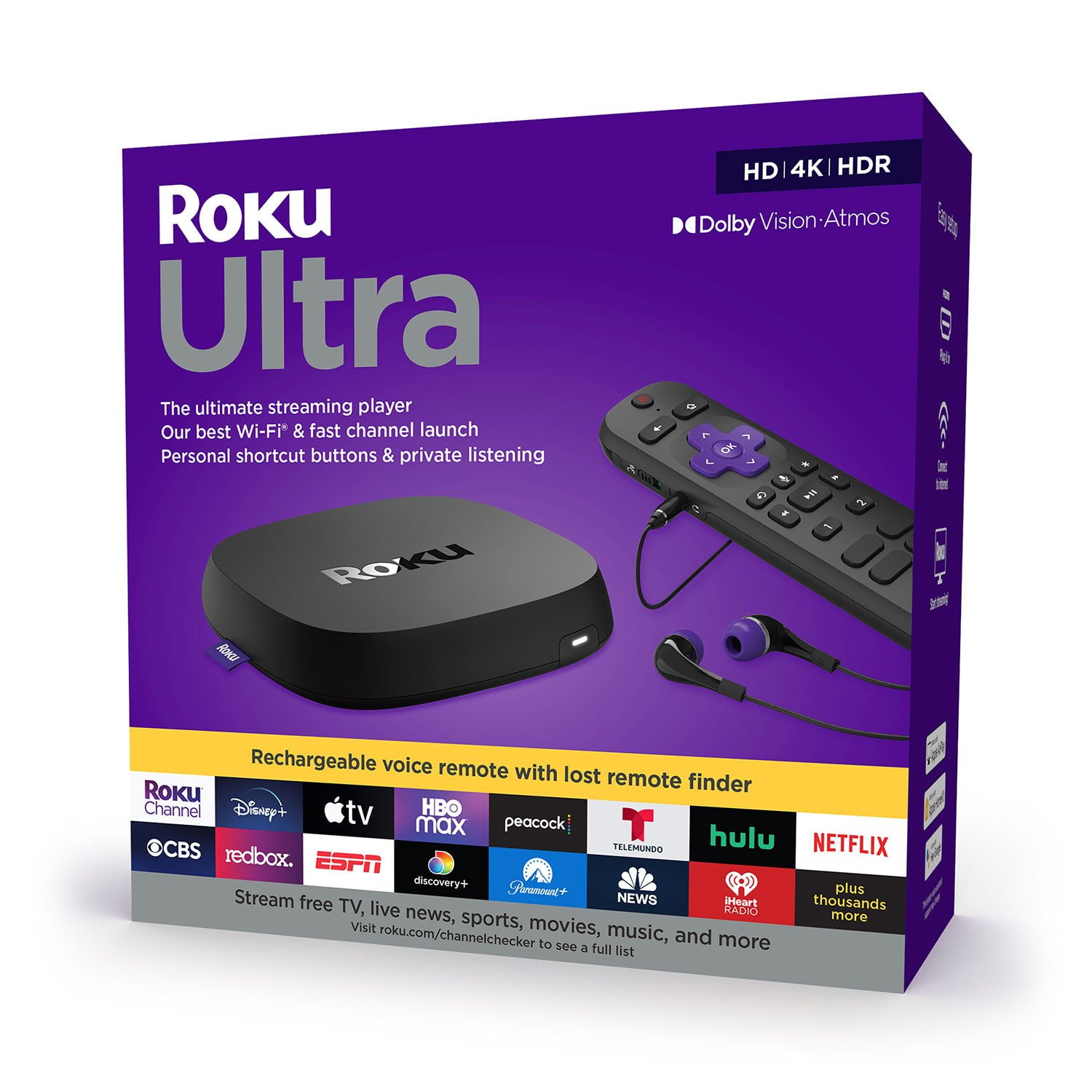
Roku Ultra | 4K/HDR/Dolby Vision Streaming Device and Roku Voice Remote Pro with Rechargeable Battery, Hands-Free Voice Controls, Lost Remote Finder, and Private Listening
4.4 out of 5 stars
stars1,025 ratings1,007 reviews
  1. 5 stars70% (715)
  2. 4 stars14% (141)
  3. 3 stars6% (66)
  4. 2 stars4% (38)
  5. 1 star6% (65)
Sort by |
Showing 401-410 of 1,007 reviews
Oct 12, 2024
Eileen Kontrovitz
5 out of 5 stars review

Great product

I got a new TV so I decided it needed a new Roku device for streaming at higher speeds. It was easy to install and is set up to control my new TV. One control dies everything. It's a great product.

Review from roku.com
Helpful?0UKMSCO08VZP13577316726
May 16, 2023
Lee J
5 out of 5 stars review

Great alternative to cable.

Roku is easy to sett up and use, provides easy access to streaming services where you decide what you want to subscribe to as opposed to able companies list.

Review from roku.com
Helpful?0UKMSCO08VZP13577316726
Feb 3, 2025
Steve A
5 out of 5 stars review

Excellent product!

Got a new LG ultra hd tv so thought we would replace our old roku for a newer one. Wow! Beautiful picture, easy setup and user friendly. Have used roku for many years. Will continue to use roku.

Review from roku.com
Helpful?0UKMSCO08VZP13577316726
Dec 26, 2023
JB805
5 out of 5 stars review

Best Ruku so far

An up grade that is worth to pursue. The 4K is awesome and the remote is even better. Rechargeable with a mute feature and built in streaming buttons. The ear bud wired head phones are adequate.

Review from roku.com
Helpful?0UKMSCO08VZP13577316726
Jun 29, 2022
pilot
5 out of 5 stars review

Big improvement over my older Roku 3

I have an older Roku 3 and although it still works well I figured it was time to upgrade it. The Ultra is very noticeably faster and the ability to control the TV with the remote is a great improvement.

Review from roku.com
Helpful?0UKMSCO08VZP13577316726
Dec 27, 2023
Kelly
5 out of 5 stars review

I love it!

We upgraded to a newer Roku after over 10 years. The other one worked amazing! This one is great also. It's easier to maneuver. There are short cuts on the remote. Overall just a great user friendly product.

Review from roku.com
Helpful?0UKMSCO08VZP13577316726
May 31, 2024
Paul G
5 out of 5 stars review

Great Purchase

After looking for streaming solutions for my older HDTV I landed on Roku Plus. I could not be happier with the quality of the streaming, voice and earphone options available. Makes everything a breeze.

Review from roku.com
Helpful?0UKMSCO08VZP13577316726
Dec 30, 2022
Diren
2 out of 5 stars review

Very nice features but audio & video issues.

Very nice features however, this model often loses audio for a couple of seconds. Also during any program recording video freezes, audio can be heard but the video stays still, the only way to solve this to to reboot the device!

Review from roku.com
Helpful?0UKMSCO08VZP13577316726
Jun 24, 2024
Anonymous
5 out of 5 stars review

Great Cable box

Easy Apps to store and I have everything for a diverse viewing. Only one draw back the mute is to close to the volume control. Other then that love it. Specially the rechargeable batteries.

Review from roku.com
Helpful?0UKMSCO08VZP13577316726
Oct 4, 2024
Roku
1 out of 5 stars review

Won't stay hooked up

We bought this a few months ago. Worked fine for a while. Now, the remote will not stay hooked up to the television. We went back to the stick. It works much better.

Helpful?0UKMSCO08VZP13577316726
reply from Roku Team

Hello! We understand you&#39;re having trouble with your Roku remote. Sometimes, Roku remotes can unpair from their devices due to power issues, Wi-Fi problems, or random glitches. First, check that your batteries are aligned correctly and there&#39;s no debris blocking the path. Try to restart your Roku device by going to Home &gt; Settings &gt; System &gt; Power. If you don&#39;t see Power, go to System Restart. If you still facing the same issue. Please visit us online at http://support.roku.com/contactus to connect with an agent who can assist. Your feedback is very important to us and we’re eager to assist.<br />Thank you!<br />Roku Customer Advocate