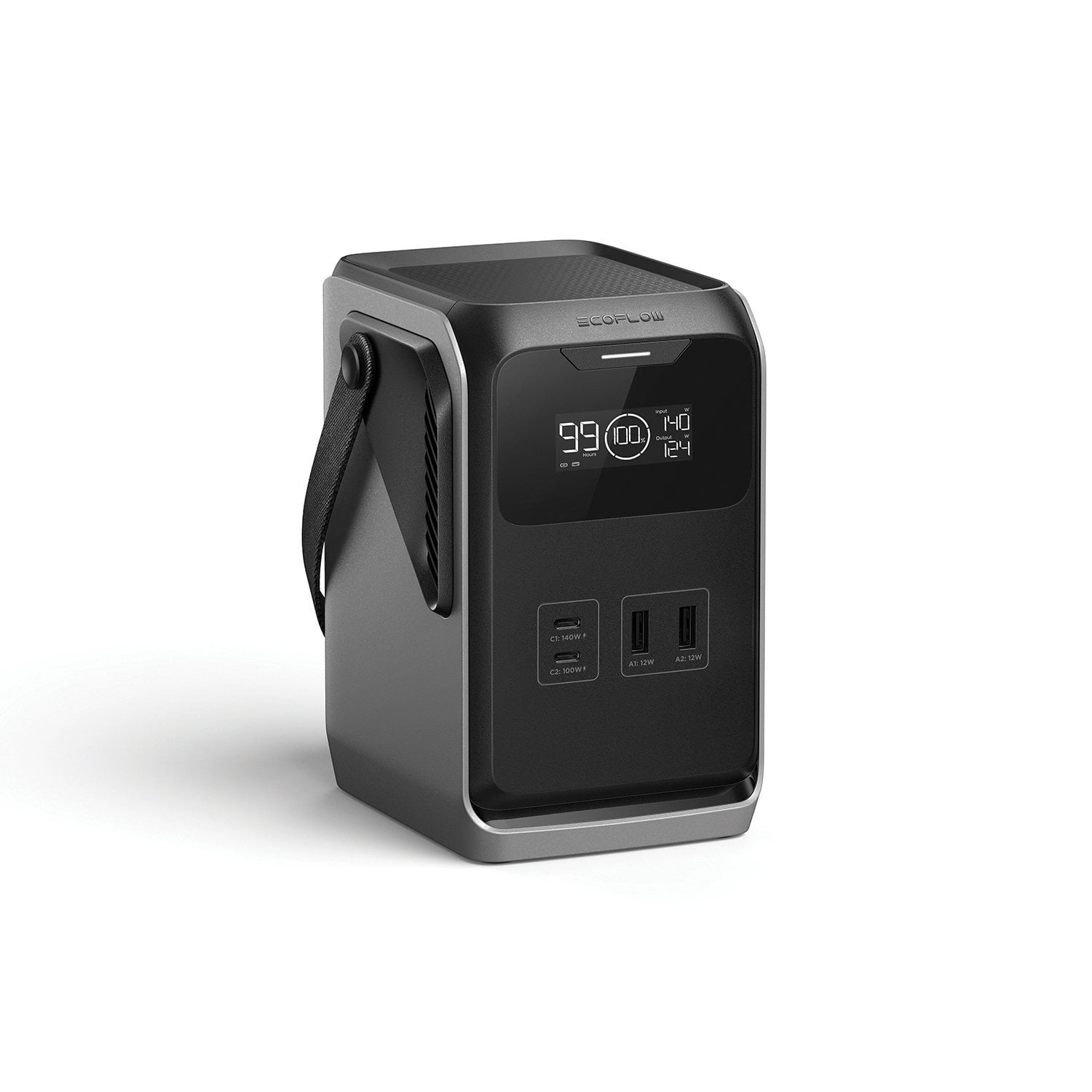
I think the Trail 300 is a brilliant product. Once you get past the lack of direct AC charging (which is one reason the unit is so remarkably small and light), you can easily accomplish the same thing via the two USB C ports, both of which can accept up to 140W of input (and output) power at the same time. Even if you don't have 140W chargers, you can still recharge the unit with one or two lower powered ones, albeit at a slower rate. I've not tested the solar charging port yet, but to me it was worth the cost up from the 200 model to have this capability, as well as more battery capacity and the ability to charge from a 12V "cigarette lighter" port in a car.
I have the unit sitting on my desk to keep my MacBook Pro M3 charged up, which avoids the need to run a power cord across the floor to a nearby AC outlet. When the Trail runs low on power, I can recharge it and use my laptop's battery in the meantime. It's completely quiet, since it has no fan - it just sits there silently powering everything I plug into it. Right now it's charging my laptop and my iPad Pro with no heat buildup that I can detect.
The Trail 300 is well built, and has a quality feel to it. It only weights 5.5 pounds, so it will be easy to take along when on the road or on a train (not on planes - its capacity exceeds the TSA limit). Consider that this unit has more watt-hours of capacity than my River 2 units at a fraction of their size and weight - pretty impressive! And the LFP battery chemistry, used in all my EcoFlow units, is reassuring.
I have a couple of suggestions. First, the tiny instructions are not very informative. There are a couple of pictures that show USB C and A connections, but there is so much more to this product than that. Example: my unit arrived with zero charge on the battery, but when I plugged two 100W chargers in to charge it up, the wattage shown on the display was only showing 80-90 watts of input power, which was a bit concerning. I hoped this could be a programmed precaution to not hit the battery with too much initial power, and sure enough, after about the first 20% of charging, it suddenly showed 190 watts. The manual should mention this, as I worried I might have a defective unit. Second, I would love to have a way to keep the front panel display on longer, as it automatically shuts off after one minute. I doubt the display uses a lot of power, so having an option to keep it on all the time when it's in use or charging would be handy. Finally, when it's being used to charge something up, the hours remaining indicator can vary quite a bit if the product you're charging is drawing a varying amount of power. As I type this, it's rapidly changing from 18 hours to 13 hours when I type on my Bluetooth keyboard or use my mouse. I think it would be a more useful indicator if it averaged the power usage over a longer time period to provide a more consistent reading, since a rapidly varying time remaining value can be confusing.
That aside, I'm very impressed by this product, and am very glad I bought it.

 Customer reviews for EcoFlow TRAIL DC Portable Power Station for