
 Member ratings & reviews for
The Rs485 port stopped working.Lorex
The Rs485 port stopped working.Lorex would not warranty my unit but fortunately I only had it for a month and was able to return it for a refund.Also not all of my CVBS cameras would stay synced to the system they would unsync and reload often,very annoying. Reorder new one.Really like unit othwise.
Verified Purchase
Hoping for Software Improvements
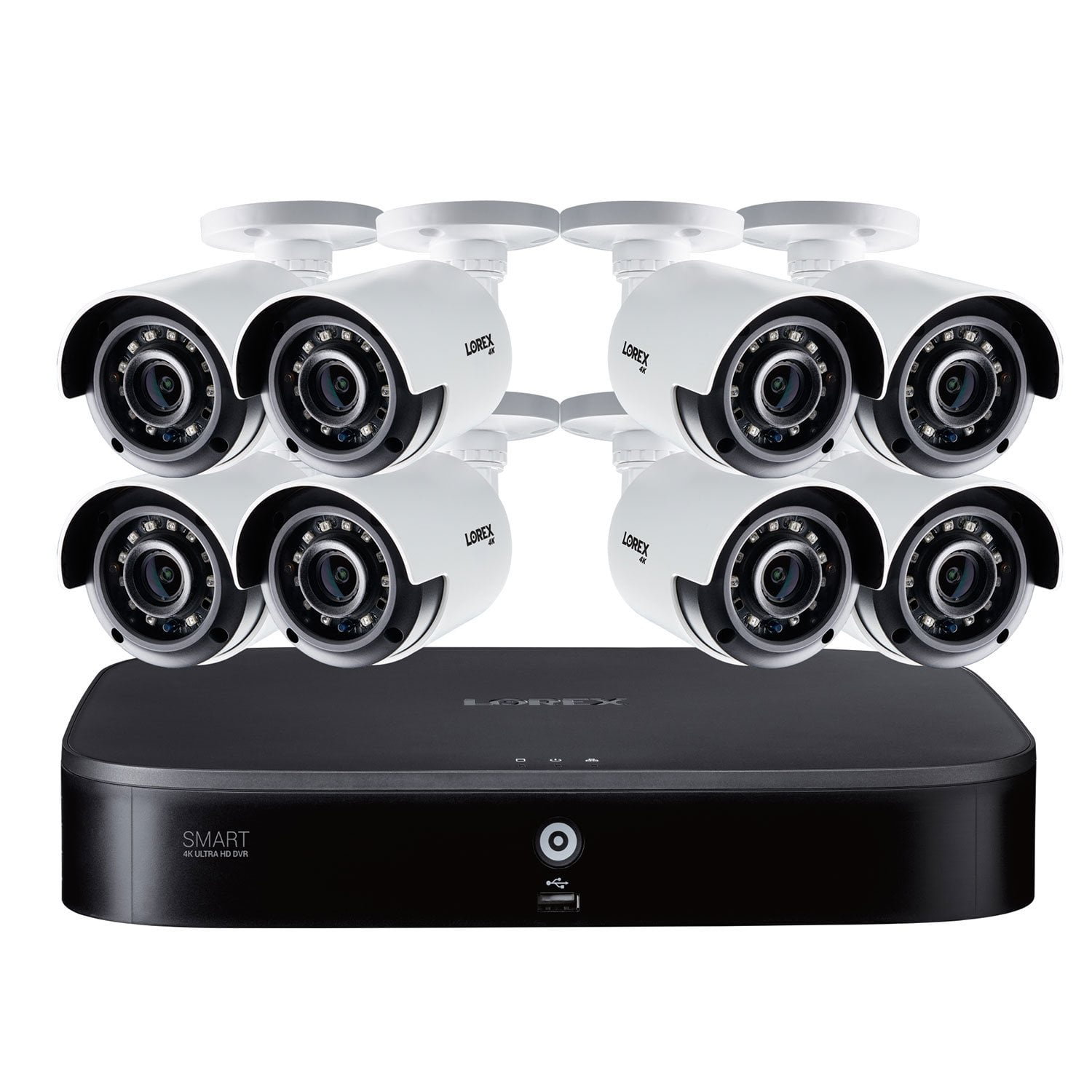
High quality hardware, but software needs help. Overall it is a great system with high resolution cameras that make zooming in highly effective. Person and Vehicle alerts work well once programmed. Playback and search is challenging across all three interfaces with difficult to see time stamps, hard to jump to a particular time and missing things like fast forward, or fast reverse. Lorex, I hope you read these reviews and that a future software update addresses this. Please see full detail below. Hardware: Pros: Great resolution, digital zoom is highly effective, good quality cables, nice hardware kits for mounting. Love the mounting brackets that conceal the wiring and the sticker templates for drilling the mounting holes. Cons: Hard drive should be 2TB as it only saves about 2 days before overwriting. 3 separate power supplies with 4 way splitter cables for the cameras makes for a messy installation, plus plan on spending another $35 on a power strip that can handle 3 adapters. Would be nice if it came with 4 100' & 4 60' cables instead of just 8 60' cables. I had 3 cameras that were out of reach and had to spend $40 each for 100' Lorex cables. With 8 cameras, it just isn't practical to think they will all be within 60' BNC connectors on the DVR are way to close together making it hard to attach the connectors Cameras can be mounted with concealed wires or with side exit of the wires. Would be great if there was a foam plug for the hole in the bracket when routing the wires concealed. A composite out would be nice for connection to older video distribution systems. Without it, a separate HDMI to composite adapter must be purchased Software: Local DVR interface: Pros: Easy to switch views, works well with a wireless mouse (not included) Cons: Time/Date/Camera Name is impossible to read on playback unless the image is dark Jumping to a date/time is done by clicking and scrolling. Would be nice to have drop downs or a direct date/time entry You can scroll to zoom in, but if you try to pan, the zoom is lost. Basically, zoom in while playing back is useless No push alerts for a failed camera. This should be rather simple. If a camera signal is lost, the user should be notified No fast reverse, would be nice. Complicated password rules… it's a mouse only input, this makes it difficult to get into the system easily Web Browser Interface: Pros: It's nice that you can access locally from a computer, especially if you don't have easy access to your DVR Cons: Freezes up a lot. Crashes the browser often (Chrome) Live feed is slow and grainy (my network connection between the DVR and my PC is hardwired gigabit, so it's not the network) Playback of recordings buffers considerably. Makes is difficult to use as it might jump over the moment you are searching for Time/Date/Camera Name is impossible to read unless the image is dark Jumping to a time can only be done by clicking on the timeline. When viewing multiple cameras, it will allow you to view each cameras at different times. Not sure why anyone would want to do this. Have not found a way to zoom in on playback. There is a zoom interface, but it only zooms the timeline No fast forward, fast reverse or pause. The only way to move around recordings is to jump around on the timeline. Really frustrating to not be able to jump to a point in time and then fast forward to be able to look for something that happened. Mobile App: Pros: Good control of settings and alerts. Minimal lag for live video and good digital zoom Cons: Playback only works via the timeline, can't fast forward or fast reverse. PTZ shows up as a feature even though this system doesn't support that. Would be nice to be able to toggle this off Summary of Software Improvements needed 1. All interfaces need the ability to jump to a date and time by user input, not just the timeline i.e. Sunday 9/12 at 8:02am 2. All interfaces need the ability to pause, fast forward and fast reverse. Up to 64x would be ideal. 3. All interfaces need easier to read camera names and time counters, notably during playback 4. Web Browser interface needs to be more stable and the timeline should not allow viewing cameras at different times 5. Lost camera signal should generate a push alert 6. Local access should have a 6 digit number only password requirement rather than a complex alpha/numeric that takes for ever to enter via mouse It's installed and I'm generally happy with it's primary use, of live video feed, however I really dread the idea of trying to search for an event on the DVR via any of the interfaces. I really hope Lorex reads reviews and has a product improvement plan for correcting some pretty basic usability issues. I had another brand system for over 10 years and the interface was flawless by comparison.
Verified Purchase
Junk - Do Not Buy
Needs a serious software update. It won't let you save some of the settings after you change them in the on screen main menu. After several shut down and reboots same thing. A couple of the cameras are in dark shade so it compensates by brightening the image which results is a washed out image where the sun is shining. Changing the image settings doesn't help. If you click on the zoom icon it lets you zoom in and back out but if you don't remember to click the zoom icon again when finished zooming it will not allow you to open that image back to full screen and it doesn't mention that in the full instructions. Synchronization is the feature that when selected makes it rotate through each camera image full screen. It would not do it when I selected it. Had to call their tech help line and ended up having to do a factory reset to get it to work. Still could not save all my preferences even after the factory reset. What's good about this Lorex camera system? Well I have security cameras I guess. I downloaded their app from the App Store and I do like the app. Especially because I could only turn off the constant motion notifications on it since the buggy worthless on screen software would not save my preferences. I just wish the app would let me set all those other preferences that it would not let me save in the on screen main menu. Would I recommend this camera system? Maybe to my worst enemy but not anyone else. To be more clear ABSOLUTELY NOT!!!
Hello Remorseful,<br />We're sorry to hear about your experience. As this is an uncommon occurrence, we're confident our Tech Support Team will be able to assist you to resolve the issue. Please get in touch with them at tier3support@lorextechnology.com or you may call at 1-888-425-6739. <br />Thank you, <br />Lorex Customer Experience team