I've had this scanner for several years and scanned file drawers full of documents and totes of family photos. I like it because it packs so many features in a small, portable package. Scan quality is very good.
It's primary use is it to scan family photos and digitize documents. While Epson does make photo specific scanners, the difference is usually in the speed of scanning or software included. This Epson does include software, but I've been using VueScan (Mac/Win) and ScanSpeeder (Win) as my software of choice. If you use the free Epson software, try Document Capture Pro (Win). The other free Epson included software works well too, but VueScan allows me to embed the date of the photo and description into metadata at the time of the scan. While you can edit this metadata in ScanSpeeder, I use ScanSpeeder mostly to add a viewable caption to the bottom of the photo. These are paid programs, but worth the cost given the volume of stuff I am scanning. Adobe Bridge (free) will allow you to edit metadata after scanning, but adding the actual date of photo and description AT the time of scanning is such a time saver! Adding a caption to the bottom of the photo using ScanSpeeder helps other realize the story behind the photo. For Mac users, take a look at SnipTag.
This scanner is powered by USB, power adapter, or battery. I love that I can use it with my laptop using only a 3.0 USB connection. Most of the ones that I see that have the powered by USB only are single-side scanners where you feed the page in one at a time. I often scan from my chair or bed, and less wires is better! The document feeder works pretty well. The card reader is a nice feature, but it doesn't always work as expected. The Epson ES-300W connect to the laptop or phone (with the app installed). It connects via USB, WiFi, or WiFi direct (it's own WiFi). While there is no LCD to send something to a destination, you can easily do this through your smart phone. It's a duplex scanner, which saves lots of time.
Some scanners like the ix1300 by Fujitsu can scan thicker documents due to its front feeder or you can use a flat scanner for those items. Adobe makes an excellent app to scan books and documents. In my opinion, this Epson ES-300W is one of the best scanners if I could only choose one because I have alternatives for other scans it doesn't do as well or at all. There is an Epson ES-300WR that includes free receipt software.
I'm not sure why only other review at the time I wrote this gave it only one star. The scanner itself works well, is portable, has multiple ways to power and connect, and has good software especially for Windows users (Document Capture Pro). Over the years, I've updated my Mac/Win software as needed, and I have been able to continue to use the Epson ES-300W. For those with unsupported scanners, take a look at VueScan.

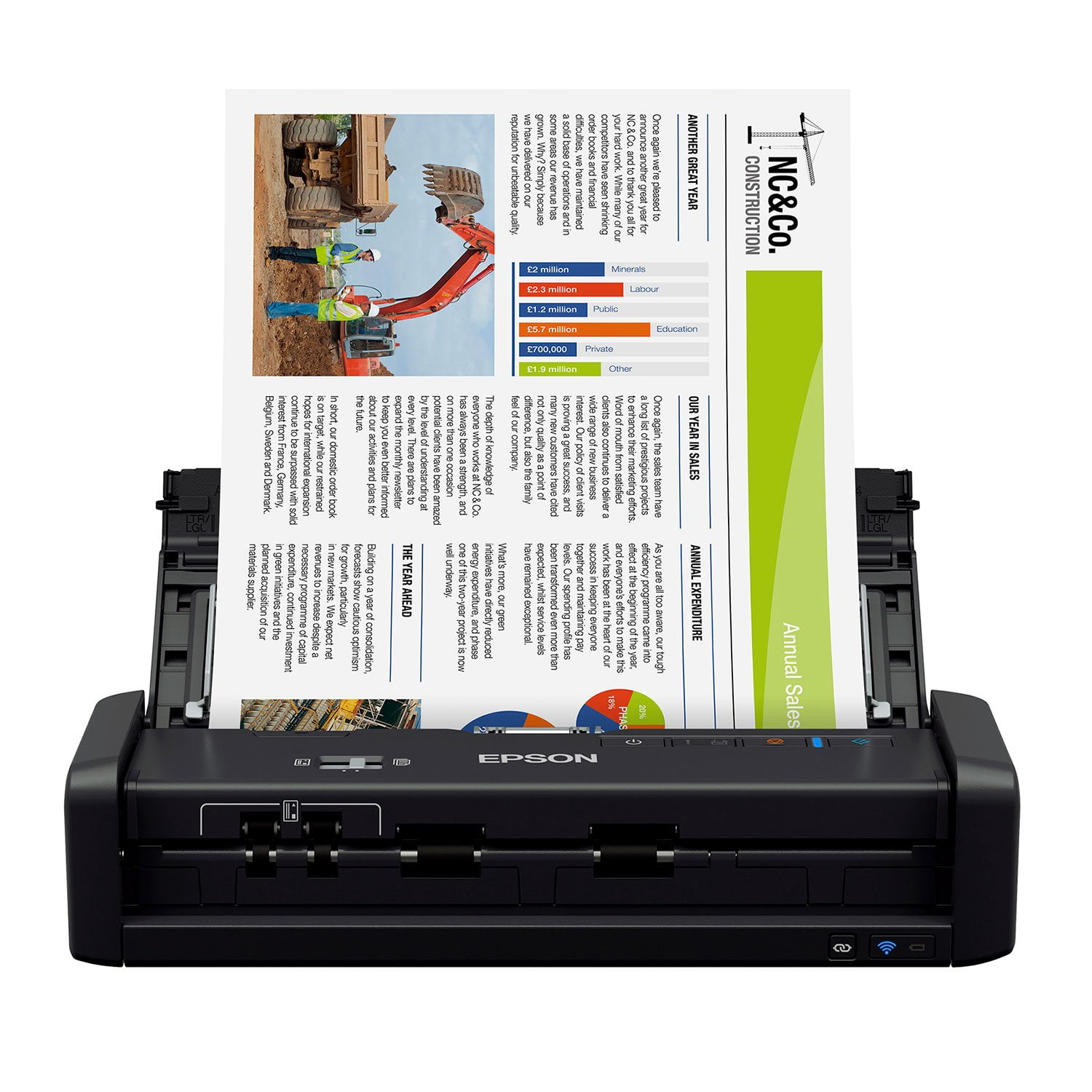 Customer reviews for Epson WorkForce ES-300W Special Edition Wireless Scanner, 20-Sheet Duplex Auto Document Feeder for