Skip to Main Content
Sams Club
Sams Club
Customer reviews for Samsung Bespoke 6.0 cu. ft. Slide-In Gas Range w/ Illuminated Safety Knobs for
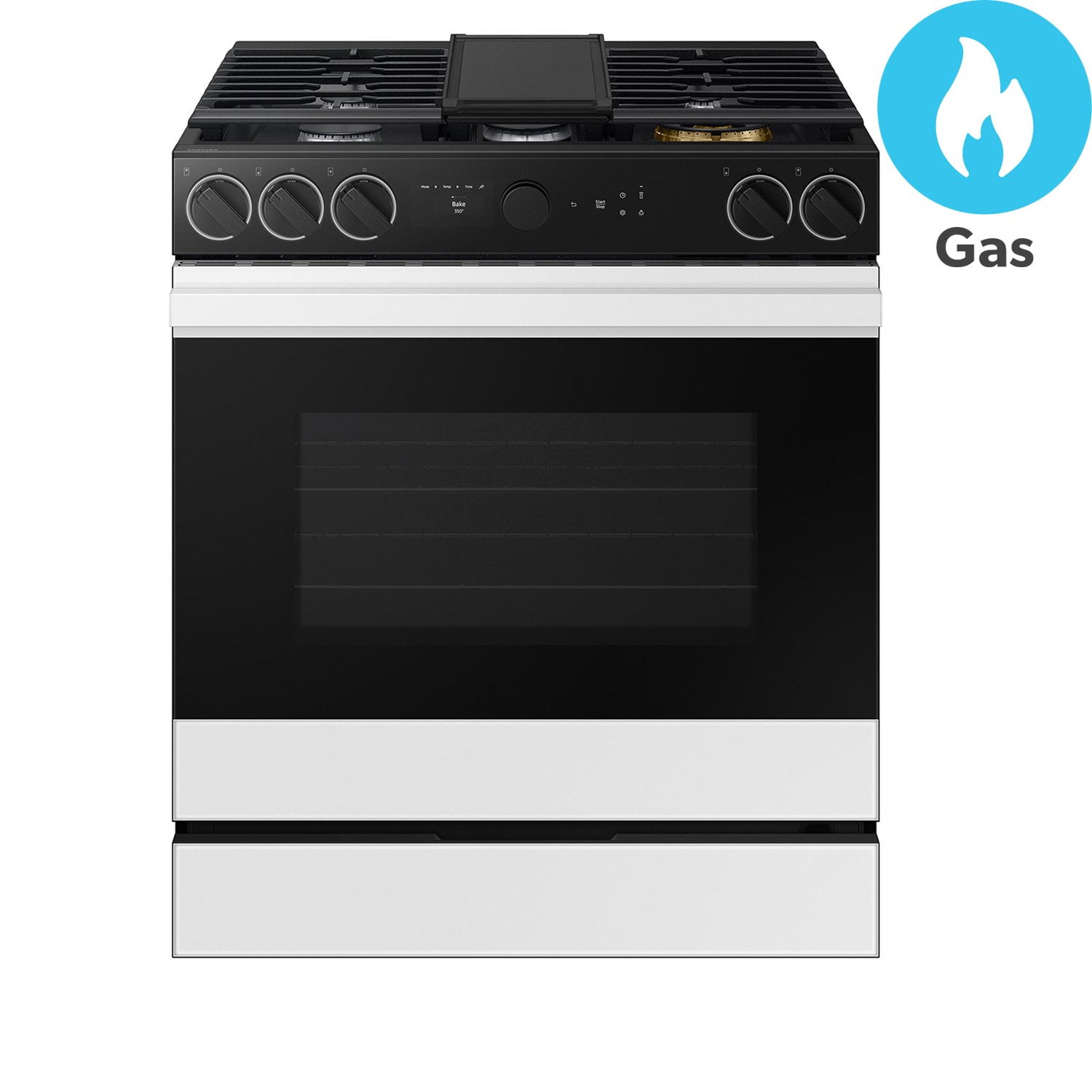
Samsung Bespoke 6.0 cu. ft. Slide-In Gas Range w/ Illuminated Safety Knobs
3.3 out of 5 stars
stars6 ratings6 reviews
  1. 5 stars50% (3)
  2. 4 stars0% (0)
  3. 3 stars17% (1)
  4. 2 stars0% (0)
  5. 1 star33% (2)
Write a review

Customer photos

Sort by |
Showing 1-6 of 6 reviews
Apr 9, 2026
Ma loves to cook
5 out of 5 stars review

The best one yet and I've owned many ranges

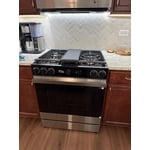
I am a home chef and love to cook but I have to admit I purchased the Samsung bespoke collection because I thought it was stunning. The oven is awesome. I love the safety feature of the knobs lighting up and it's fun to watch your food cook with the camera inside.

Review from Samsung US
Helpful?3K4G8VSXZ95V13853266107
Jan 16, 2026
Novak
5 out of 5 stars review

Top of the line Samsung oven

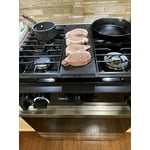
Bought this stove with my own money so wasn't paid and didn't receive any incentive to purchase. This is a fancy nice stove. Has a camera so you can watch your food cook and has a nicer large burner on top. The oven is a large capacity so it will be able to make short work of Thanksgiving dinner. It has an included probe so you will know what temp the turkey is at. WiFi connected so you can preheat the oven remotely with the SmartThings app. The knobs illuminate and you get a notification in the app when a burner is turned on if you want.

Review from Samsung US
Helpful?3K4G8VSXZ95V13853266107
Aug 24, 2024
Chopper
5 out of 5 stars review

Love this range

[This review was collected as part of a promotion.] We have wanted to upgrade our appliances for a while. After searching we when with the Bespoke line. Best choice we could have made.

Review from Samsung US
Helpful?3K4G8VSXZ95V13853266107
Nov 10, 2025
Lili
3 out of 5 stars review

Lock Stove!

I have this stove/Range I cannot operate the stove is lock! How do I unlock the stove?

Review from Samsung US
Helpful?3K4G8VSXZ95V13853266107
reply from SEA Care

Hello Lili, We understand how you feel about your range being locked. We're here to help you. Please refer to page 37 under "Lock" of the manual link below for instructions on unlocking your range. User manual https://downloadcenter.samsung.com/content/UM/202504/20250407170743895/O_DG68-01615A-05_IB_FULL_NX9100D_EN.pdf Should you need more assistance, please feel free to get back to us via the following options: 1. Facebook Messenger: http://m.me/samsungsupport 2. Twitter: https://twitter.com/messages/compose?recipient_id=18768513 3. Samsung Community: https://us.commuity.samsung.com/t5/Samsung-Community/ct-p/us 4. Samsung Customer Care: 1-800-7267864 (1800-SAMSUNG) Please provide us with this reference number (1151296966) when you message us so our team can retrieve your information. Thank you. -Kimberly

Mar 13, 2026
Bapecor
1 out of 5 stars review

Cannot lock features while in use not kid friendly

The touch buttons do not lock while the oven is in use. Not child friendly at all. Kids just shut oven off over and over and over while in use. Had for 5 months now and is the most irritating thing. Has made cooking miserable in our house. Regret purchase greatly. Do not get if you have young children.

Review from Samsung US
Helpful?3K4G8VSXZ95V13853266107
Nov 5, 2025
Samsung is a scam
1 out of 5 stars review

Immediate issues, awful support. Dont buy

Purchased just over a year ago. Oven has already stopped working and won't perform any baking options. Call center is the worst I've ever dealt with. I have never written a review before but I needed to because of how terrible of an experience this has been. Save yourself the headache, don't buy anything Samsung. You're throwing your money away if you do.

Review from Samsung US
Helpful?3K4G8VSXZ95V13853266107
reply from SEA Care

Hello there, We understand how stressful it is to have the oven stop heating, especially when it’s just over a year old, and we're here to help guide you through the steps that can support getting the baking functions working again. To address the oven not heating, please follow the guide below and click on the sub-topic “Oven does not heat.” Samsung oven temperature issues http://www.samsung.com/us/support/troubleshoot/TSG10001298/ Should you need further assistance, you may contact us at the following channels: 1. Facebook Messenger: http://m.me/samsungsupport 2. Twitter: https://twitter.com/messages/compose?recipient_id=18768513 3. Samsung Community: https://us.commuity.samsung.com/t5/Samsung-Community/ct-p/us When you message us, please provide us with this reference number (1151256460) to help our team pull up your information. Thank you. ^Camille